Upload or Record Your Audio
Drag and drop an MP3, M4A, WAV, or FLAC file — or record straight from your browser or the iOS app. Meetings, lectures, interviews, and podcasts all work.
 VOMO
VOMOUpload or drop file to translate. (5 usages left) Choose File Aloita tiivistäminen ilmaiseksi
Näin se toimii
Drag and drop an MP3, M4A, WAV, or FLAC file — or record straight from your browser or the iOS app. Meetings, lectures, interviews, and podcasts all work.

Select the spoken language or let VOMO auto-detect it. Review your file details before processing starts.
VOMO transcribes your audio, then reads the transcript to pull out the key points, decisions, and action items — turning a long recording into a summary you can scan in minutes.

Read your summary, ask AI follow-up questions about the recording, edit anything, and export as TXT, DOCX, PDF, Markdown, Image, or HTML.
Muunna äänesi ja videosi erittäin tarkaksi tekstiksi, Markdowniksi tai HTML:ksi sekunneissa. Ei vaadita kokemusta.
⚡ Ei tarvita luottokorttia · Ilmaiset päivittäiset hyvitykset · 100 % turvallinen & luottamuksellinen
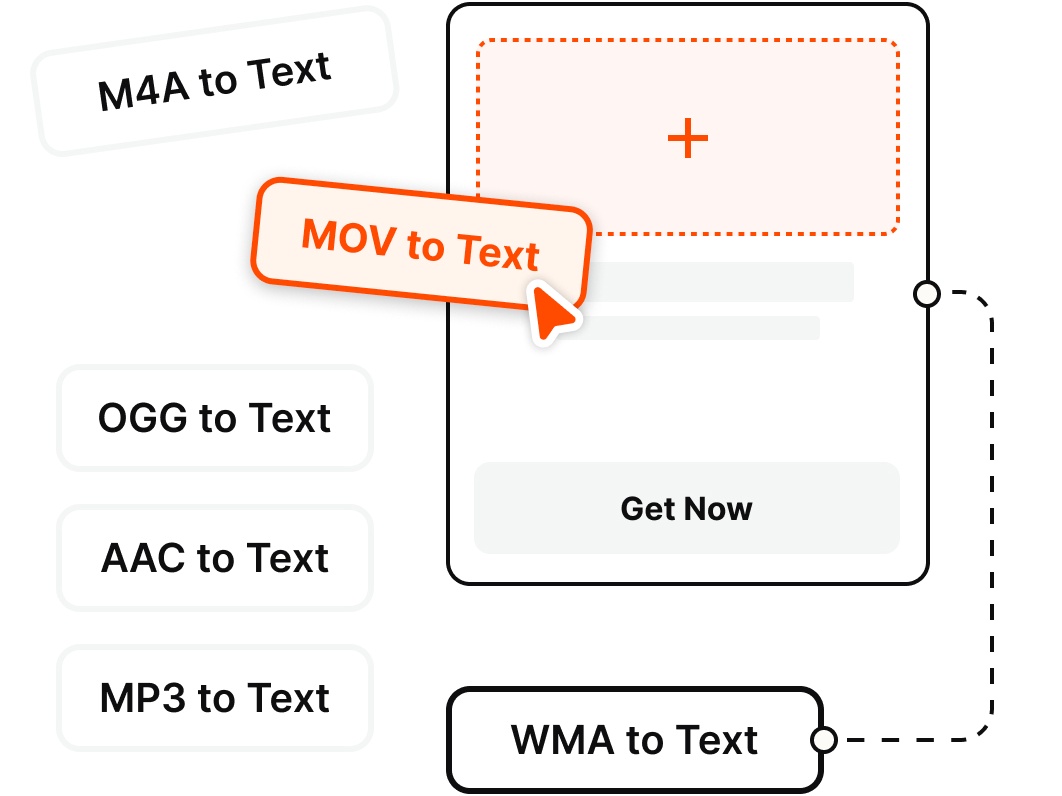
Summarize any recording without extra conversion. VOMO supports the most common audio and video formats.
Miksi valita
Turn long recordings into scannable summaries — key points, action items, and answers — without listening to every minute.
Skip replaying a long recording. VOMO condenses meetings, lectures, and podcasts into a short, scannable summary you can read in minutes instead of hours.
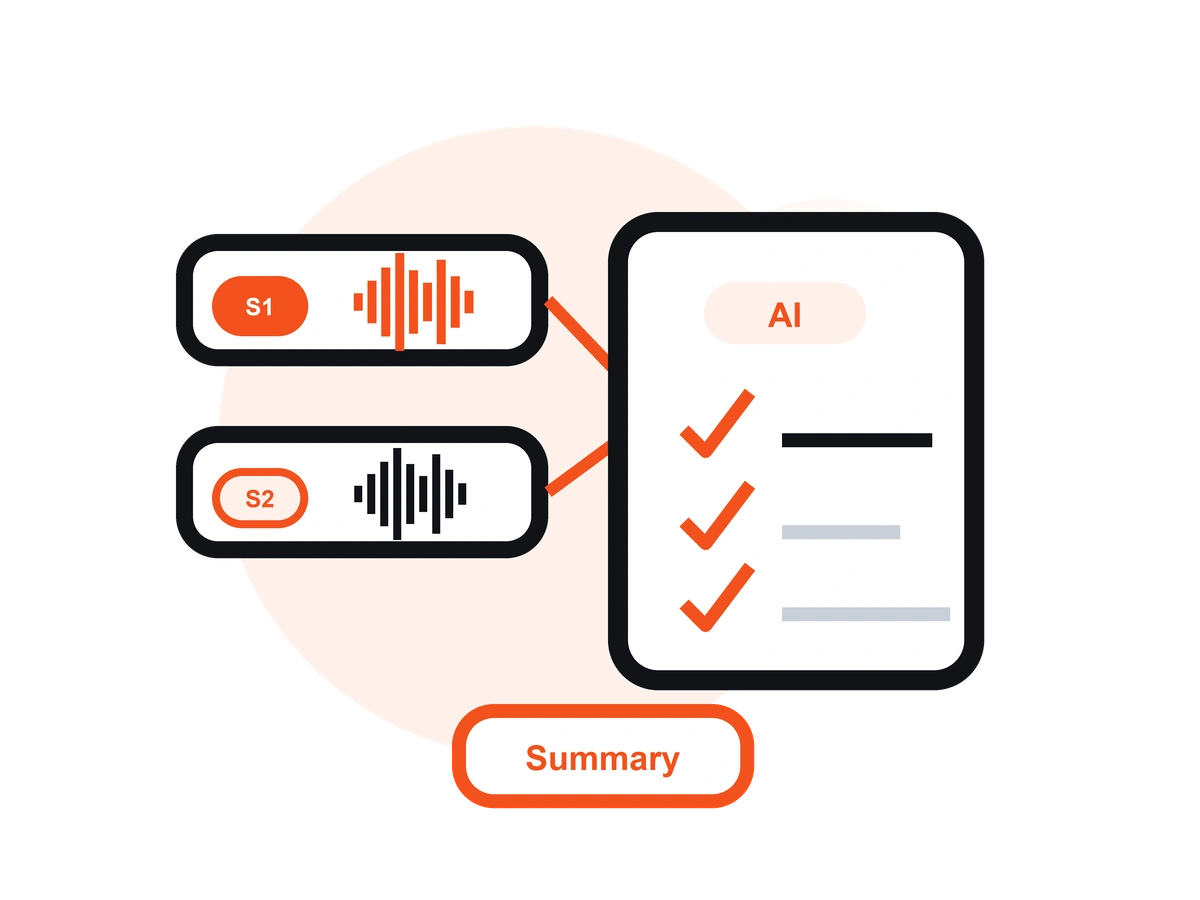
Go beyond a plain recap. VOMO extracts the key points, decisions, and action items, so you get the takeaways that actually matter — not random excerpts.
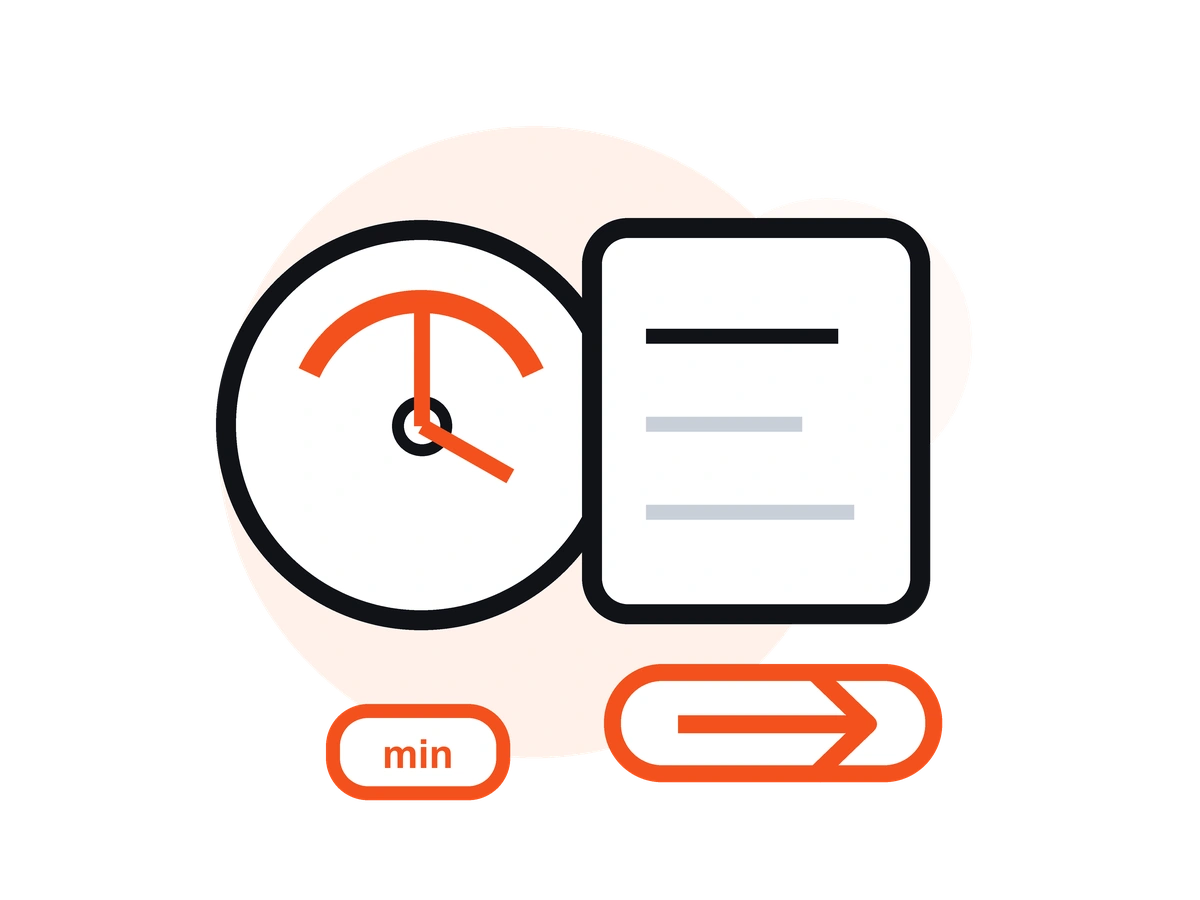
Ask VOMO's AI follow-up questions about the recording — "What did we agree on?" or "What are my next steps?" — and get answers pulled straight from the audio.
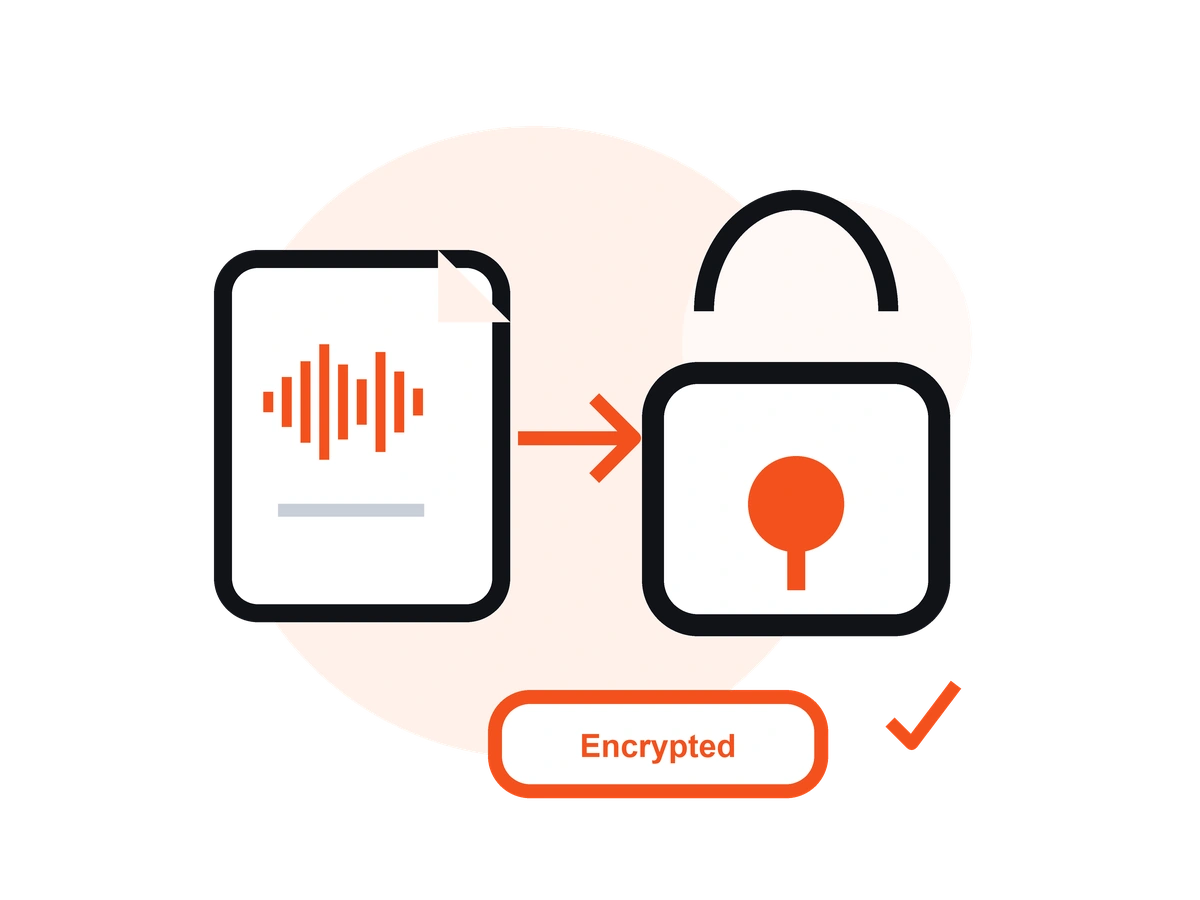
Fine-tune your summary and export it as TXT, DOCX, PDF, Markdown, Image, or HTML — ready to drop into your notes, docs, or team chat.
Every summary comes with the complete, speaker-labeled transcript underneath, so you can verify a detail or read the full recording whenever you need to.
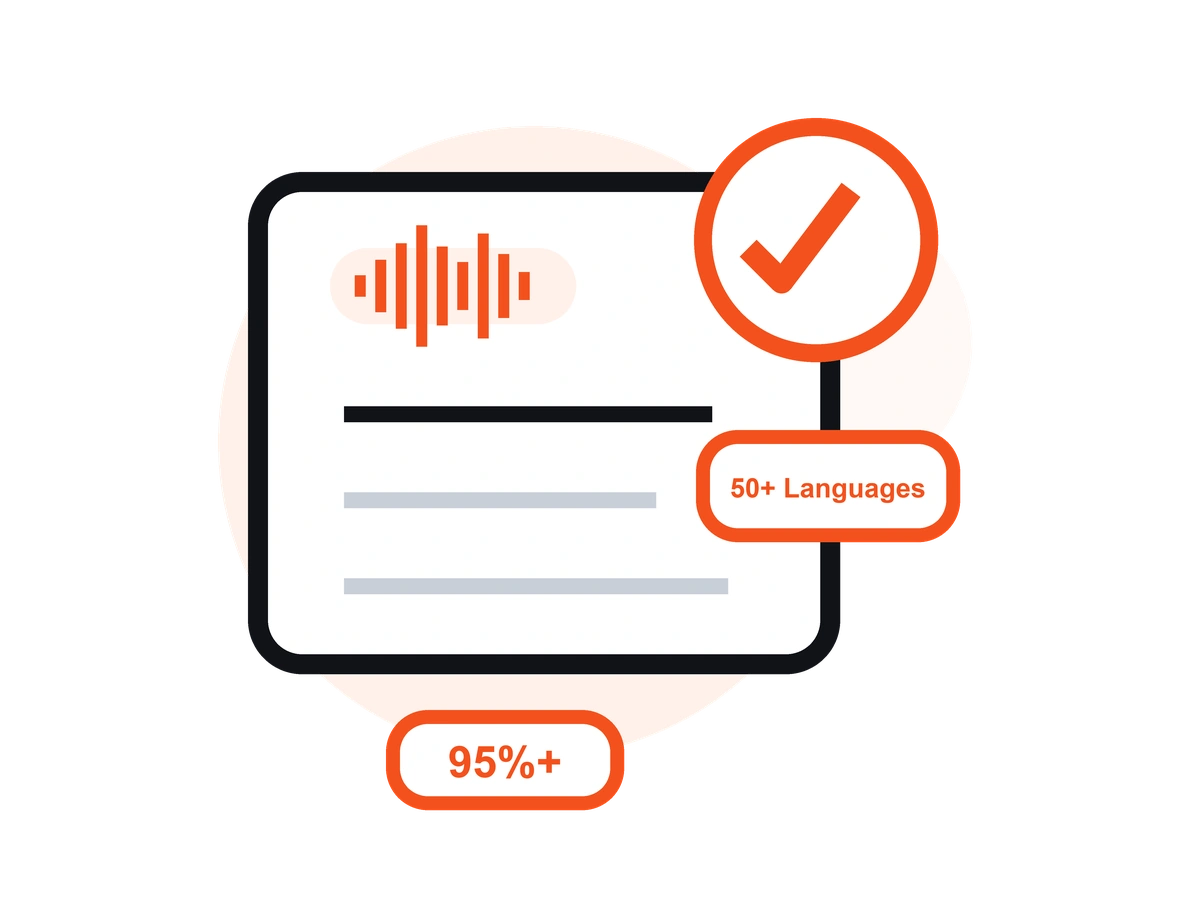
Summarize recordings in 50+ languages with automatic language detection and 95%+ transcription accuracy — up to 99% on clear audio.
Hinnoittelu
$0
/viikko
$4.66
/viikko
Upload your audio to VOMO (or record in the app or browser), let AI auto-detect the language, and VOMO transcribes it and generates a summary with key points and action items in minutes. No software download required — it works directly in your browser.
Meetings, lectures, interviews, podcasts, calls, webinars, and voice notes all work. Upload MP3, M4A, WAV, or FLAC audio — or common video files — and VOMO will summarize the spoken content.
Yes. VOMO summarizes recordings in 50+ languages with automatic language detection, and you can translate the summary or transcript into other languages before exporting.
Yes. Edit your summary and transcript in the browser, then export as TXT, DOCX, PDF, Markdown, Image, or HTML to share or drop into your own notes.
VOMO gives you a clear overview plus the key points, decisions, and action items from your recording. You also get the full, speaker-labeled transcript underneath, and you can ask the AI follow-up questions about the content.
Yes. Beyond the summary, you can chat with your audio — ask the AI things like "What were the decisions?" or "What are my action items?" and get answers drawn directly from the recording.
Yes. VOMO's Free plan includes 30 minutes of transcription and summarization per week — no credit card required. For unlimited minutes and longer files up to 3+ hours, upgrade to Pro for $1.92/week.
Yes. VOMO automatically detects and labels different speakers in the transcript, so your summary reflects the full conversation. Speaker labels work best when people take clear turns with minimal overlapping speech.
Turn any recording into key points, action items, and a clear summary in seconds. No experience required.