
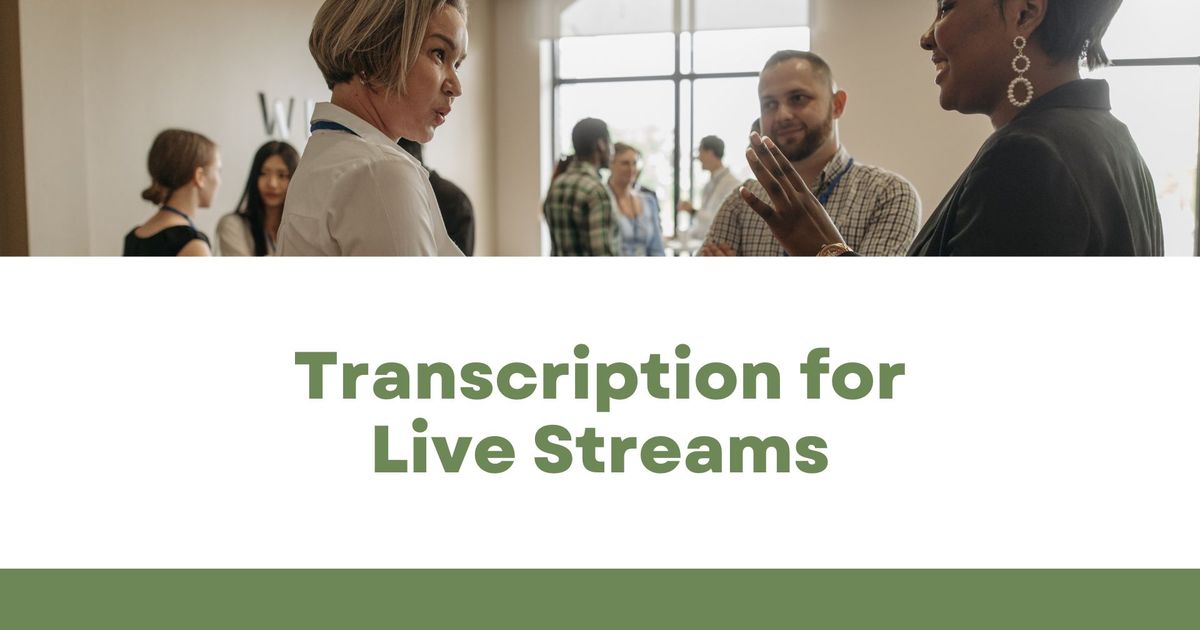
라이브 스트림용 트랜스크립션: 캡션을 추가하고 주요 인사이트를 캡처하는 방법
라이브 스트리밍은 콘텐츠 제작자, 기업, 교육자에게 필수적인 도구가 되었으며, 시청자와 실시간으로 소통할 수 있는 기회를 제공합니다. 하지만 한 가지 중요한 과제가 남아 있습니다.접근성. 청각 장애가 있는 시청자, 원어민이 아닌 시청자, 단순히 따라 읽는 것을 선호하는 시청자 등 실시간 트랜스크립션은 시청 경험을 크게 향상시킬 수 있습니다.동안 실시간 캡션 도구 Otter.ai, Rev 라이브 캡션 및 Google 라이브 트랜스크립트 라이브 스트리밍 중에 캡션을 생성하는 데 도움이 되지만 또 다른 중요한 문제점이 남아 있습니다: 스
Live streaming has become an essential tool for content creators, businesses, and educators, offering real-time engagement with audiences. However, one major challenge remains—accessibility. Whether it’s for viewers who are hard of hearing, non-native speakers, or those who simply prefer to read along, real-time transcription can significantly enhance the viewing experience.
While real-time captioning tools like Otter.ai, Rev Live Captions, and Google Live Transcribe help generate captions during a live stream, another critical pain point remains: how do you capture key takeaways and review important moments from the stream later? This is where VOMO AI comes in.
Adding Real-Time Captions to Your Live Stream
If you want to provide live captions, several tools can help:
1. YouTube Live Automatic Captions
YouTube offers built-in live captioning, but accuracy varies based on audio quality and speaker clarity.
• How to Enable:
• In YouTube Studio, navigate to Subtitles and select your live stream.
• Enable Auto-Generated Captions under the “Stream” section.
2. Otter.ai Live Captions
Otter.ai can provide live transcriptions for meetings and webinars and can be integrated into platforms like Zoom and Google Meet. However, for live streaming, you’ll need to share Otter’s live transcript link separately.
3. Rev Live Captions
Rev offers real-time AI-generated or human-edited captions that can be added to your stream, ensuring high accuracy.
But What About Post-Livestream Analysis?
Real-time transcription is great for accessibility, but once the stream ends, you might still need a way to:
✅ Extract key moments for future reference.
✅ Search through the discussion without watching the full video.
✅ Generate summaries to save time.
This is Where VOMO AI Comes In
/oldimages/P1tgsxdajeImkzG7WvTFWw1bwg.jpg
Unlike live transcription tools, VOMO AI helps you record, transcribe, and analyze live stream replays for deeper insights. Here’s how it works:
• Import Your Stream’s Recording: After your live stream ends, simply upload the audio or video file to VOMO AI.
• Automatic Transcription in 50+ Languages: No limits on length or number of transcriptions.
• AI-Powered Smart Notes: VOMO automatically summarizes key points, helping you capture action items, questions, and highlights.
• Search & Review Important Moments: Easily find specific topics discussed without rewatching the entire video.
Why Use Both Live Captions and VOMO AI?
Live captions help audiences engage in real-time, but VOMO AI ensures you don’t miss important takeaways after the stream ends. Whether you’re a content creator summarizing a Q&A session, a marketer pulling quotes from a product demo, or an educator reviewing a lecture, VOMO helps streamline post-livestream workflows.
Want to see how VOMO AI can help you turn live streams into actionable notes? Click here to try it out: VOMO AI Transcription.
VOMO FOR MEETINGS
Transform Your Meetings with VOMO
Experience seamless meeting recording, highly accurate transcription, and intelligent summarization. Let VOMO be your dedicated note-taker while you focus on what matters most.