

Open VOMO on Your PC
Start recording right in your PC browser — nothing to install and no Stereo Mix or sound settings to configure. Or upload an audio file you already have.
이용 방법
Start recording right in your PC browser — nothing to install and no Stereo Mix or sound settings to configure. Or upload an audio file you already have.

Capture meetings, lectures, interviews, online calls, or quick voice memos. VOMO's AI cleans up background noise while you record, so the result stays clear.
VOMO turns your PC recording into text, adds punctuation, identifies speakers, and prepares an AI summary — all in minutes.

Edit your transcript, ask AI questions about the content, and export as TXT, DOCX, PDF, Markdown, Image, or HTML.
몇 초 만에 오디오와 비디오를 고정밀 텍스트, Markdown 또는 HTML로 변환하세요. 경험이 필요 없습니다.
⚡ 신용카드 필요 없음 · 매일 무료 크레딧 · 100% 안전하고 기밀 보장
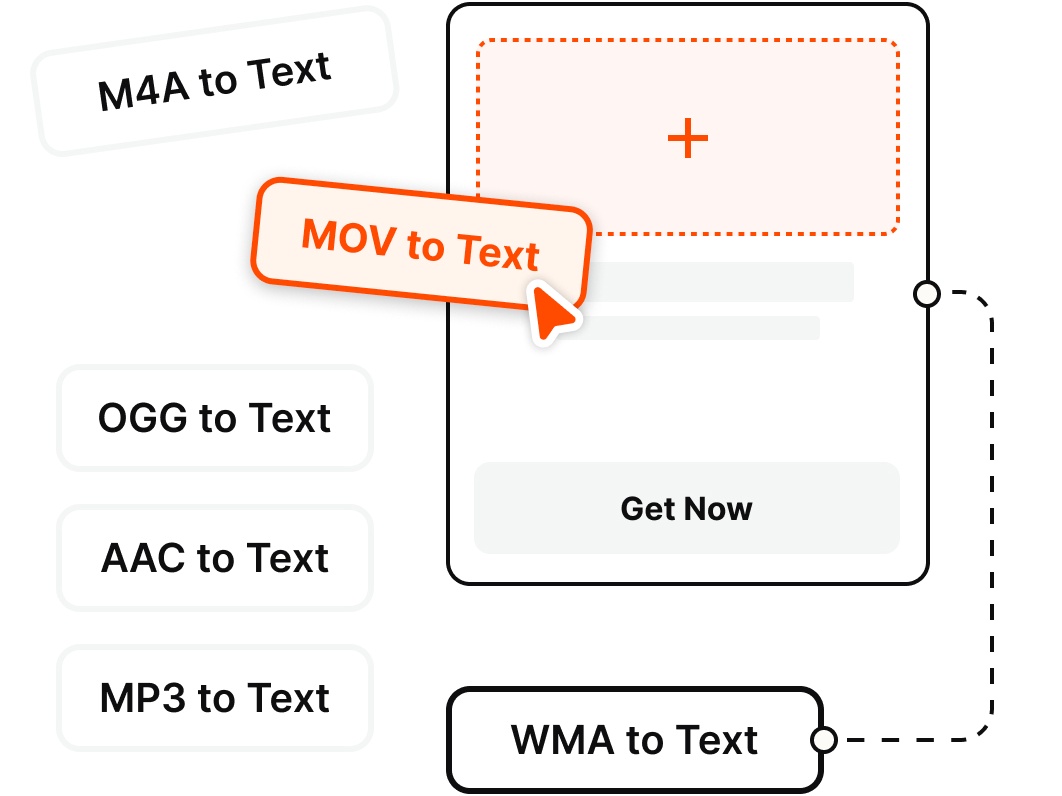
Record directly on your PC or upload existing files — VOMO transcribes the most common audio and video formats.
왜 선택하나요
Record clean audio on your Windows PC and get an instant transcript — no Stereo Mix, no second app, no fuss.
Skip the Windows Voice Recorder + separate transcription app routine. Record on your PC straight from the browser and start capturing audio in a single click — no Stereo Mix to enable.
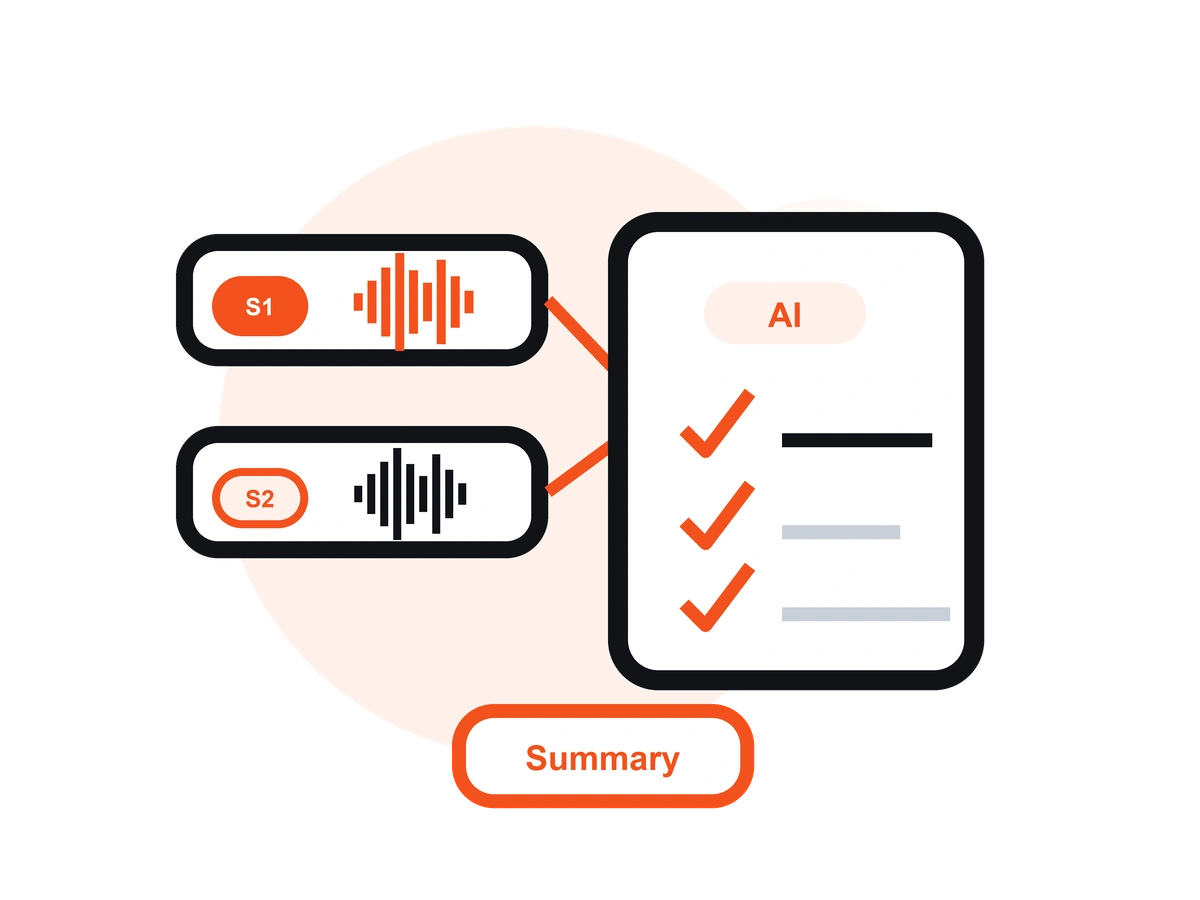
Unlike Windows Voice Recorder or Audacity, VOMO records your audio and turns it into an editable transcript with AI notes — no exporting to a separate transcription tool.
Record interviews and voice memos from your microphone, or capture your online meetings and calls — then get a clean, speaker-labeled transcript you can share.
VOMO reduces background noise from fans, offices, and busy rooms, so your PC recordings stay clear and easy to read once transcribed.
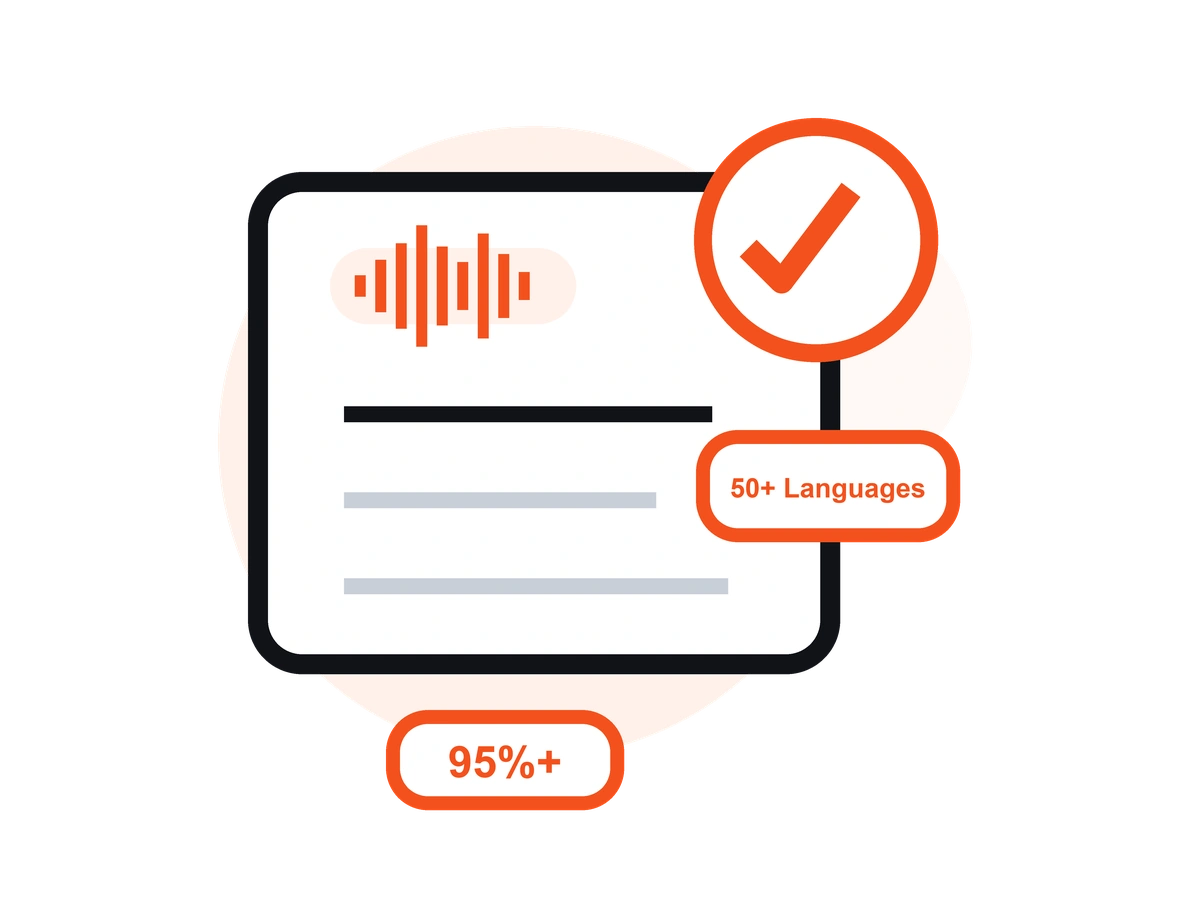
Transcribe your PC recordings in 50+ languages with automatic language detection, clean punctuation, and speaker labels — up to 99% accuracy on clear audio.
Record on your PC in the browser, or on the go with the free iOS app — your recordings and transcripts stay in sync across devices.
가격
$0
/주
$4.66
/주
음성 및 통화를 녹음하고 AI 녹취록을 자동으로 생성하는 데스크톱용 앱으로 비즈니스 회의, 인터뷰, 통화에 이상적입니다.
VOMO는 선명한 오디오로 최대 99%의 정확도를 제공합니다. AI 노이즈 감소 기능으로 시끄러운 환경에서도 안정적인 결과를 보장합니다.
네. VOMO는 몇 분에서 몇 시간까지 손쉽게 오디오를 처리할 수 있습니다.
물론이죠. 50개 이상의 언어로 전사하고 40개 이상의 언어로 즉시 번역하세요.
AI가 생성한 녹취록은 몇 분 안에 준비되며 즉시 복사, 공유 또는 요약할 수 있습니다.
Capture clear audio and turn it into accurate text, Markdown, or HTML in seconds — no setup required.