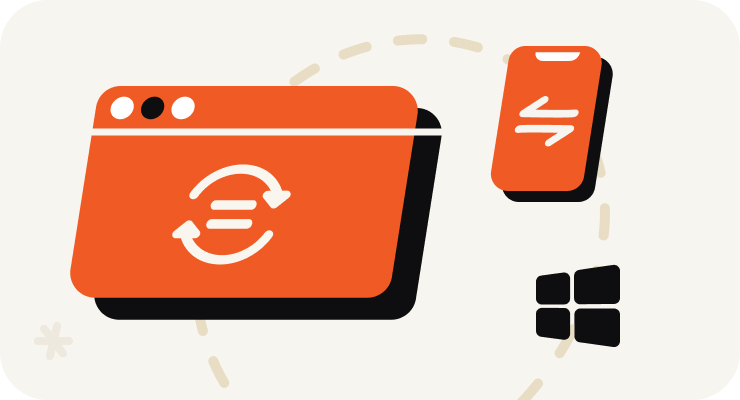
Open VOMO on Your PC
Start recording right in your PC browser — nothing to install and no Stereo Mix or sound settings to configure. Or upload an audio file you already have.
 VOMO
VOMOSå här gör du
Start recording right in your PC browser — nothing to install and no Stereo Mix or sound settings to configure. Or upload an audio file you already have.

Capture meetings, lectures, interviews, online calls, or quick voice memos. VOMO's AI cleans up background noise while you record, so the result stays clear.
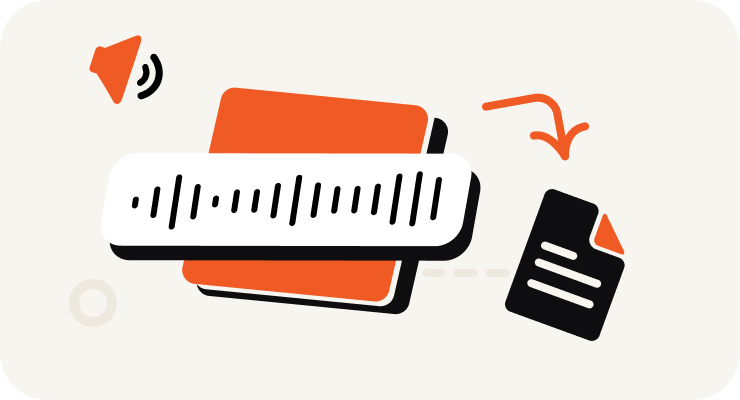
VOMO turns your PC recording into text, adds punctuation, identifies speakers, and prepares an AI summary — all in minutes.

Edit your transcript, ask AI questions about the content, and export as TXT, DOCX, PDF, Markdown, Image, or HTML.
Gör ljud och video till mycket exakt text, Markdown eller HTML på sekunder. Ingen erfarenhet krävs.
⚡ Ingen kreditkort krävs · Gratis dagliga krediter · 100% säker & konfidentiell
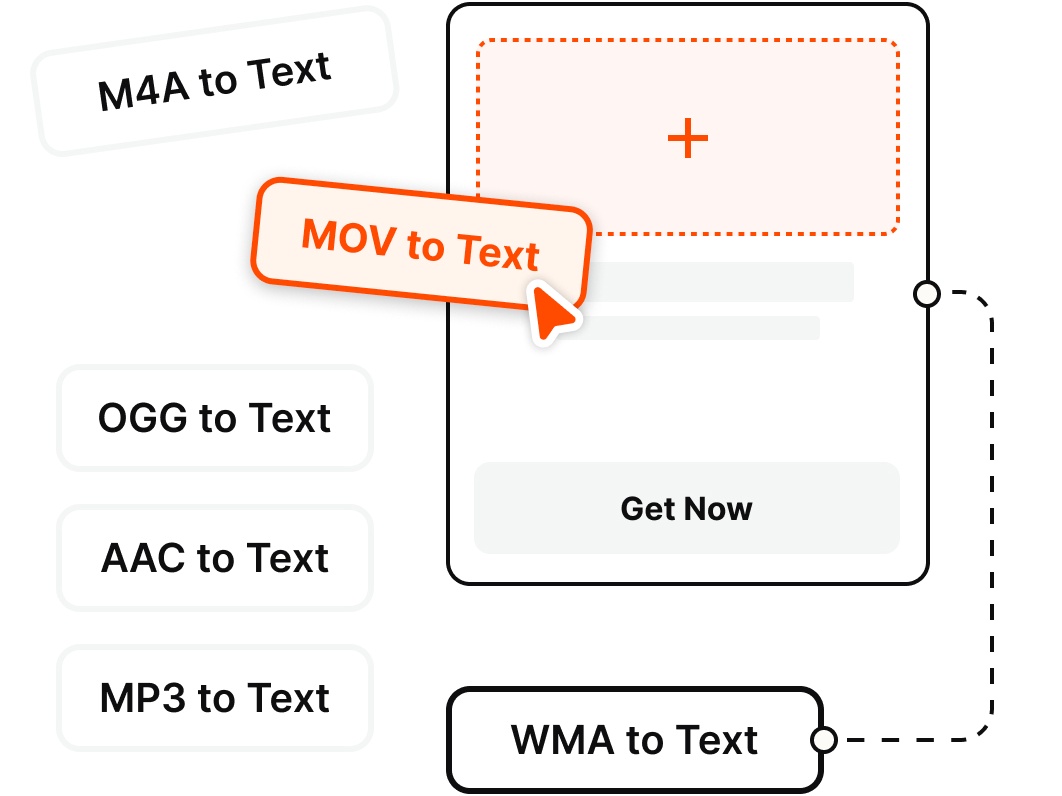
Record directly on your PC or upload existing files — VOMO transcribes the most common audio and video formats.
Varför välja
Record clean audio on your Windows PC and get an instant transcript — no Stereo Mix, no second app, no fuss.
Skip the Windows Voice Recorder + separate transcription app routine. Record on your PC straight from the browser and start capturing audio in a single click — no Stereo Mix to enable.
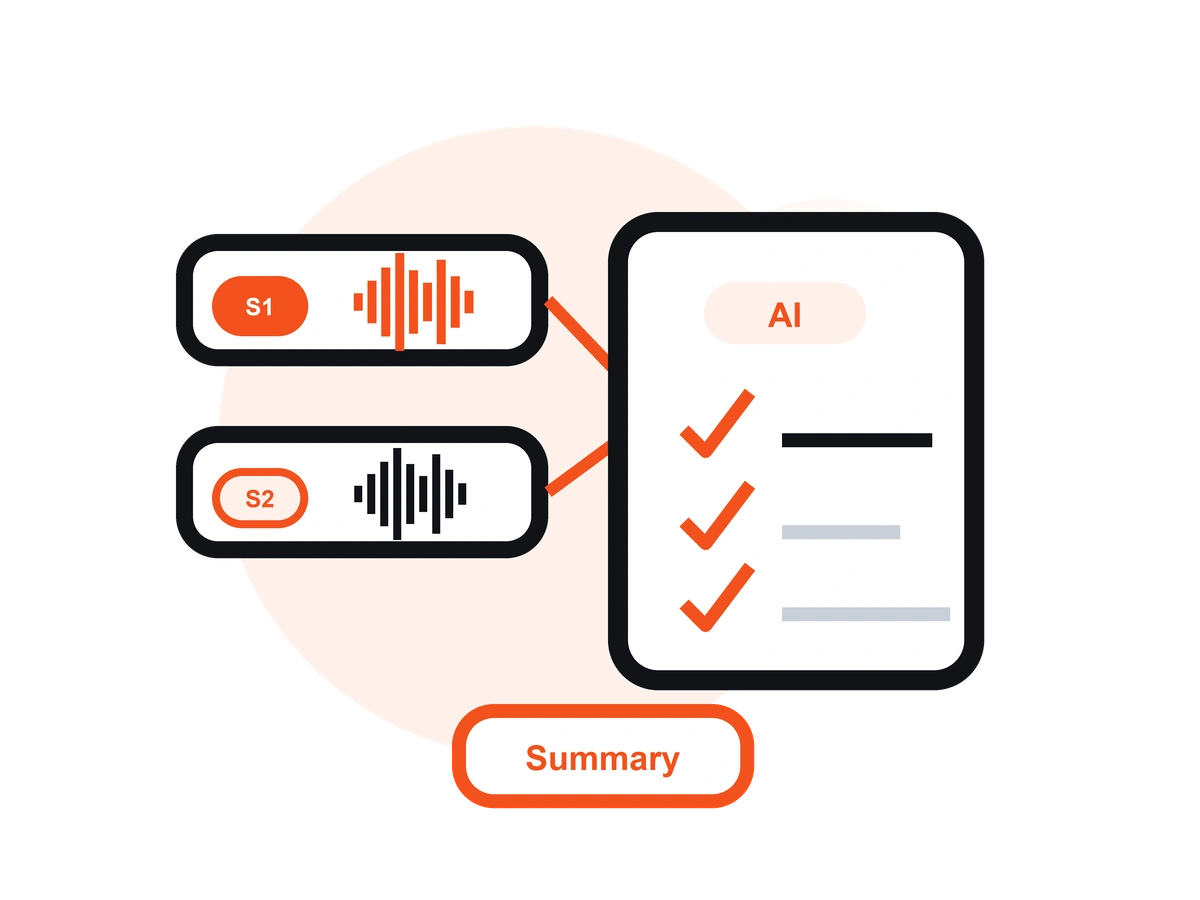
Unlike Windows Voice Recorder or Audacity, VOMO records your audio and turns it into an editable transcript with AI notes — no exporting to a separate transcription tool.
Record interviews and voice memos from your microphone, or capture your online meetings and calls — then get a clean, speaker-labeled transcript you can share.
VOMO reduces background noise from fans, offices, and busy rooms, so your PC recordings stay clear and easy to read once transcribed.
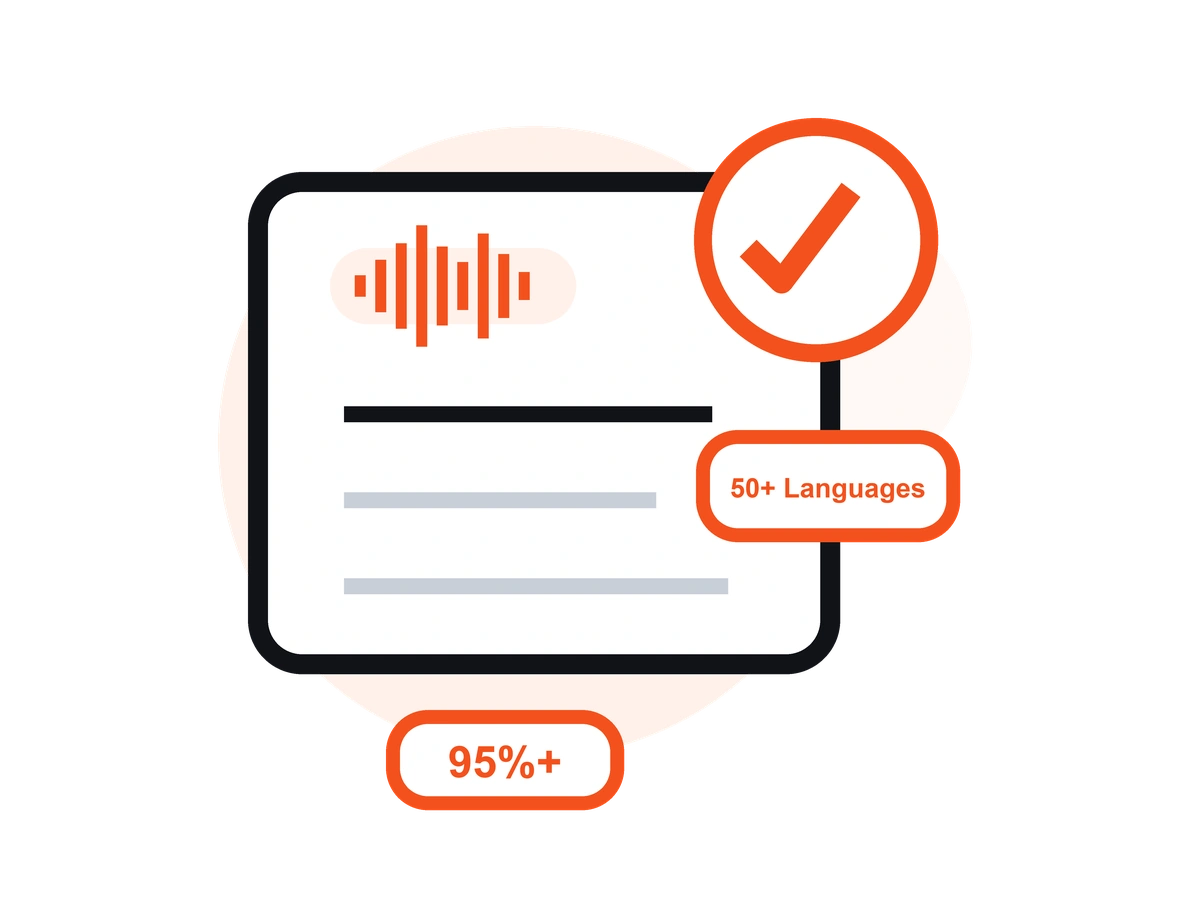
Transcribe your PC recordings in 50+ languages with automatic language detection, clean punctuation, and speaker labels — up to 99% accuracy on clear audio.
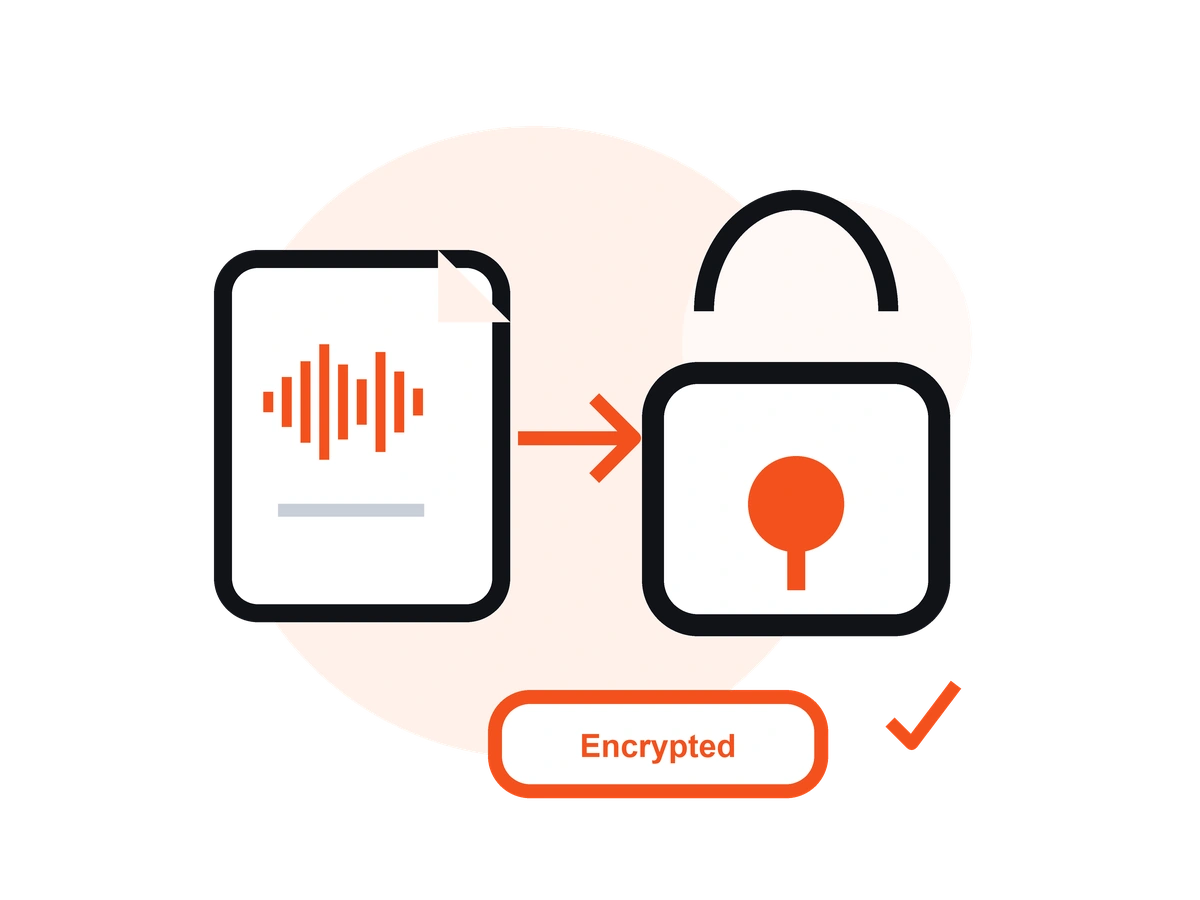
Record on your PC in the browser, or on the go with the free iOS app — your recordings and transcripts stay in sync across devices.
Prissättning
$0
/vecka
$4.66
/vecka
En app för stationära datorer som låter dig spela in röst och samtal och automatiskt generera AI-transkriptioner - perfekt för affärsmöten, intervjuer och samtal.
Med tydligt ljud ger VOMO en noggrannhet på upp till 99%. AI-brusreducering säkerställer tillförlitliga resultat även i bullriga miljöer.
Ja, det är det. VOMO hanterar ljud från några minuter till timmar utan problem.
Absolut, absolut. Transkribera på över 50 språk och översätt till över 40 språk direkt.
AI-genererade utskrifter är klara på några minuter och kan kopieras, delas eller sammanfattas omedelbart.
Capture clear audio and turn it into accurate text, Markdown, or HTML in seconds — no setup required.