
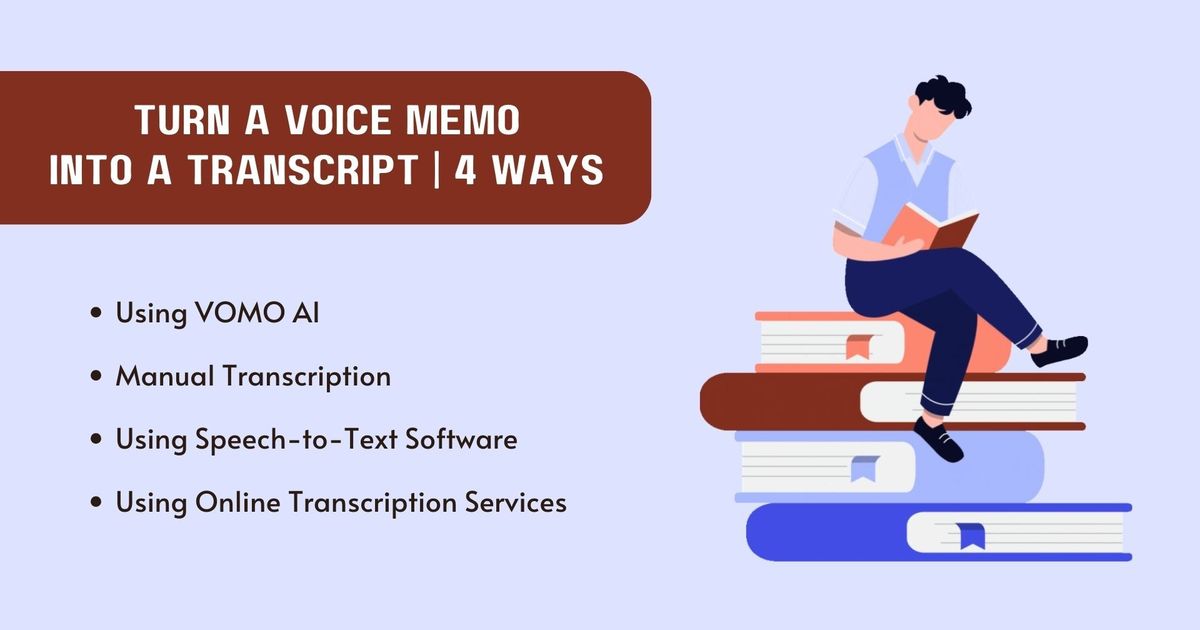
如何將語音備忘錄轉換成文字謄本 | 4 種方法
轉錄 語音備忘錄 在現今的數位時代,謄本對於提高可訪問性以及讓音訊內容更容易被搜尋和發現是非常重要的。謄本可作為永久性的記錄,幫助有聽力障礙的人和偏好閱讀而非聆聽的視覺學習者。此外,轉錄可讓編輯和整合生產力工具變得更容易。研究人員可以驗證其詮釋的準確性,改善不同情境下的可及性與可用性。方法 1:使用 VOMO AIVOMO AI 是一款人工智能驅動的語音備忘錄伴侶,旨在毫不費力地捕捉每個想法和對話。使用者可直接在應用程式中錄製音訊,或從各種來源匯入音訊檔案,包括 Apple 的語音備忘錄和 YouTube 連結。.VOMO AI 的主要功能如何使用 VOMO AI 將語音備忘錄轉換成文字稿使用
Transcribing voice memos is crucial in today's digital age for enhancing accessibility and making audio content more searchable and discoverable. Transcripts serve as a permanent record, aiding individuals with hearing impairments and visual learners who prefer reading over listening. Additionally, transcriptions allow easier editing and integration with productivity tools. Researchers can verify the accuracy of their interpretations, improving accessibility and usability across various contexts.
Method 1: Using VOMO AI
VOMO AI is an AI-powered voice memo companion designed to capture every thought and conversation effortlessly. Users can record audio directly in the app or import audio files from various sources, including Apple's Voice Memos and YouTube links.
Key Features of VOMO AI
How to Use VOMO AI to Turn a Voice Memo into a Transcript
Users can import audio files from Apple's Voice Memos, share audio files to VOMO AI for transcription. The app provides accurate speech-to-text transcription, automatic text formatting, and speaker identification. The AI Assistant generates summaries, extracts action items, and uses transcripts for further understanding.
Method 2: Manual Transcription
Manual transcription involves converting a voice memo into a transcript by listening to the audio and typing out the spoken words. This method ensures high accuracy and reliability, especially with poor audio quality or background noise.
Steps to Manually Transcribe a Voice Memo
Manual transcription may be time-consuming but provides unmatched accuracy and flexibility for complex audio.
Method 3: Using Speech-to-Text Software
Speech-to-text software converts spoken words into written text using advanced algorithms. Several popular options are available for converting a voice memo into a transcript.
Popular Software Options
How to Use Speech-to-Text Software
Using speech-to-text software simplifies the transcription process, offering a balance between speed and accuracy.
Method 4: Using Online Transcription Services
Overview of Online Transcription Services
Online transcription services offer professional transcription of audio files. These services use a combination of AI and human transcribers to ensure high accuracy.
Popular Online Services
How to Use Online Transcription Services
Online transcription services are ideal for those who require high accuracy without the effort of manual transcription.
Enhance Your Journaling with VOMO AI
VOMO is an excellent AI voice journaling app that can transform your journaling experience. With VOMO, you can record your thoughts directly into the app, transcribe voice memos with high accuracy, and use the AI Assistant to generate summaries, extract key points, and even write emails or create new content based on your journal entries. Additionally, VOMO allows you to create shareable links that include both the audio recording and the transcribed text, making it easy to share your reflections with others.
By integrating advanced AI features and a user-friendly interface, VOMO makes journaling more accessible, organized, and productive. Whether you're documenting your personal growth, capturing daily reflections, or creating content, VOMO is the perfect tool to enhance your journaling journey.
VOMO 會議專用
用 VOMO 讓會議更高效
體驗流暢的會議錄製、高準確率轉寫與智慧摘要。讓 VOMO 成為你的專屬記錄助手,你只需專注最重要的內容。