
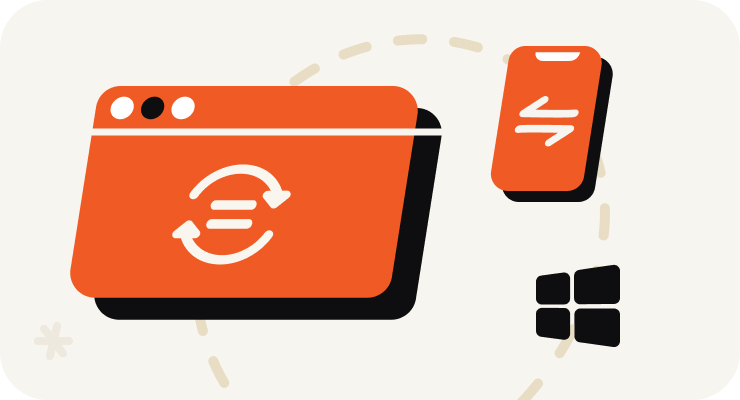
Open VOMO on Your PC
Start recording right in your PC browser — nothing to install and no Stereo Mix or sound settings to configure. Or upload an audio file you already have.
使用方式
Start recording right in your PC browser — nothing to install and no Stereo Mix or sound settings to configure. Or upload an audio file you already have.
Capture meetings, lectures, interviews, online calls, or quick voice memos. VOMO's AI cleans up background noise while you record, so the result stays clear.
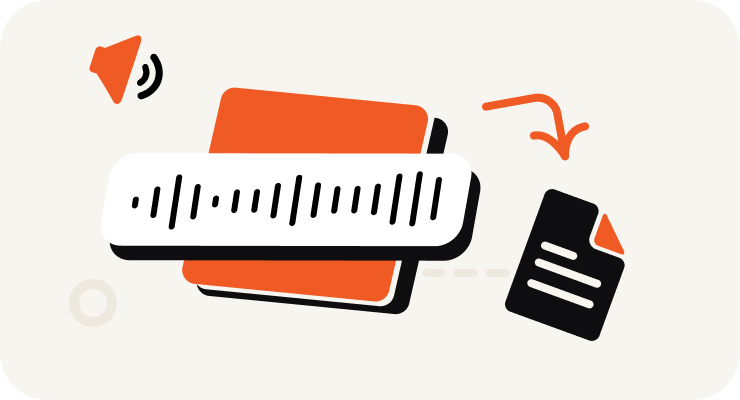
VOMO turns your PC recording into text, adds punctuation, identifies speakers, and prepares an AI summary — all in minutes.

Edit your transcript, ask AI questions about the content, and export as TXT, DOCX, PDF, Markdown, Image, or HTML.
在幾秒內將你的音訊與影片轉換為高度精準的文字、Markdown 或 HTML。 不需要經驗。不需信用卡。每日免費額度與安全、保密的轉換。
⚡ 不需要信用卡 · 每日免費額度 · 100% 安全且保密
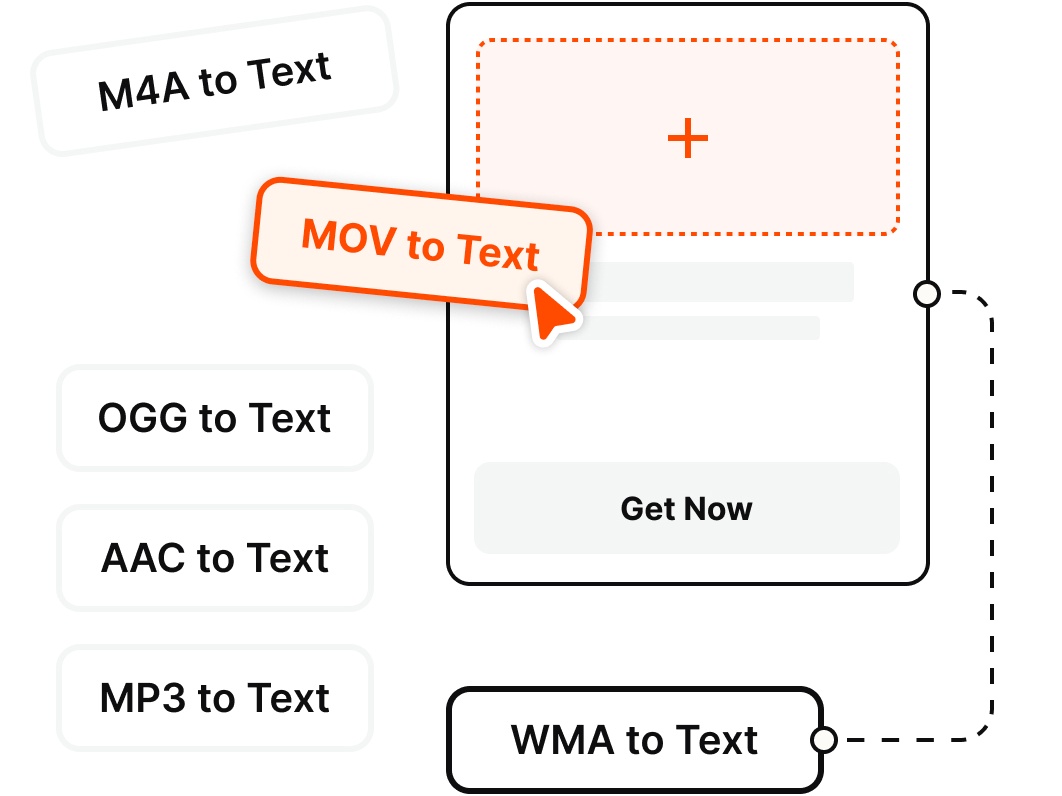
Record directly on your PC or upload existing files — VOMO transcribes the most common audio and video formats.
為什麼選擇
Record clean audio on your Windows PC and get an instant transcript — no Stereo Mix, no second app, no fuss.
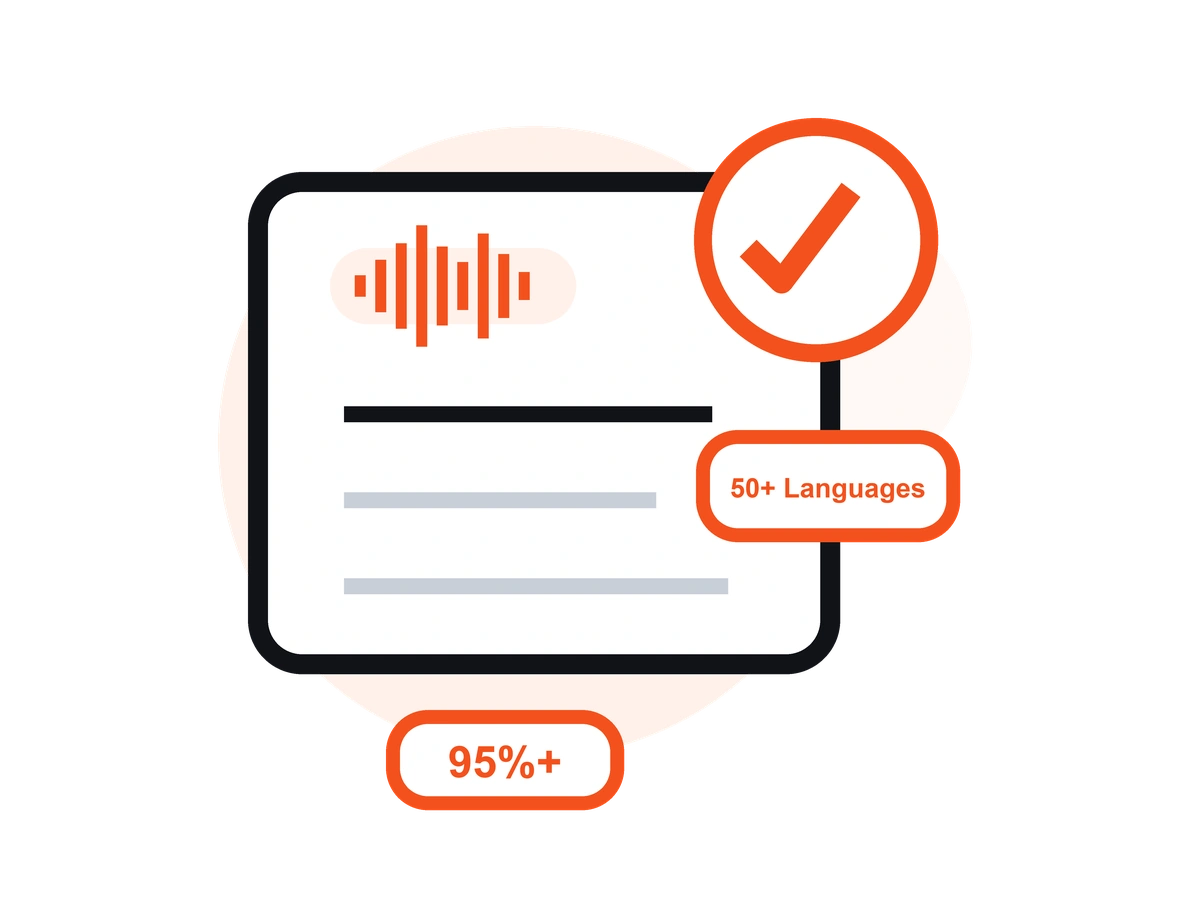
Skip the Windows Voice Recorder + separate transcription app routine. Record on your PC straight from the browser and start capturing audio in a single click — no Stereo Mix to enable.
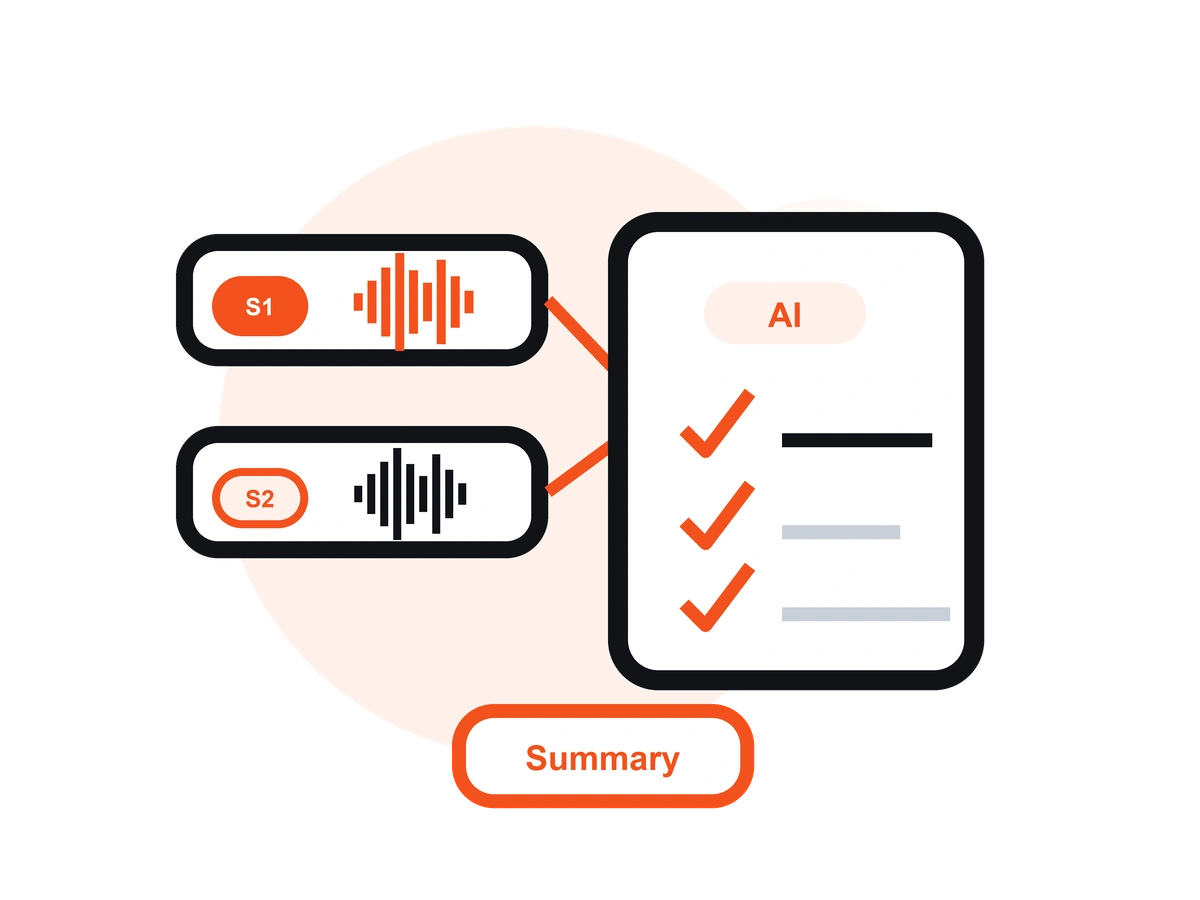
Unlike Windows Voice Recorder or Audacity, VOMO records your audio and turns it into an editable transcript with AI notes — no exporting to a separate transcription tool.
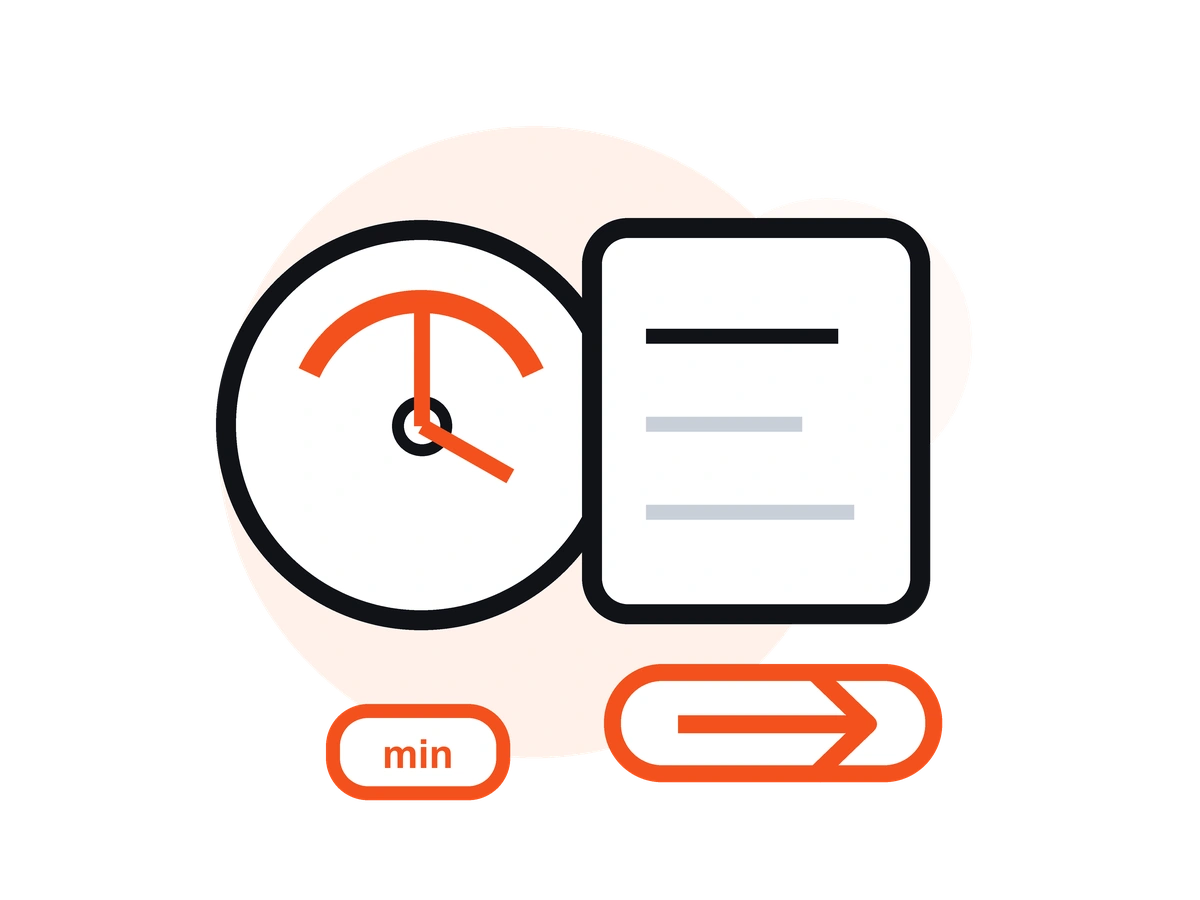
Record interviews and voice memos from your microphone, or capture your online meetings and calls — then get a clean, speaker-labeled transcript you can share.
VOMO reduces background noise from fans, offices, and busy rooms, so your PC recordings stay clear and easy to read once transcribed.
Transcribe your PC recordings in 50+ languages with automatic language detection, clean punctuation, and speaker labels — up to 99% accuracy on clear audio.
Record on your PC in the browser, or on the go with the free iOS app — your recordings and transcripts stay in sync across devices.
定價
$0
/周
$4.66
/周
適用於桌上型電腦的應用程式,可讓您錄下語音和通話內容,並自動產生 AI 謄本 - 非常適合商務會議、訪談和通話。
透過清晰的音訊,VOMO 可提供高達 99% 的精確度。即使在嘈雜的環境中,AI 降噪也能確保可靠的結果。
是的。VOMO 可以毫不費力地處理從幾分鐘到幾小時的音訊。
絕對可以。可立即轉錄 50 種以上的語言,並翻譯成 40 種以上的語言。
AI 生成的謄本可在幾分鐘內完成,並可立即進行複製、共享或總結。
Capture clear audio and turn it into accurate text, Markdown, or HTML in seconds — no setup required.