
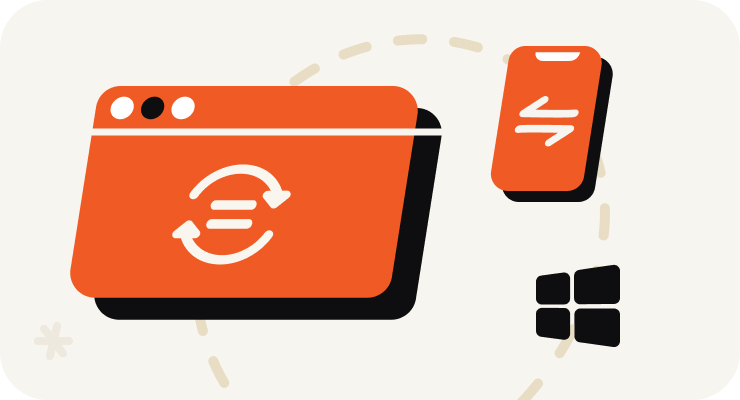
Open VOMO on Your PC
Start recording right in your PC browser — nothing to install and no Stereo Mix or sound settings to configure. Or upload an audio file you already have.
使用方法
Start recording right in your PC browser — nothing to install and no Stereo Mix or sound settings to configure. Or upload an audio file you already have.
Capture meetings, lectures, interviews, online calls, or quick voice memos. VOMO's AI cleans up background noise while you record, so the result stays clear.
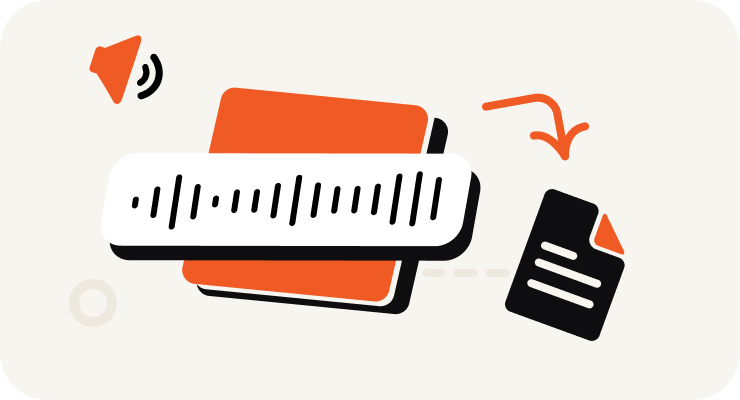
VOMO turns your PC recording into text, adds punctuation, identifies speakers, and prepares an AI summary — all in minutes.

Edit your transcript, ask AI questions about the content, and export as TXT, DOCX, PDF, Markdown, Image, or HTML.
在几秒钟内将音频和视频转换为高度准确的文本、Markdown 或 HTML。 无需经验。无需信用卡。每日免费额度与安全、保密的转换。
⚡ 无需信用卡 · 每日免费额度 · 100% 安全且保密
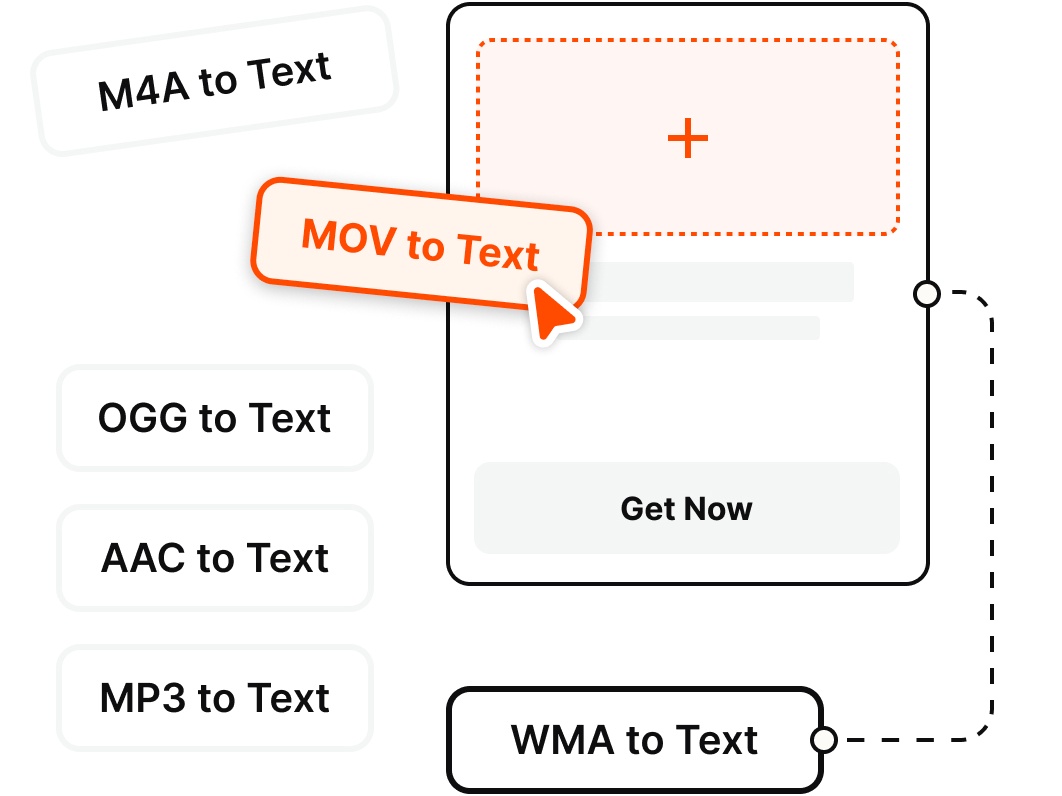
Record directly on your PC or upload existing files — VOMO transcribes the most common audio and video formats.
为什么选择
Record clean audio on your Windows PC and get an instant transcript — no Stereo Mix, no second app, no fuss.
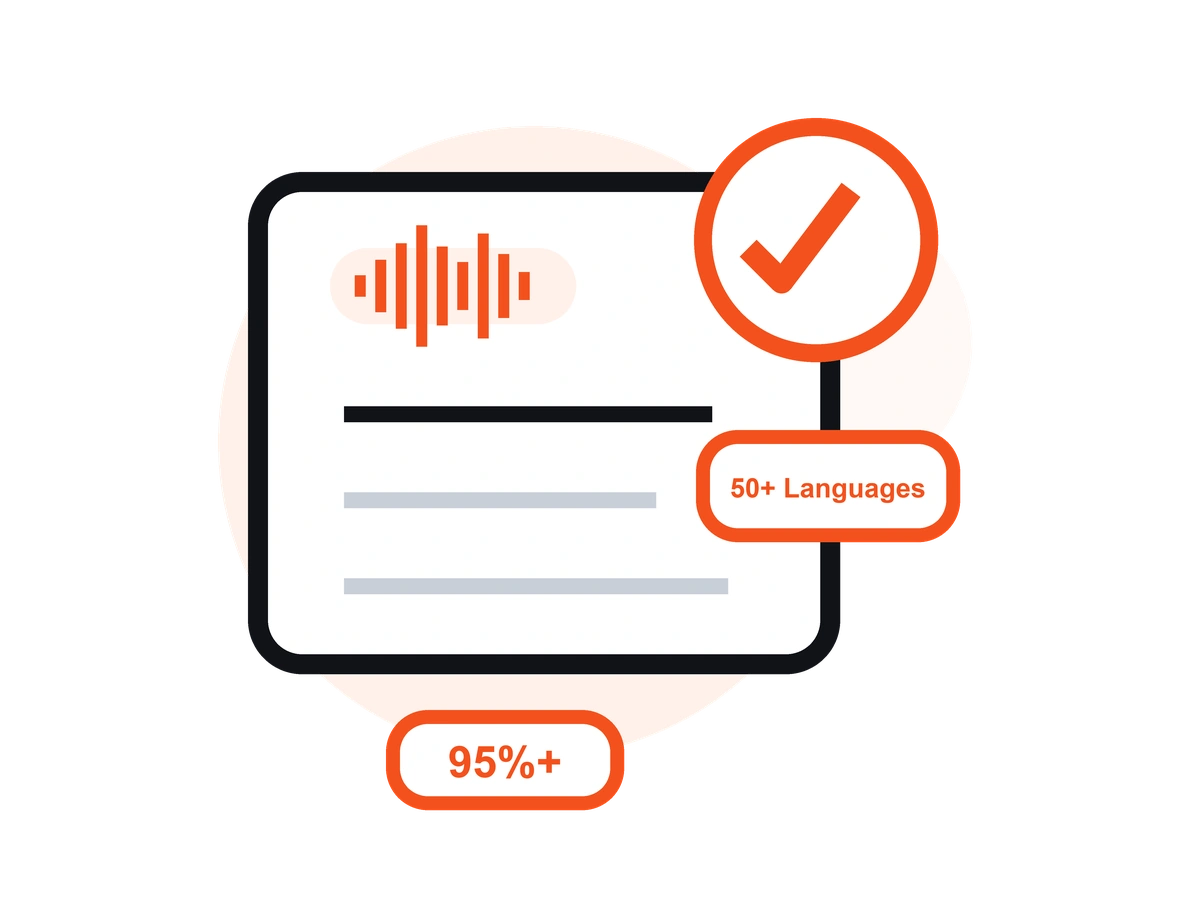
Skip the Windows Voice Recorder + separate transcription app routine. Record on your PC straight from the browser and start capturing audio in a single click — no Stereo Mix to enable.
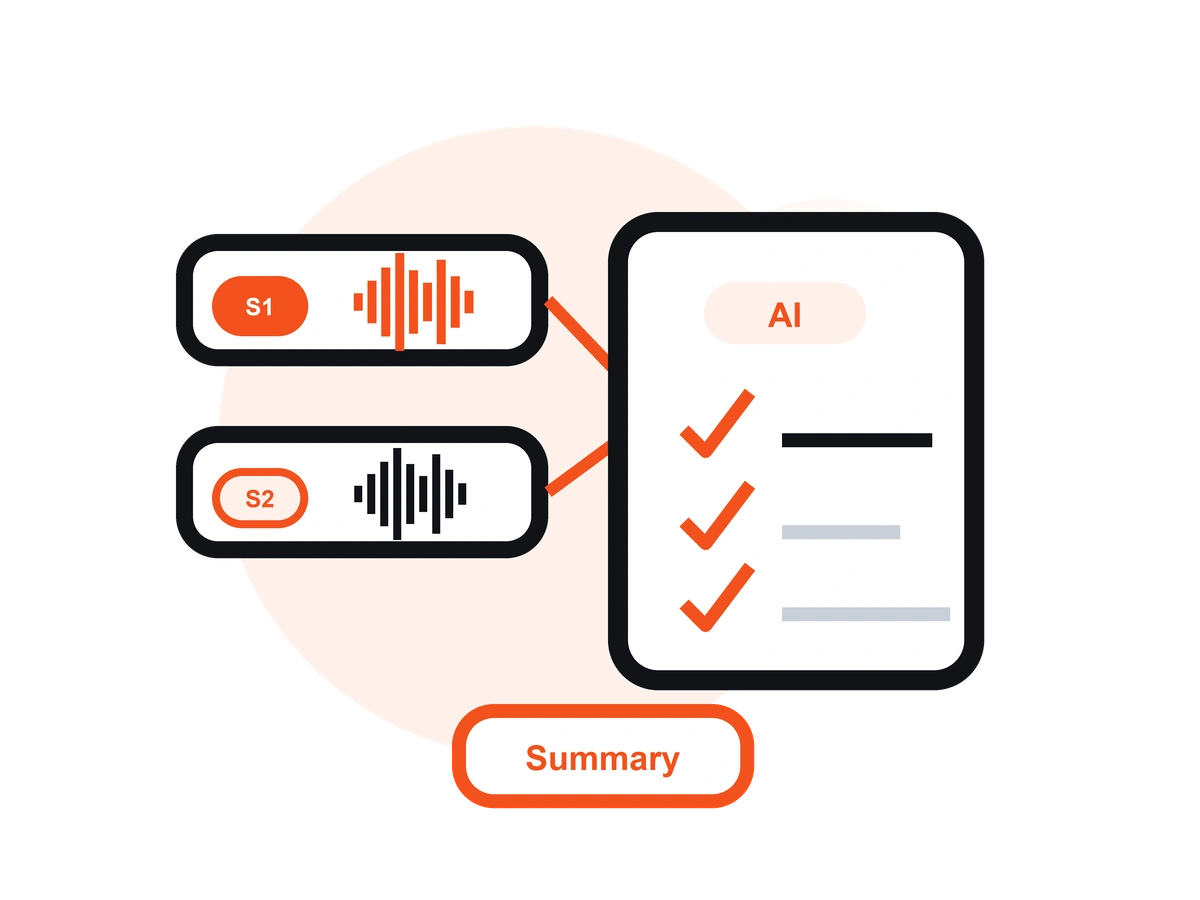
Unlike Windows Voice Recorder or Audacity, VOMO records your audio and turns it into an editable transcript with AI notes — no exporting to a separate transcription tool.
Record interviews and voice memos from your microphone, or capture your online meetings and calls — then get a clean, speaker-labeled transcript you can share.
VOMO reduces background noise from fans, offices, and busy rooms, so your PC recordings stay clear and easy to read once transcribed.
Transcribe your PC recordings in 50+ languages with automatic language detection, clean punctuation, and speaker labels — up to 99% accuracy on clear audio.
Record on your PC in the browser, or on the go with the free iOS app — your recordings and transcripts stay in sync across devices.
定价
$0
/周
$4.66
/周
这是一款台式机应用程序,可让您录制语音和通话,并自动生成 AI 转录本,是商务会议、访谈和通话的理想之选。
VOMO 音频清晰,精度高达 99%。人工智能降噪技术确保即使在嘈杂的环境中也能获得可靠的结果。
是的。VOMO 可以毫不费力地处理从几分钟到几小时的音频。
完全正确。可即时转录 50 多种语言并翻译成 40 多种语言。
人工智能生成的记录誊本在几分钟内即可完成,并可立即复制、共享或汇总。
Capture clear audio and turn it into accurate text, Markdown, or HTML in seconds — no setup required.