
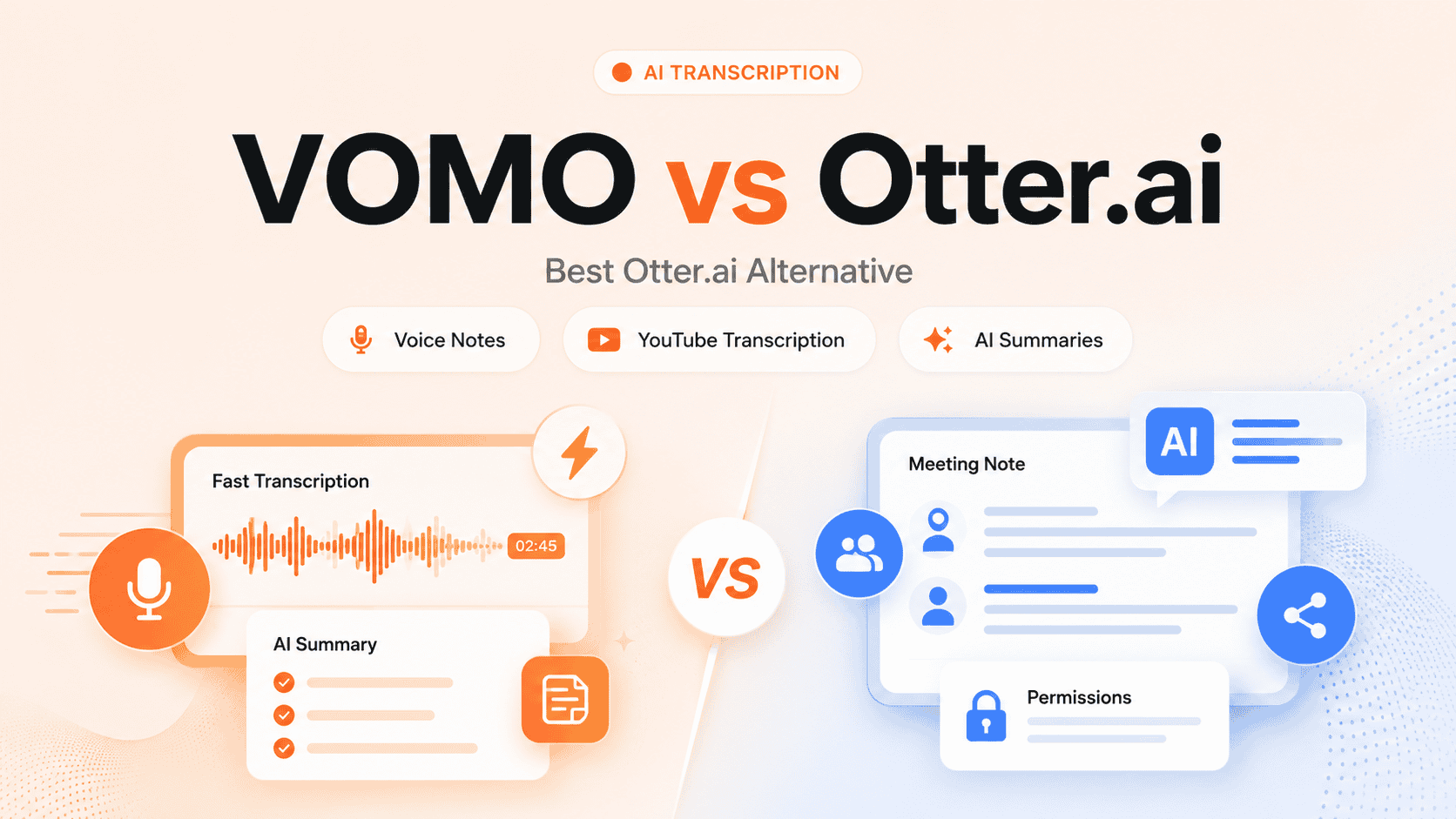
VOMO vs Otter.ai: Best Otter.ai Alternative for Voice Notes and AI Summaries
Compare VOMO and Otter.ai for AI transcription, voice notes, meetings, and YouTube videos. See features, pricing, real tests, and which tool fits your needs.
Looking for an AI transcription tool but not sure which one fits your needs? You're in the right place.
If you're comparing VOMO and Otter.ai, you want more than basic transcription. You need a tool that turns meetings, voice notes, interviews, lectures, and videos into clear transcripts, summaries, and searchable notes.
Here's the key difference:
Otter.ai is built around meetings. It excels at live meeting transcription, team collaboration, and workspace sharing.
VOMO is built around audio. It excels at fast audio transcription, voice notes, YouTube videos, and AI summaries.
VOMO vs Otter.ai, Quick Decision Guide
Not sure which tool to choose? Use this quick reference:
If you need... | Choose |
|---|---|
Live Zoom, Google Meet, or Teams meeting notes | Otter.ai |
Voice notes and personal recordings | VOMO |
YouTube video transcription | VOMO |
What Is VOMO?
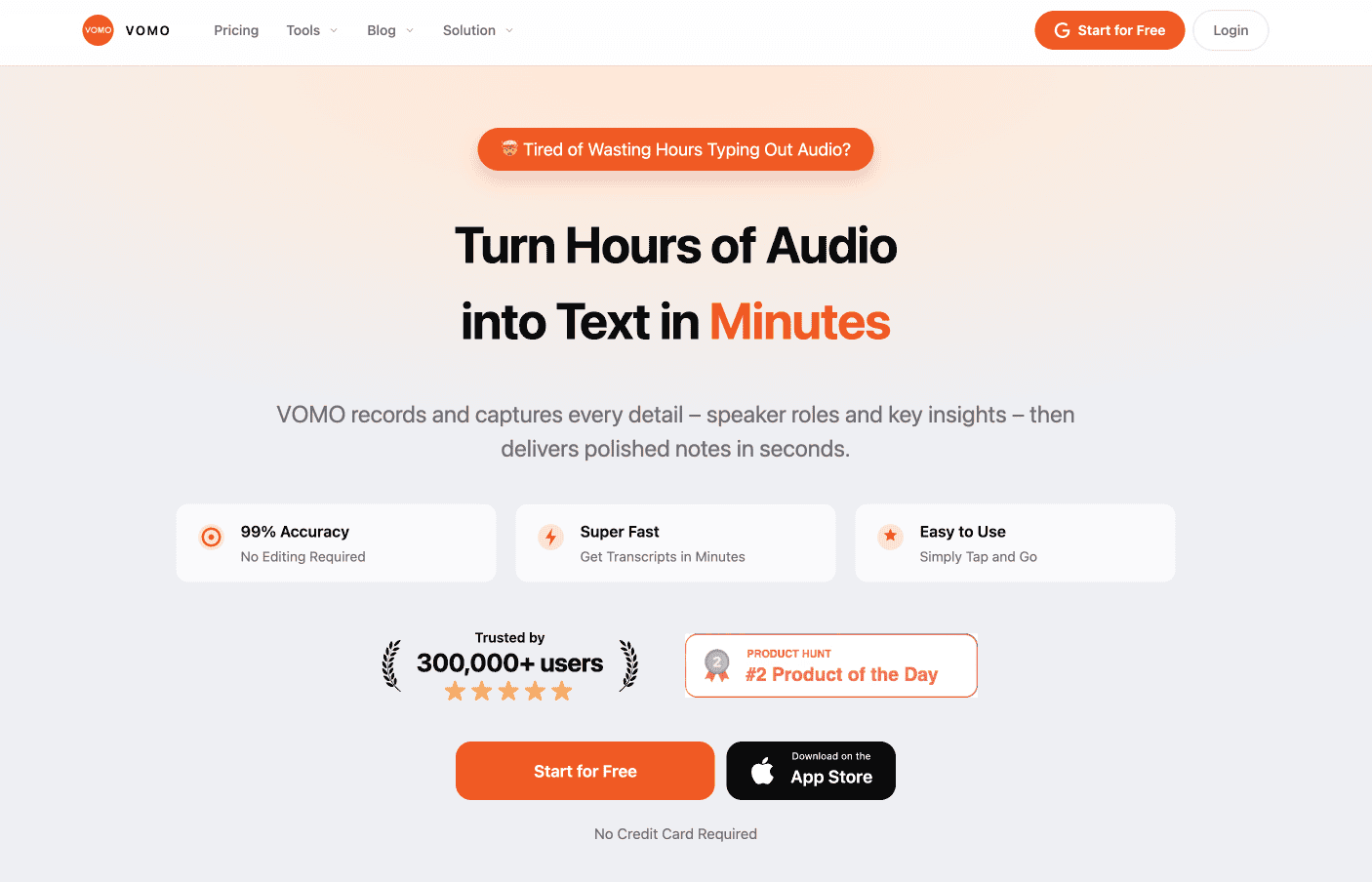
VOMO is an AI transcription app that turns audio and video into transcripts, summaries, and structured notes.
What You Can Do with VOMO
- Record audio directly in the app
- Import audio or video files
- Create notes from YouTube videos
- Generate AI summaries and key takeaways
- Chat with your transcripts to ask questions
- Turn recordings into notes, outlines, or action items
Who Should Use VOMO?
VOMO works best for individuals who need a simple way to capture and reuse spoken content:
- Students transcribing lectures
- Creators processing interviews
- Researchers organizing field recordings
- Journalists transcribing interviews
- Consultants capturing client conversations
- Professionals who prefer voice notes over typing
Official site: vomo.ai | Pricing: vomo.ai/pricing
What Is Otter.ai?
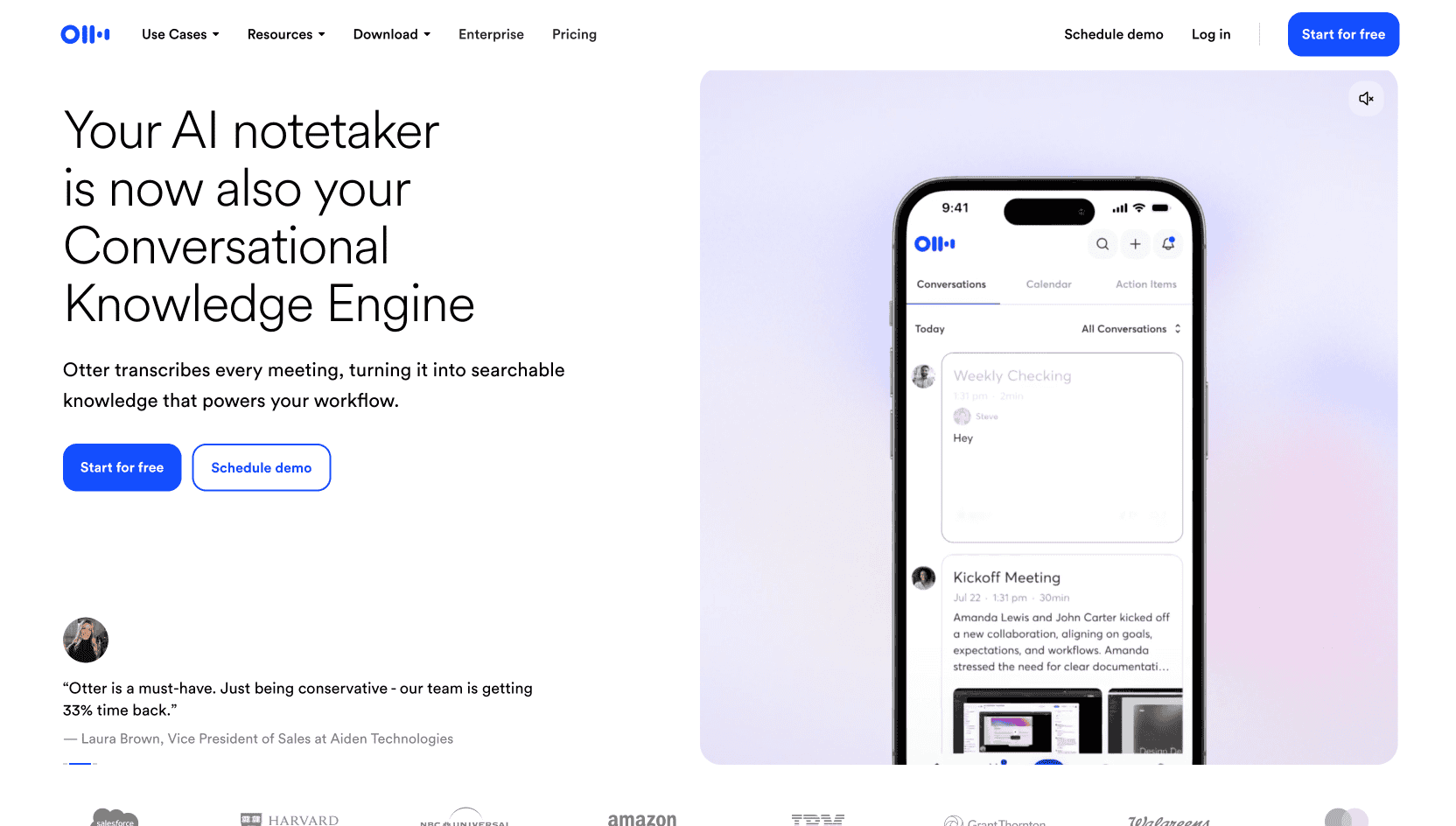
Otter.ai is an AI meeting assistant focused on live meeting transcription and team collaboration.
What You Can Do with Otter.ai
- Auto-join Zoom, Google Meet, and Microsoft Teams meetings
- Get real-time transcription during calls
- Generate meeting summaries and action items
- Collaborate with team members on transcripts
- Search across all past meetings
- Share transcripts with coworkers
- Integrate with CRM tools like Salesforce
Who Should Use Otter.ai?
Otter.ai works best for teams that need workspace sharing and meeting management:
- Meeting-heavy teams and remote workers
- Sales teams tracking customer calls
- Managers coordinating team meetings
- Companies needing permission controls
- Organizations building a meeting knowledge base
Official site: otter.ai | Pricing: otter.ai/pricing
VOMO vs Otter.ai: Side-by-Side Feature Comparison
Here's how the two tools stack up across key features:
Feature | VOMO | Otter.ai |
|---|---|---|
Core positioning | AI transcription app for audio, video, and notes | AI meeting assistant |
Best for | Voice notes, YouTube, interviews, lectures, summaries | Live meetings and team collaboration |
Real-World Test: We Tried Both Tools
To see how these tools perform in real life, we tested both with the same YouTube video: Steve Jobs' 2005 Stanford Commencement Address.
Why this video? It's a speech, not a business meeting. This helps us see whether each tool only works well for meetings or can handle broader audio content.
Watch the video: Steve Jobs' Stanford Speech
Our Finding
Otter.ai felt more like a meeting workspace.
VOMO felt more like a fast audio-to-notes tool.
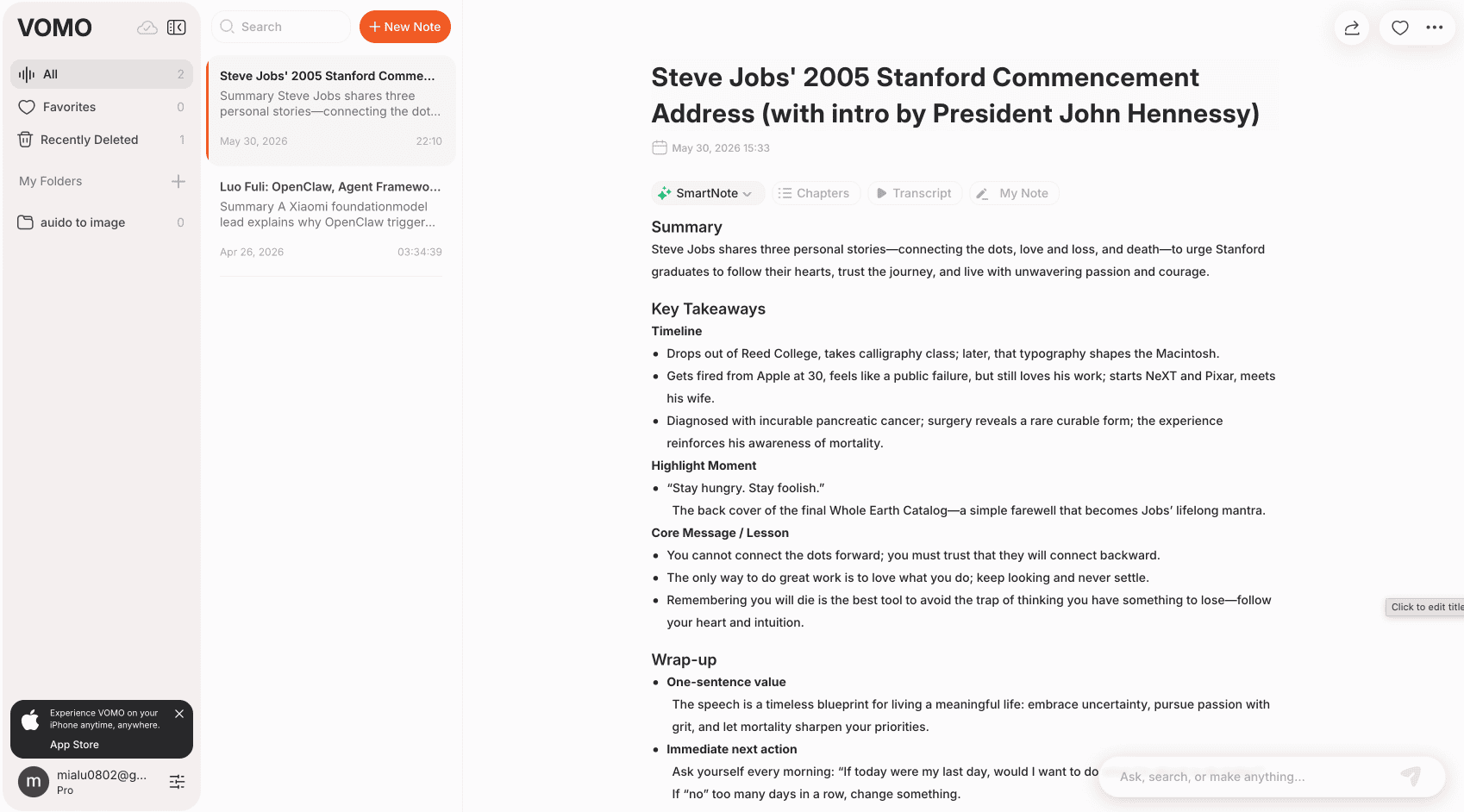
Here's what we discovered across five key areas:
Test 1: Transcription Speed
How fast can each tool process a video?
- Otter.ai: Took about 1 minute to complete
- VOMO: Took about 20 seconds to complete
Important note: Speed can vary based on file length, internet connection, and server load. But in our test, VOMO was noticeably faster.
Why this matters:
If you frequently process lectures, interviews, YouTube videos, or long recordings, faster transcription means you can move more quickly from audio → transcript → summary → action.
Test 2: Summary Quality
How do the summaries compare?
Both tools generated useful summaries, but the style was different.
VOMO's Summary Style
VOMO created a clean, structured summary with:
- Key takeaways
- Timeline of main points
- Highlight moments
- Core message
- Wrap-up
Best for: Lectures, speeches, interviews, podcasts, YouTube videos, and personal recordings.
Otter.ai's Summary Style
Otter.ai generated a meeting-oriented summary with:
- Overview
- Action items
- Outline sections
Best for: Workplace meetings and team collaboration.
The takeaway: VOMO is better for turning audio into structured notes. Otter.ai is better for turning meetings into workplace records.
Test 3: AI Chat Quality
Can you ask questions about the transcript?
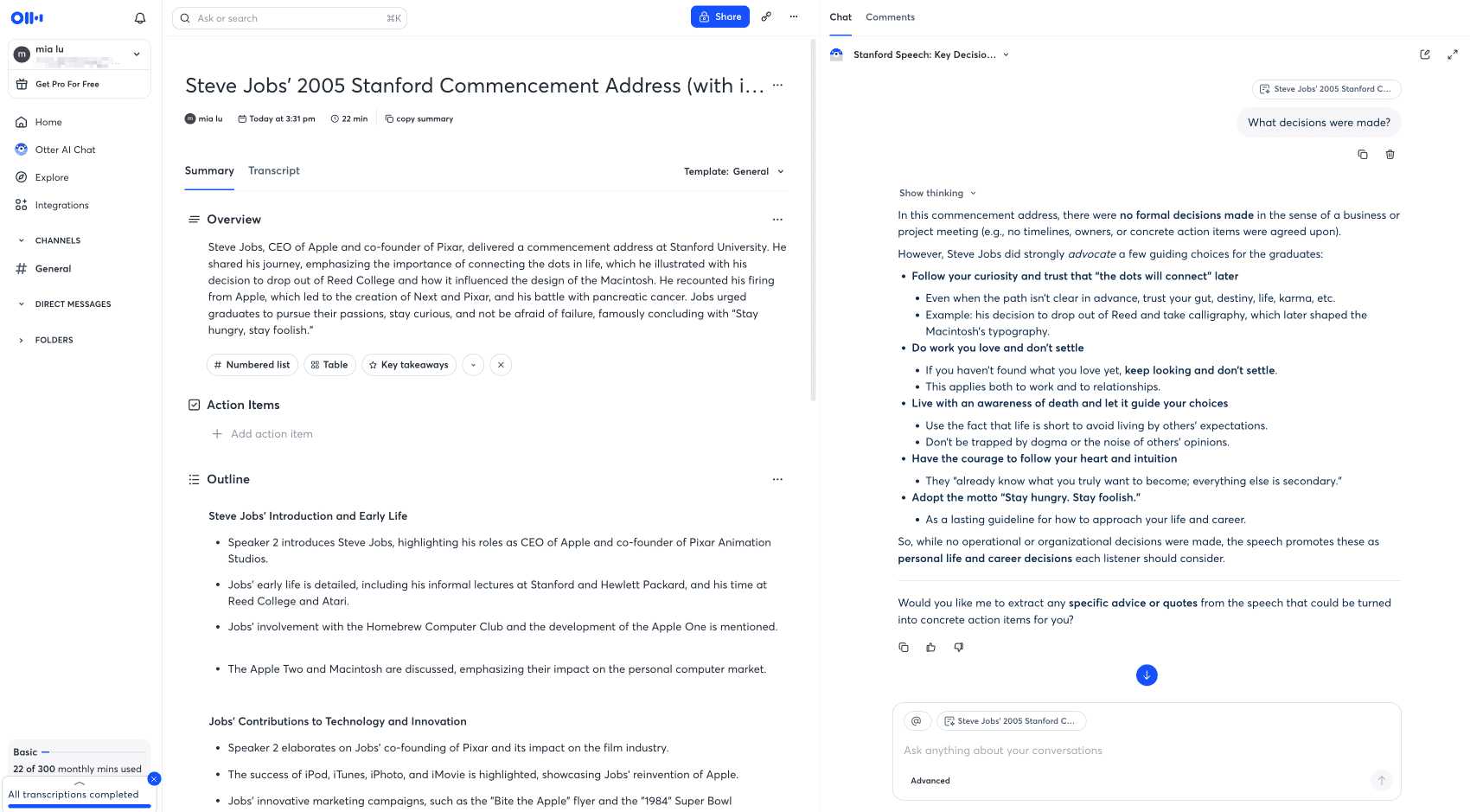
Yes, both tools let you chat with your transcript. We tested this by asking the same question:
"What decisions were made?"
Otter.ai's Response
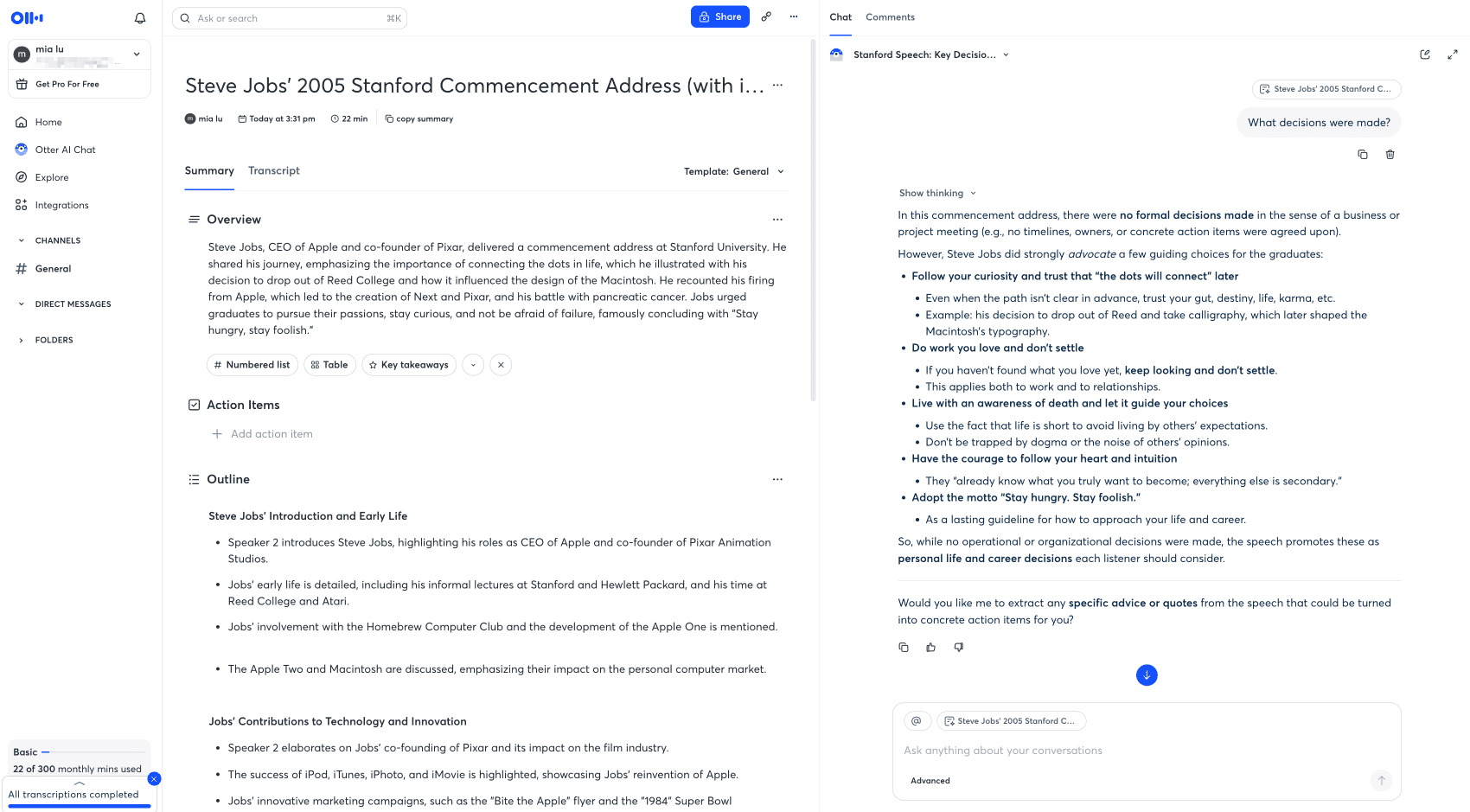
Otter.ai showed deeper context awareness. It understood the video wasn't a business meeting, so it reframed the answer around Steve Jobs' personal life and career decisions.
More nuanced and context-aware.
VOMO's Response
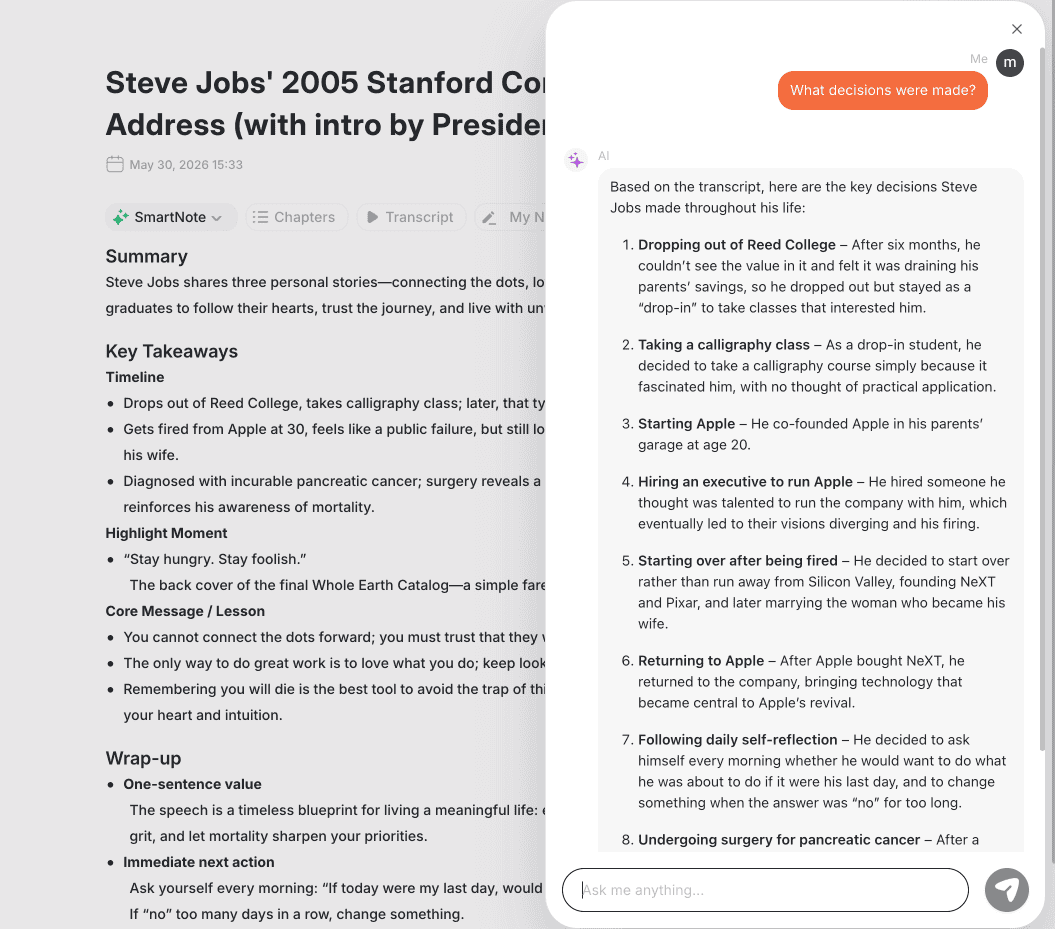
VOMO gave a clear answer but felt closer to summary extraction. It listed important decisions from the speech without deeper analysis.
Fast and useful, but more straightforward.
The takeaway: Otter.ai is better for nuanced meeting Q&A. VOMO is better for fast summaries and simple transcript questions.
Test 4: Sharing Features
How easy is it to share transcripts with others?
Otter.ai: Advanced Sharing
Otter.ai offers robust sharing options:
- Invite people by name or email
- Choose collaborator or viewer roles
- Restrict access with permissions
- Share with a workspace
- Allow anyone with the link
- Copy a link
- Post directly to Slack
Best for: Teams that need permission control and managed collaboration.
VOMO: Simple Sharing
VOMO offers straightforward sharing:
- Publish notes
- Copy and share links
- Quick sharing without complex permissions
Best for: Individual users who want to quickly share notes.
The takeaway: Otter.ai is better for managed collaboration. VOMO is better for simple sharing and individual productivity.
Test 5: Import and Content Sources
Where can you get your audio from?
VOMO: Multiple Sources
VOMO makes it easy to create notes from:
- Recording audio directly
- Importing audio/video files
- Creating notes from YouTube videos
Why this matters: Many transcription needs don't start from meetings. They start from videos, lectures, interviews, voice memos, or audio files.
Otter.ai: Meeting-Focused
Otter.ai supports audio and video imports, but the product feels more centered around:
- Live meetings
- Scheduled conversations
- Team channels
- Workspace collaboration
The takeaway: If you often transcribe YouTube videos, lectures, podcasts, or interviews, VOMO feels more direct.
Test 6: VOMO's Free No-Login Tools
Here's a unique advantage VOMO offers that Otter.ai doesn't:
VOMO provides free transcription tools that work without login.
Visit vomo.ai/tools/audio-to-text and you can:
- Transcribe audio files directly in your browser
- No account creation required
- No login needed
- Perfect for quick one-time transcriptions
- Test the transcription quality before committing to a paid plan
This Is Ideal For:
- Quick transcription needs without commitment
- Testing the service before signing up
- One-off projects where you don't want another account
- Sharing with colleagues who need occasional transcription
Otter.ai's Approach
Otter.ai requires login for all features, including basic transcription. You must create an account and sign in before using any functionality.
VOMO vs Otter.ai Pricing Comparison
Plan | VOMO | Otter.ai |
|---|---|---|
Free plan | 30 minutes one-time | 300 minutes/month |
Entry paid plan | Pro: $1.92/week (yearly) |
Key Pricing Insight
At similar price points (~$8.33/month), VOMO offers unlimited transcription while Otter.ai caps at 1,200 minutes.
Pros and Cons at a Glance
VOMO Pros
✅ Better for voice notes, interviews, lectures, and YouTube videos
✅ Faster in our transcription test
✅ Clean summary format
✅ Simple audio-to-notes workflow
✅ Unlimited transcription on Pro plan
✅ Good for students, creators, researchers, and individuals
✅ Free no-login tools available - transcribe without creating an account
VOMO Cons
❌ AI Chat less context-aware
❌ Simpler sharing and permissions
❌ Not as strong for enterprise meeting workflows
❌ Free plan has fewer minutes than Otter.ai
Otter.ai Pros
✅ Strong for live meeting transcription
✅ Better team collaboration
✅ Advanced sharing permissions
✅ More context-aware AI Chat
✅ Works well for meeting-heavy teams
✅ Stronger workspace and admin features
Otter.ai Cons
❌ More meeting-centered
❌ Less natural for YouTube, lectures, and voice notes
❌ Limited audio/video imports on free plan
❌ Usage and meeting limits on paid plans
❌ May feel heavier for individual audio workflows
❌ Requires login for all features - no quick no-account transcription option
Final Recommendation
Choose Otter.ai if you need:
- Live meeting transcription
- Team collaboration
- Advanced sharing permissions
- Meeting follow-up and action items
- Context-aware AI Chat
- Workspace and admin features
Choose VOMO if you need:
- Voice notes and personal recordings
- YouTube transcription
- Interview or lecture transcription
- Fast audio-to-notes workflow
- Clean AI summaries
- Simple transcript Q&A
- Lightweight sharing
- No-login quick transcription tools
Simple Decision Rule
Choose Otter.ai if your work happens inside meetings.
Choose VOMO if your work starts with audio.
Frequently Asked Questions
Is VOMO a good Otter.ai alternative?
Yes. VOMO is a good Otter.ai alternative if you need flexible AI transcription for voice notes, interviews, lectures, YouTube videos, and summaries.
Is VOMO better than Otter.ai for voice notes?
Yes. VOMO is designed around recording, importing, transcribing, summarizing, and chatting with everyday audio.
Is Otter.ai better for meetings?
Yes. Otter.ai is stronger for live meeting transcription, team collaboration, meeting summaries, and workspace sharing.
Which tool has better AI Chat?
In our test, Otter.ai's AI Chat felt more context-aware. VOMO's Ask AI was useful but closer to summary extraction.
Which tool is faster?
In our YouTube test, VOMO completed transcription in ~20 seconds vs. Otter.ai's ~1 minute. Actual speed may vary.
Which tool is better for students?
Students may prefer VOMO for lecture transcription, study notes, YouTube videos, and quick summaries.
Which tool is better for teams?
Teams may prefer Otter.ai for stronger collaboration, permission control, sharing, and meeting workflow features.
Ready to Try?
Try VOMO: Start with the free plan or use the no-login tools at vomo.ai
Try Otter.ai: Get started with the free plan at otter.ai
VOMO FOR MEETINGS
Transform Your Meetings with VOMO
Experience seamless meeting recording, highly accurate transcription, and intelligent summarization. Let VOMO be your dedicated note-taker while you focus on what matters most.