

Open VOMO on Your PC
Start recording right in your PC browser — nothing to install and no Stereo Mix or sound settings to configure. Or upload an audio file you already have.
Come fare
Start recording right in your PC browser — nothing to install and no Stereo Mix or sound settings to configure. Or upload an audio file you already have.

Capture meetings, lectures, interviews, online calls, or quick voice memos. VOMO's AI cleans up background noise while you record, so the result stays clear.
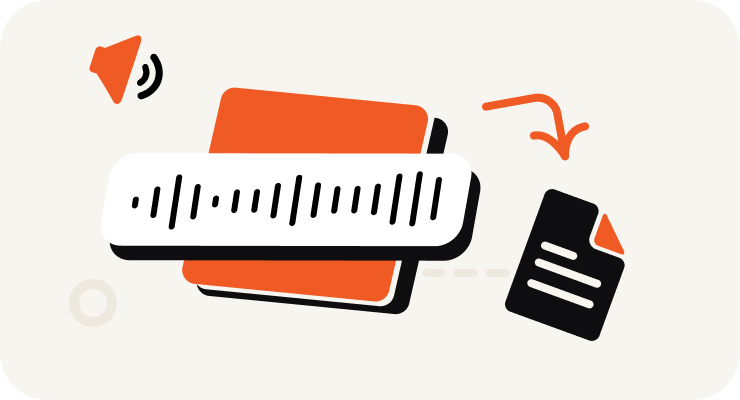
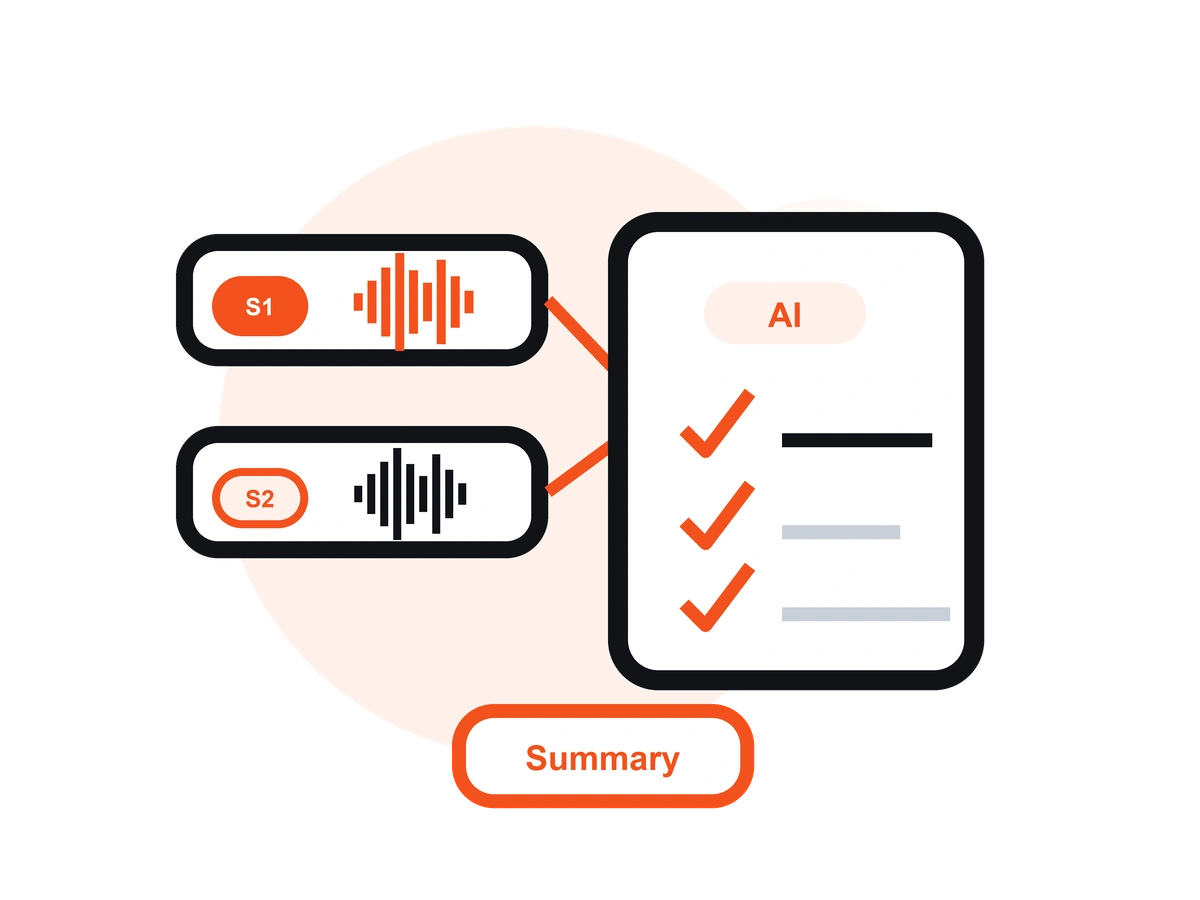
VOMO turns your PC recording into text, adds punctuation, identifies speakers, and prepares an AI summary — all in minutes.

Edit your transcript, ask AI questions about the content, and export as TXT, DOCX, PDF, Markdown, Image, or HTML.
Trasforma il tuo audio e video in testo altamente accurato, Markdown o HTML in pochi secondi. Nessuna esperienza richiesta.
⚡ Nessuna carta di credito richiesta · Crediti giornalieri gratuiti · 100% Sicuro e Riservato
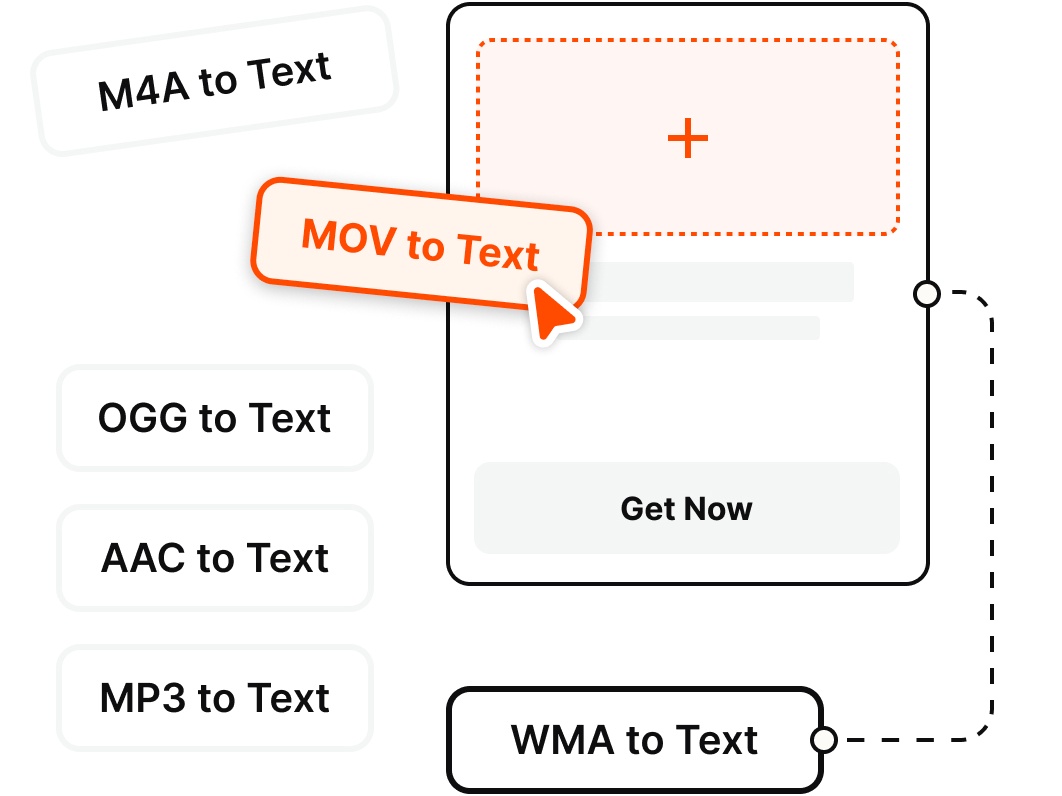
Record directly on your PC or upload existing files — VOMO transcribes the most common audio and video formats.
Perché scegliere
Record clean audio on your Windows PC and get an instant transcript — no Stereo Mix, no second app, no fuss.
Skip the Windows Voice Recorder + separate transcription app routine. Record on your PC straight from the browser and start capturing audio in a single click — no Stereo Mix to enable.
Unlike Windows Voice Recorder or Audacity, VOMO records your audio and turns it into an editable transcript with AI notes — no exporting to a separate transcription tool.
Record interviews and voice memos from your microphone, or capture your online meetings and calls — then get a clean, speaker-labeled transcript you can share.
VOMO reduces background noise from fans, offices, and busy rooms, so your PC recordings stay clear and easy to read once transcribed.
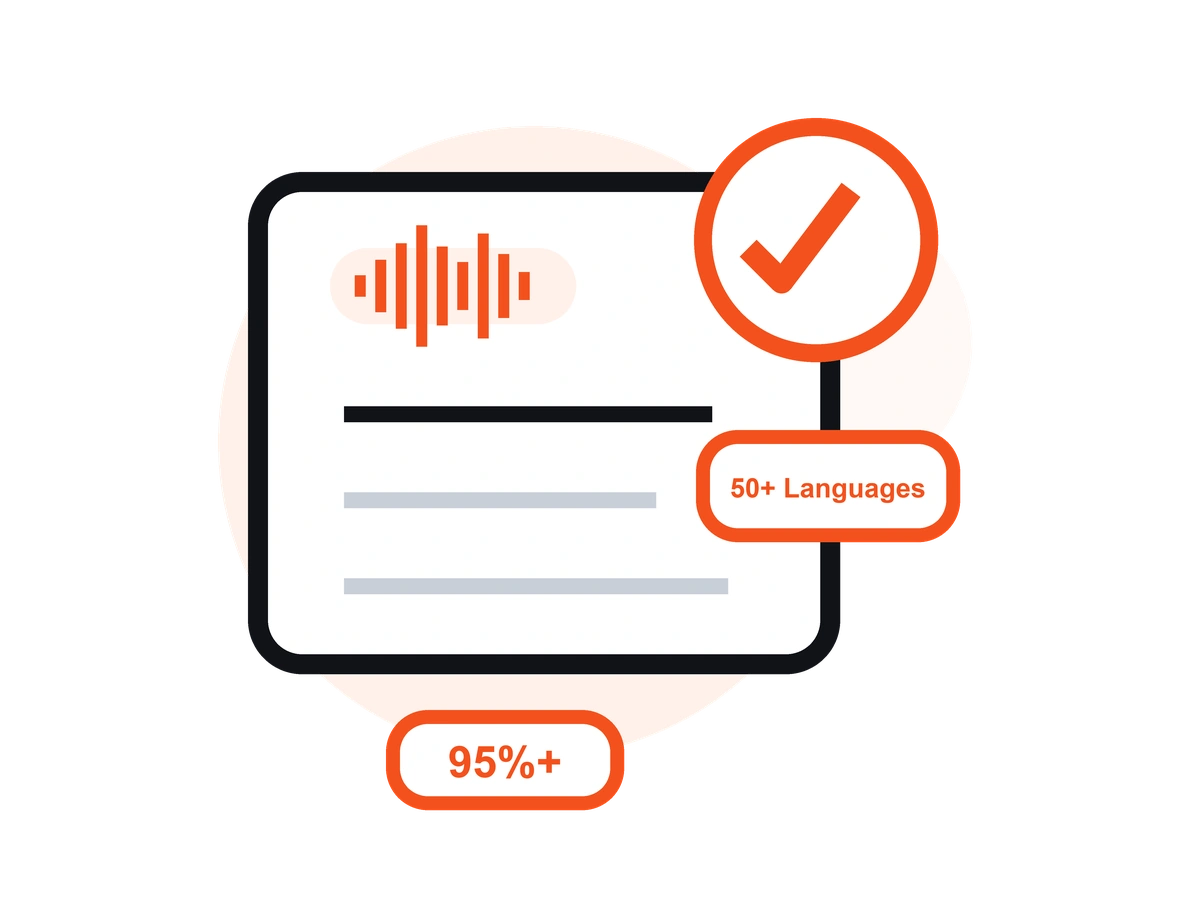
Transcribe your PC recordings in 50+ languages with automatic language detection, clean punctuation, and speaker labels — up to 99% accuracy on clear audio.
Record on your PC in the browser, or on the go with the free iOS app — your recordings and transcripts stay in sync across devices.
Prezzi
$0
/settimana
$4.66
/settimana
Un'applicazione per desktop che consente di registrare la voce e le chiamate e di generare automaticamente trascrizioni AI, ideale per riunioni di lavoro, interviste e chiamate.
Con un audio chiaro, VOMO offre una precisione fino a 99%. La riduzione del rumore AI garantisce risultati affidabili anche in ambienti rumorosi.
Sì. VOMO gestisce audio da pochi minuti a ore senza alcuno sforzo.
Assolutamente. Trascrivete in oltre 50 lingue e traducete istantaneamente in oltre 40 lingue.
Le trascrizioni generate dall'intelligenza artificiale sono pronte in pochi minuti e possono essere copiate, condivise o riassunte immediatamente.
Capture clear audio and turn it into accurate text, Markdown, or HTML in seconds — no setup required.