
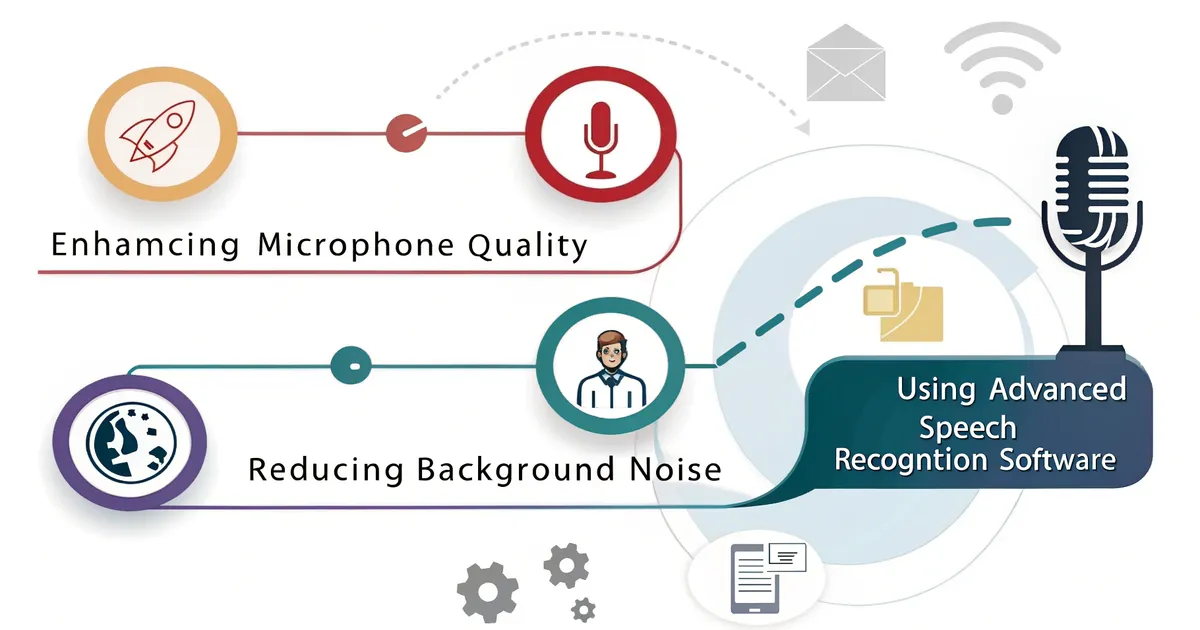
音声からテキストへの変換精度を高める方法:より明瞭なテープ起こしのためのヒント
もし今までに 音声をテキストに変換する しかし、あなたは一人ではない。私はこれまで AIトランスクリプション VOMO、Notta、Otterのようなツールを長い間使ってきて、何がテープ起こしの正確さに本当に影響するのか、そして何が影響しないのかを身をもって学びました。ここでは、可能な限り正確な結果を得る方法について、私が(痛みを伴う試行錯誤から)知っているすべてを紹介する。まず、転写精度に影響を与える要因を理解する必要がある。 テープ起こしの精度が低下する一般的な原因私が見た中で最大の問題点:原因説明低品質のオーディオ大音量の部屋でノートパソコンのマイクを使う?ちんぷんかんぷんでしょう。オー
If you’ve ever tried converting audio to text and ended up with a messy transcript full of errors, you’re not alone. I’ve been working with AI transcription tools like VOMO, Notta, and Otter for a long time, and I’ve learned firsthand what really impacts transcription accuracy—and what doesn’t.
Here’s everything I know (from painful trial and error) about how to get the most accurate results possible.
First, we need to understand the factors that affect transcription accuracy.
Common Causes of Poor Transcription Accuracy
The biggest issues I’ve seen:
CauseDescriptionLow-quality audioUsing your laptop mic in a loud room? Expect gibberish.Overlapping speechAI still struggles with multiple people talking at once.Strong accents or mumbled wordsThe tools are improving, but it still matters.Wrong input formatSome apps don’t handle M4A as well as MP3 or WAV.
Today’s leading speech recognition models are already very powerful, and they perform well with high-quality audio. The real differences appear when dealing with low-quality audio.
For example, Otter claims an accuracy rate of 99.8%, but in my own tests under challenging conditions, the accuracy dropped to 85%. Other transcription tools show similar patterns.
Choose the Right Tool
Not all transcription apps are equal. After testing dozens, I found VOMO gives the best balance of speed, formatting, and speaker separation. Notta is strong for live transcription, especially across devices, but lacks summary tools. Otter is good if you’re deep in the Zoom ecosystem.
If accuracy is your priority, try the same audio in a few tools and compare. That’s how I found which one worked best for different scenarios.
If you want to see more reviews of transcription tools, check here.
We also have reviews of online tools.
Optimize Audio Before Transcribing
Here’s what improved my accuracy most, Following this guide can solve most of the problems.:
Use an external microphone
I use a Blue Yeti or even AirPods instead of laptop mics.
Pick a quiet location
No fans, no coffee shops.
Speak directly but not too close to the mic
8 to 12 inches is a sweet spot.
Test audio levels beforehand
Record 10 seconds and play it back.
Once, I redid an entire interview just because I didn’t realize how loud the AC was until it was too late.
Speak Clearly and Strategically
This sounds obvious, but here’s what actually helps:
Avoid filler words like "um" and "you know".
Don’t rush; speak at a steady pace.
Pause briefly between topics.
Spell out names or technical terms.
When I record training videos, I now build in 1-second pauses and enunciate acronyms—it saves time later cleaning up the transcript.
Good recording habits can greatly improve transcription accuracy.
Use Smart Editing Tools
Tools like VOMO highlight unclear words and allow easy section edits. I often scan for speaker tags, time stamps, and use the search function to jump to messy parts.
Also: exporting to Google Docs or Word and running grammar check catches extra errors.
Templates Help a Lot
VOMO has built-in templates for meetings, lectures, and brainstorms. It can automatically detect and match templates, which is very convenient and requires no manual setup.
I use the "project planning" template for internal meetings because it adds headers and bullet points automatically. It saves me 15+ minutes every time.
If your tool doesn’t support templates, you can make your own: intro, key points, decisions, next steps.
When to Consider Human Transcription
AI is great 80-90% of the time. But for legal transcripts or sensitive interviews? I use a hybrid approach—run it through AI, then hire a human to review.
If you’re working with poor audio or regional dialects, manual editing may still be necessary.
Quick Checklist for Clearer Transcripts
- ✅ Use a good mic
- ✅ Record in a quiet space
- ✅ Speak clearly and at a steady pace
- ✅ Choose a reliable tool (VOMO, Notta, etc.)
- ✅ Use templates to organize the output
- ✅ Review and edit unclear sections
FAQ
What’s the best way to increase transcription accuracy?
Use a high-quality mic, reduce background noise, and speak clearly. This can solve over 95% of your problems.
Which tools have the best accuracy?
VOMO and Otter both perform well; test a sample recording in multiple tools. We have more transcription app reviews here.
Do accents affect AI transcription?
Yes. Clear pronunciation and audio quality help reduce issues.
Can I use my phone mic?
Yes, but results will vary. External mics are much better.
Transcription is so much smoother once you set up the right process. I hope these tips save you hours of editing like they did for me.
会議向け VOMO
VOMO で会議をもっと効率的に
スムーズな会議録音、高精度な文字起こし、賢い要約を体験してください。VOMO を専属のメモ係として、最も大切なことに集中しましょう。