
MPEGファイルのアップロード
当社のウェブサイトまたはVomo.aiアプリで、MPEGファイルを選択してアップロードプロセスを開始します。高速で安全です。
使い方
当社のウェブサイトまたはVomo.aiアプリで、MPEGファイルを選択してアップロードプロセスを開始します。高速で安全です。
ファイルがアップロードされた瞬間に、AIが自動的に作業を開始します。スピーチを分析し、重要な瞬間を特定し、すべてをテキストに変換します。
わずか数分で、あなたの完全なトランスクリプトがエディターに用意されます。校正し、調整し、テキストをコピーして必要なところにお使いください。

Edit your transcript, ask AI questions about the content, and export as TXT, DOCX, PDF, Markdown, Image, or HTML.
音声と動画を高精度なテキスト、Markdown、またはHTMLに数秒で変換できます。経験は不要です。
⚡ クレジットカード不要 · 毎日無料クレジット · 100% 安全・機密保持
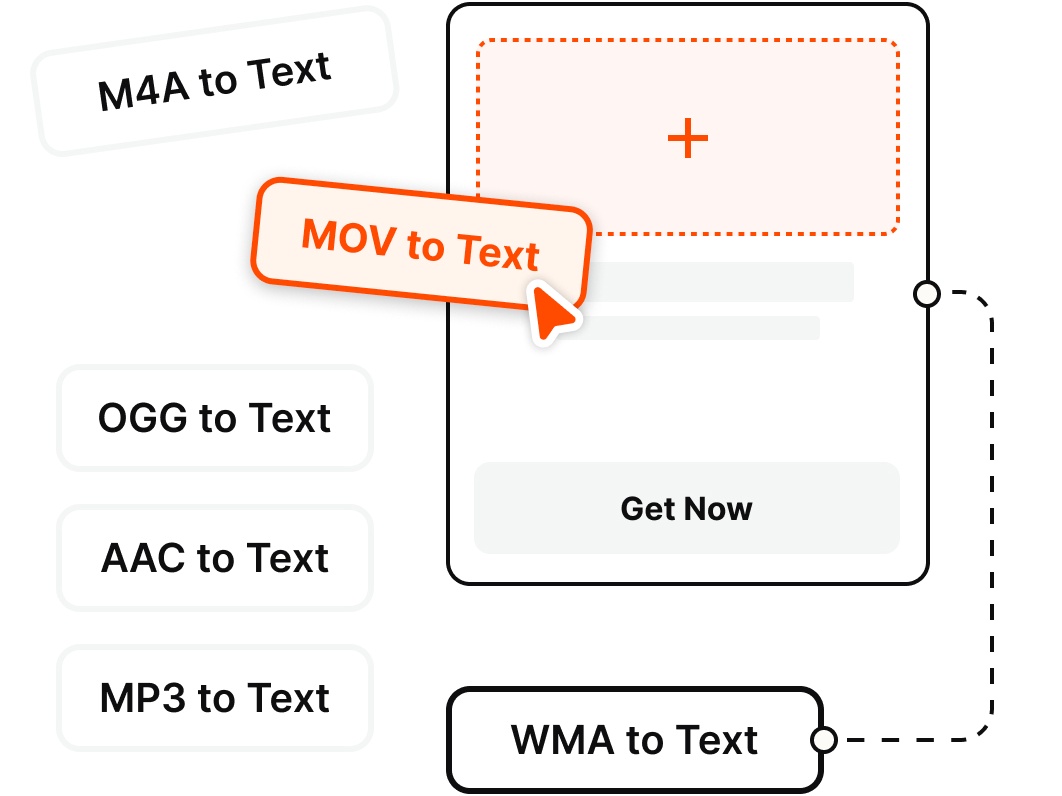
Got more than MPEG? VOMO transcribes every common audio and video format — no extra conversion required.
なぜ選ぶのか
Transcribe MPEG and MPG video directly — no conversion to MP4 — with AI summaries, speaker identification, and export-ready notes.
Skip converting MPEG or MPG to MP4 or ripping the audio first. VOMO reads the audio track straight from your file — even when your phone or cloud drive won't open it — and gets to work.
Whether it's an MPG from a DVD, a TV broadcast capture, a VCD/SVCD, or an old camcorder transfer, VOMO transcribes both MPEG-1 and MPEG-2 video.
Turn old recordings you've kept for years into searchable, editable text — so interviews, lectures, sermons, and family or event footage finally become easy to read and reuse.
Transcribe the speech in your MPEG in 50+ languages with automatic language detection, clean punctuation, and speaker labels — up to 99% on clear audio.
Turn a long MPEG recording into a summary, key points, action items, and a speaker-labeled transcript you can scan in seconds.
Ask AI questions about your MPEG transcript, make quick edits, and export in TXT, DOCX, PDF, Markdown, Image, or HTML.
料金
$0
/週
$1.92
/週
MPEGファイルをテキストに変換するには、ウェブサイトまたは専用のiOSアプリからVomo.aiプラットフォームにビデオをアップロードするだけです。Vomo.aiのAIツールが自動的に音声トラックの音声を分析し、編集可能な完全なテキスト原稿を提供します。
はい。Vomo.aiは無料トライアルを提供しており、ウェブプラットフォームとモバイルアプリの両方でMPEGからテキストへの変換を無料でご利用いただけます。これにより、弊社のサービスの正確さとスピードをお試しいただけます。
もちろんだ。2つの柔軟なオプションがあります。iMacやMacBookでMPEG-4ファイルをテキストに変換するには、弊社のオンラインツールをウェブブラウザで直接使用できます。iPhoneやiPadでのモバイル変換には、App Storeから専用のiOSアプリをダウンロードしてください。
大きなMPEGビデオファイルを標準的なテキストメッセージで直接送信することはできません。最良の方法は、まず私たちのツールを使ってビデオのダイアログをテキストに書き起こすことです。そうすれば、そのテキストを簡単にコピーしてメッセージに貼り付け、コンテンツを共有することができます。
これらはビデオ圧縮の異なる規格です。しかし、テープ起こしの目的であれば、その区別を気にする必要はありません。当社のツールは、ファイル内のオーディオトラックという最も重要な部分に焦点を当てることで、すべての一般的なMPEGフォーマットを処理できるように設計されています。