
Open VOMO on Your Mac
Start recording right in your Mac browser — no app to install and no BlackHole or Loopback drivers to configure. Or upload an audio file you already have.
Record clear audio on your Mac and turn it into an accurate transcript in minutes — no virtual audio drivers, plugins, or complicated setup. Get AI noise removal, speaker labels, and summaries in 50+ languages.
How To
Start recording right in your Mac browser — no app to install and no BlackHole or Loopback drivers to configure. Or upload an audio file you already have.

Capture lectures, meetings, interviews, or quick voice memos. VOMO's AI cleans up background noise while you record, so the result stays clear.
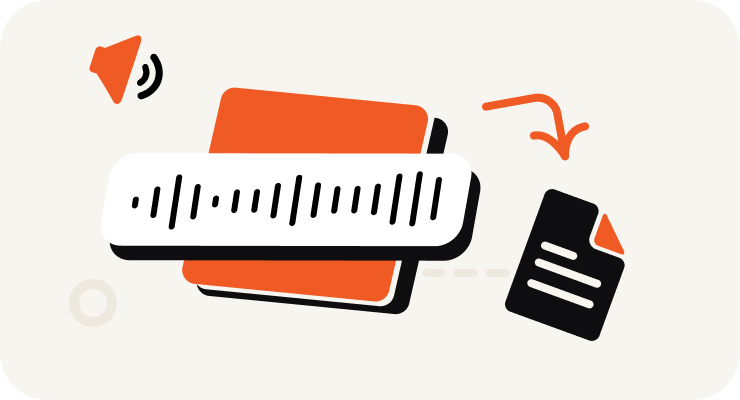
VOMO turns your Mac recording into text, adds punctuation, identifies speakers, and prepares an AI summary — all in minutes.

Edit your transcript, ask AI questions about the content, and export as TXT, DOCX, PDF, Markdown, Image, or HTML.
Turn your audio and video into highly accurate text, Markdown, or HTML in seconds. No experience required.
⚡ No credit card required · Free daily credits · 100% Secure & Confidential
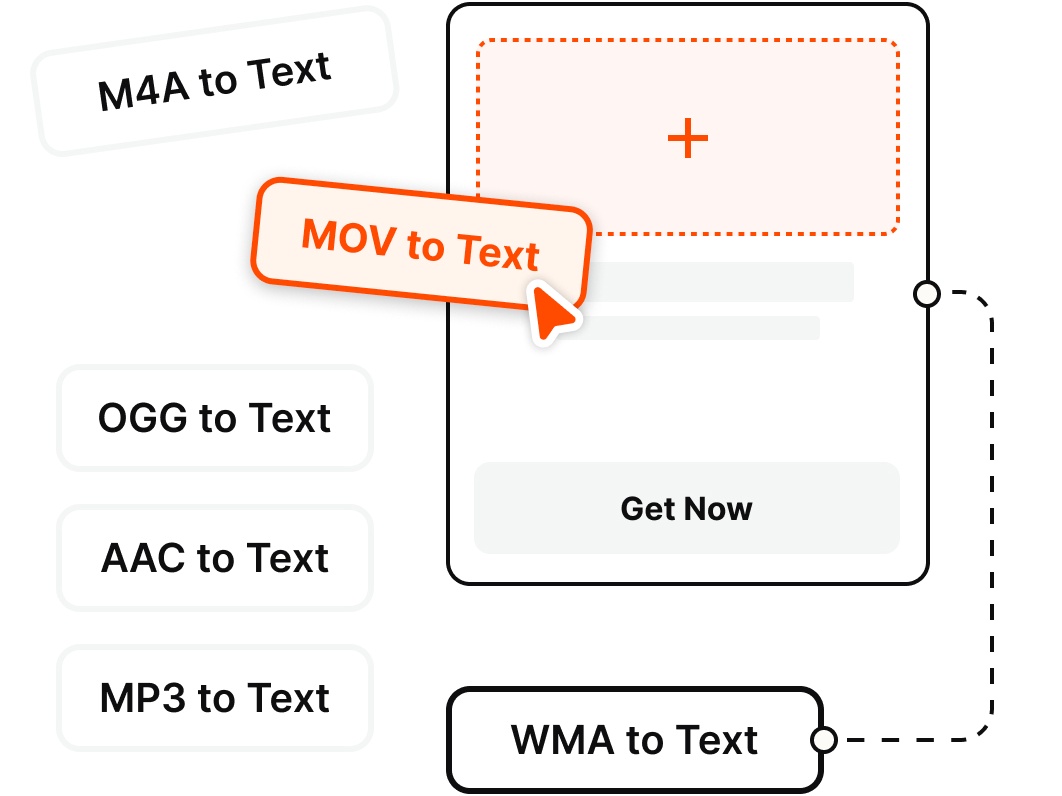
Record directly on your Mac or upload existing files — VOMO transcribes the most common audio and video formats.
Why Choose
Record clean audio on your Mac and get an instant transcript — no drivers, no second app, no fuss.
Skip the QuickTime + BlackHole or Loopback routine. Record on your Mac straight from the browser and start capturing audio in a single click.
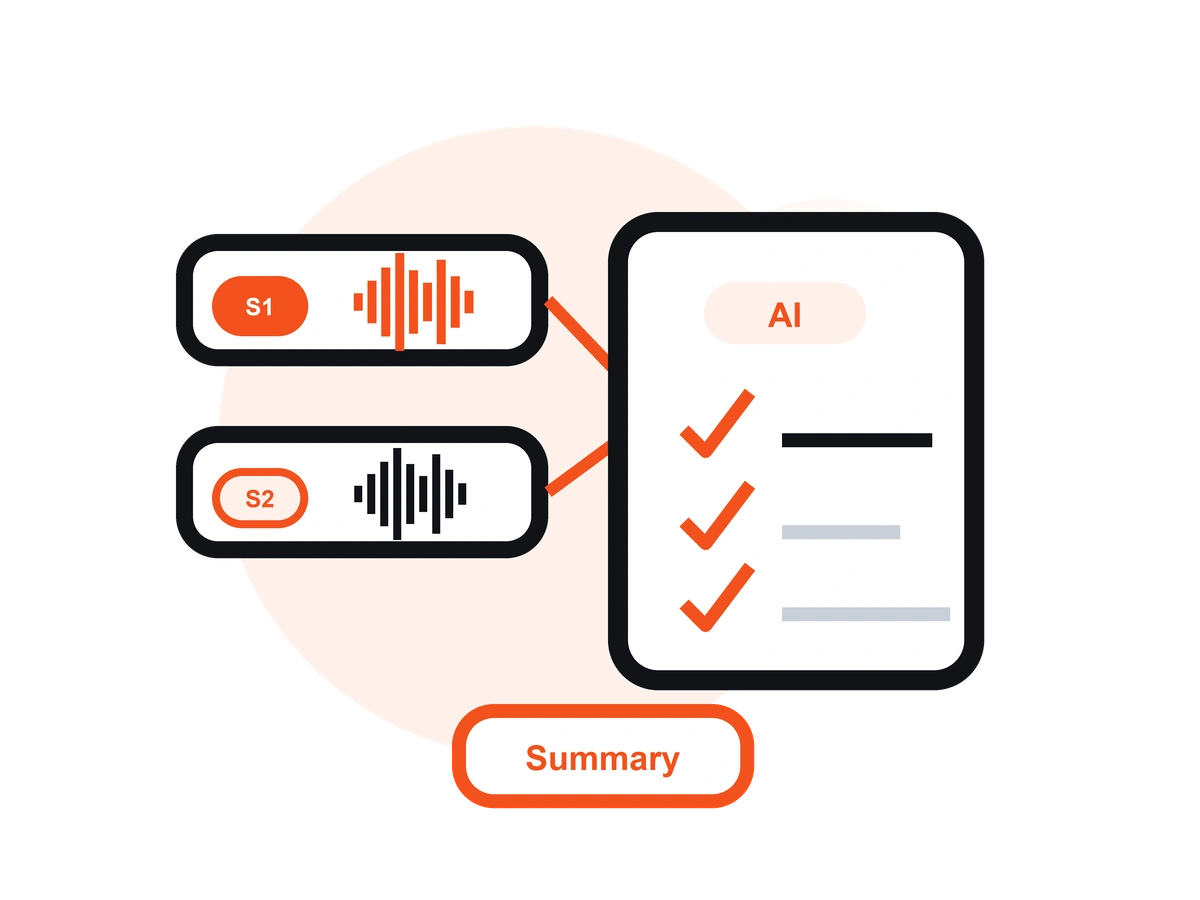
Unlike QuickTime or GarageBand, VOMO records your audio and turns it into an editable transcript with AI notes — no exporting to a separate transcription tool.
VOMO reduces background noise from fans, cafés, and busy rooms, so your Mac recordings stay clear and easy to read once transcribed.
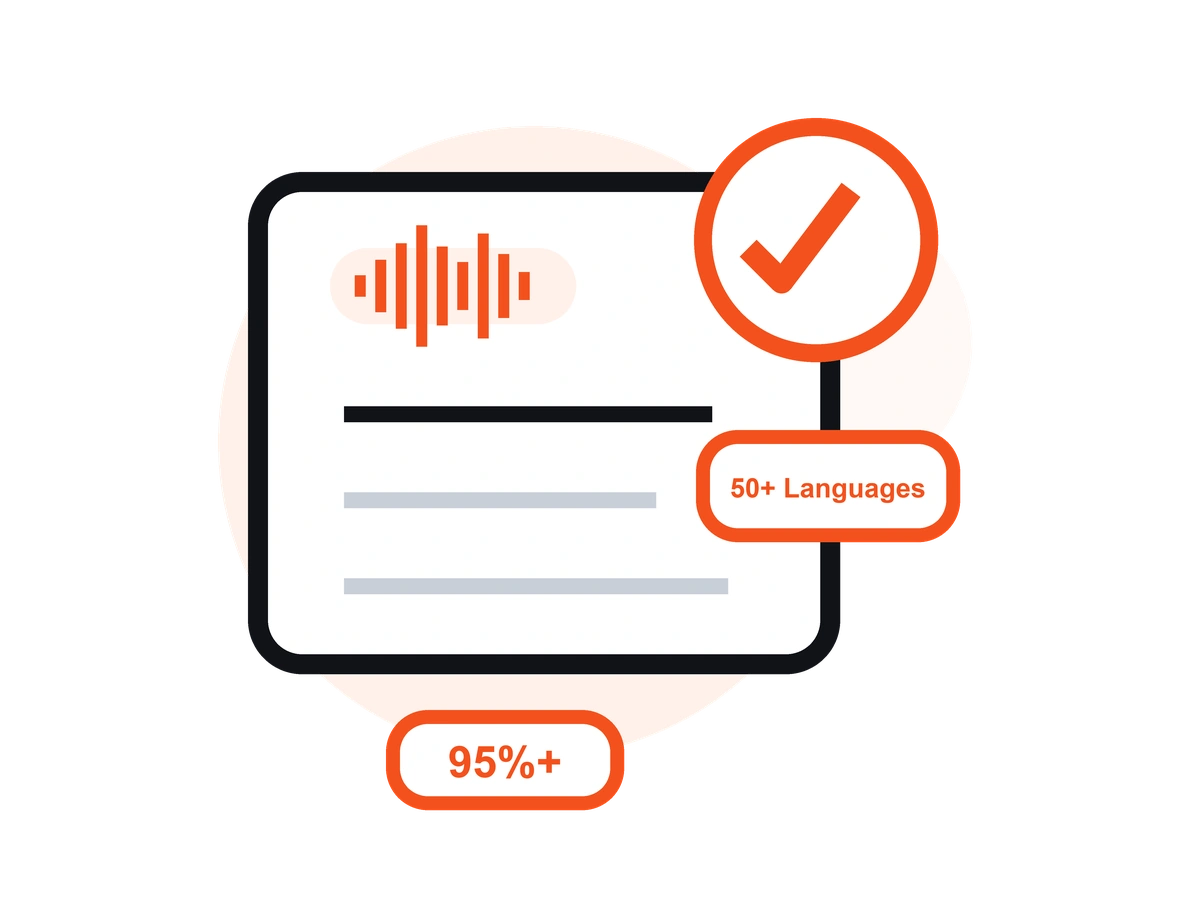
Transcribe your Mac recordings in 50+ languages with automatic language detection, clean punctuation, and speaker labels — up to 99% accuracy on clear audio.
Turn long Mac recordings into summaries, key points, action items, and speaker-labeled transcripts you can scan in seconds.
Record on your Mac in the browser, or on the go with the free iOS app — your recordings and transcripts stay in sync across devices.
Pricing
$0
/Week
$4.66
/Week
Open VOMO in your Mac browser, click record, and start speaking or capturing your meeting or lecture. When you stop, VOMO transcribes the audio automatically. You can also upload an existing recording from your Mac — no software download required.
No. VOMO records directly in your browser, so you don't need to set up virtual audio drivers the way QuickTime or Audacity often require. Just open the recorder and start capturing.
Yes. Instead of recording in QuickTime or GarageBand and then finding a separate transcription app, VOMO records your audio and delivers an editable transcript with speaker labels and an AI summary in one place.
Yes. VOMO's AI reduces background noise while you record, so recordings made in noisy rooms, cafés, or near a laptop fan stay clear and transcribe more accurately.
Yes. VOMO's Free plan includes 30 minutes of recording and transcription per week — no credit card required. For unlimited minutes and files up to 3+ hours, upgrade to Pro for $1.92/week.
VOMO handles common formats like M4A, MP3, WAV, and FLAC. Once transcribed, you can export your text as TXT, DOCX, PDF, Markdown, Image, or HTML.
Yes. VOMO transcribes in 50+ languages with automatic language detection, and you can translate the finished transcript into other languages before exporting.
Yes. VOMO runs in your Mac browser, so there's nothing to install. If you'd rather record on the go, download the free iOS app and your recordings will sync back to your Mac.