

Upload Your MP4 File
Drag and drop your MP4 video file directly into the upload box or click to select the recording from your device. We support all MP4 codecs and resolutions.
Turn MP4 Video Files into High-Resolution Photos with AI.
How To
Drag and drop your MP4 video file directly into the upload box or click to select the recording from your device. We support all MP4 codecs and resolutions.

Choose how you want to convert the video. You can extract a specific frame as a screenshot, convert a segment into an image sequence, or use AI to identify key slides.

VOMO’s engine scans the MP4 container to retrieve pixel-perfect visual data, ensuring that your extracted images match the original video quality.

Preview the captured results and download your selected visuals as JPG or PNG files to save, share, or edit further.
Turn your audio and video into highly accurate text, Markdown, or HTML in seconds. No experience required.
⚡ No credit card required · Free daily credits · 100% Secure & Confidential
Why Choose

Whether it's lectures, meetings, or interviews, VOMO extracts crisp, high-resolution frames from your MP4 files. Capture the exact slides, charts, or moments you need in a single click — no video editor required.

Any Codec, Any Resolution — Extract frames from MP4 files of any codec or resolution, from 480p clips to 4K recordings. VOMO preserves the original quality so every exported image stays sharp.

VOMO uses enterprise-grade encryption to process your MP4 files and generate your extracted images, ensuring your data stays secure and confidential throughout the conversion.
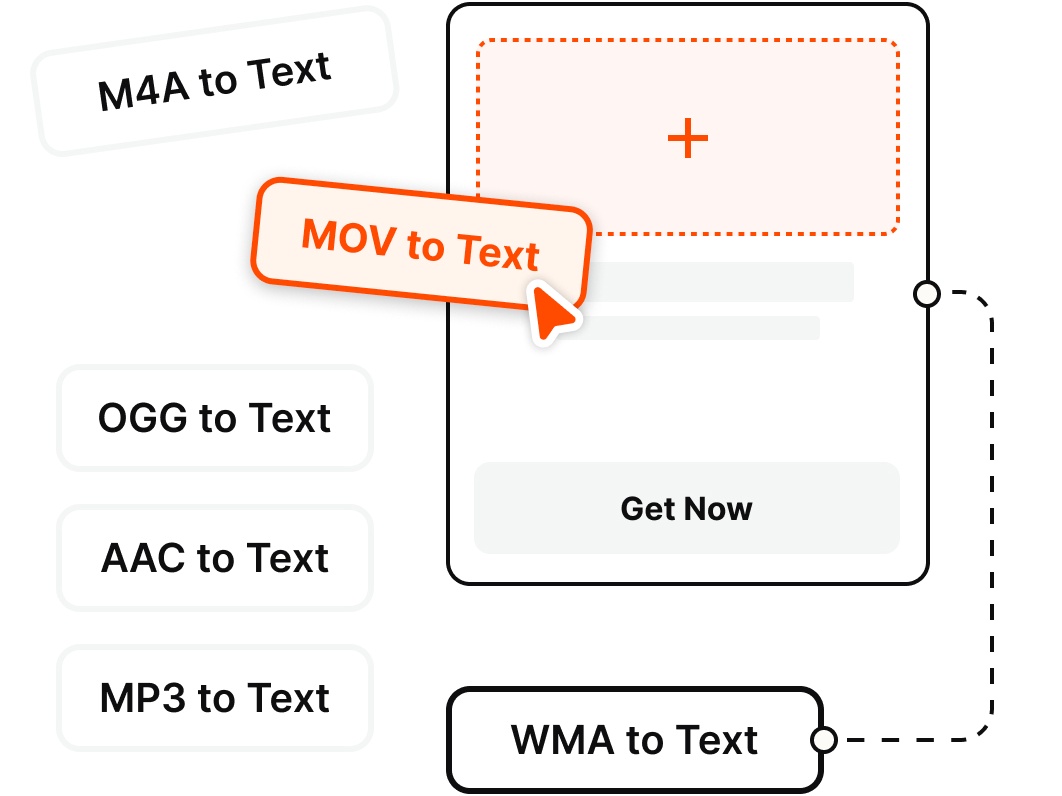
VOMO supports all major audio and video formats, allowing you to transcribe files from any source without the hassle of conversion.
Pricing
$0
/Week
$1.92
/Week
Simply upload your MP4 to VOMO and choose your extraction mode. VOMO captures the frames you select and lets you download them as high-resolution JPG or PNG files.
Yes, VOMO is optimized to handle large video files. Whether you have a short clip or a long-form recording, our cloud-based engine processes the data efficiently to generate your text image.
Absolutely. Once the transcription is complete, you can review and edit the text directly within the VOMO editor to ensure everything is correct before downloading your final image.
While we specialize in MP4 to image (text), VOMO supports a wide range of audio and video formats, including MOV, AVI, WAV, MP3, and M4A.
VOMO extracts pixel-perfect frames straight from the source video, so your exported images match the original resolution and clarity with no compression artifacts.
Your privacy is fully protected. All MP4 files uploaded for conversion are transmitted via encrypted connections and are automatically deleted from our servers after the process is complete.