Transcribe Dutch Audio to Text

Upload your audio file and let our AI generate a precise, editable transcript in to. Our platform is perfect for analyzing interviews, creating searchable archives from podcasts, and supporting linguistic research.

Download VOMO

Start Free Transcription

How to Transcribe Dutch Audio with VOMO AI

Step 1: Upload your Dutch file

Drag & drop or select your audio/video file—or paste a YouTube URL—to begin transcription immediately.

Step 2: AI transcribes & summarizes

Within seconds, VOMO generates a detailed, time-coded transcript with Smart Notes highlighting key points.

Step 3: Refine, export, or share

Make edits as needed, then copy, export, or share via an instant link—fully in-browser.

Step 1: Upload your Dutch file

Drag & drop or select your audio/video file—or paste a YouTube URL—to begin transcription immediately.

Step 2: AI transcribes & summarizes

Within seconds, VOMO generates a detailed, time-coded transcript with Smart Notes highlighting key points.

Step 3: Refine, export, or share

Make edits as needed, then copy, export, or share via an instant link—fully in-browser.

Try VOMO now

Why VOMO AI Excels for Dutch Audio Transcription

Supported audio and video formats

VOMO supports a variety of audio and video file formats for conversion, including:

Try VOMO now

convert different audio file formats to text​

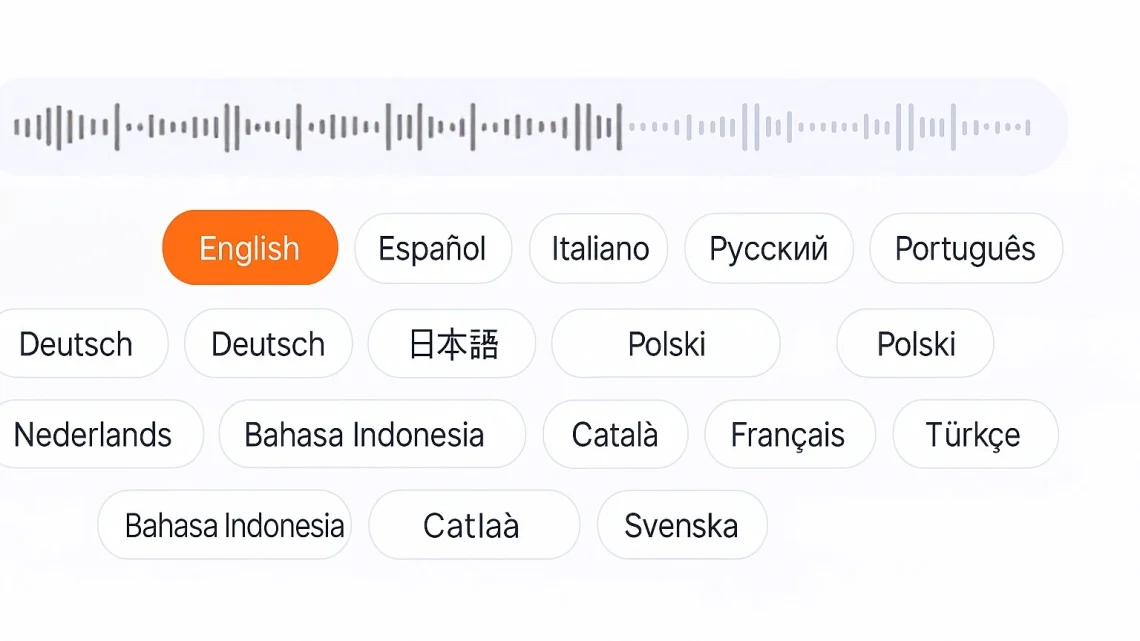
Languages Supported by VOMO

chatgpt image 2025年7月10日 02 06 39

FAQS

Do I need an account to transcribe?

No—upload and preview your transcript immediately. Registration is only necessary to export or use extended features.

Which formats are supported?

VOMO works with MP3, WAV (audio), MP4, MKV, AVI (video), and supports YouTube links.

How accurate is it with Dutch dialects?

VOMO’s advanced AI ensures high transcription accuracy across various Dutch accents and speech styles.

Can it auto-generate summaries?

Yes—it produces Smart Notes and structured key-point summaries automatically to help you grasp main ideas fast.

How do I export or share the transcript?

Export in TXT, DOCX, or SRT format, copy it, or share via a secure link—all directly from the interface.