Transcribe English Audio to Text

Upload your audio file and let our AI generate a precise, editable transcript in to. Our platform is perfect for analyzing interviews, creating searchable archives from podcasts, and supporting linguistic research.

Download VOMO

Start Free Transcription

How to Transcribe English Audio with VOMO AI

1. Upload your file

Drag-and-drop or select a local audio/video (e.g. MP3, MP4, WAV), paste a video link—all supported.

2. Automatic speech-to-text conversion

VOMO transcribes immediately using top-tier speech models designed for clarity and speed.

3. Copy, refine, or export

Once ready, copy your text, tweak it inline, or export to .txt, .docx, .srt—or share via VOMO link.

Try VOMO now

What Sets VOMO AI Apart for English Transcription

Supported audio and video formats

VOMO supports a variety of audio and video file formats for conversion, including:

Try VOMO now

convert different audio file formats to text​
icon 2

Explore More transcription tools

Discover additional tools for audio, video, and text automation — all free and instantly accessible.

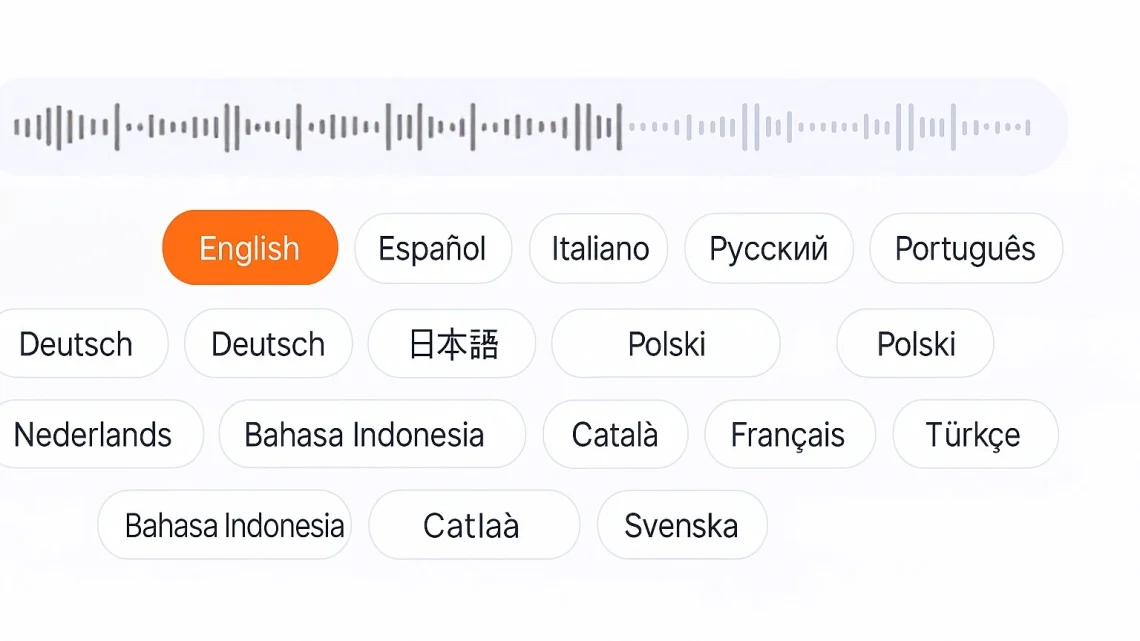
Languages Supported by VOMO

chatgpt image 2025年7月10日 02 06 39

FAQS

Do I need to register to use this?

No registration is required—just upload and start transcribing instantly.

What types of files can I use?

VOMO supports various audio/video formats like MP3, WAV, MP4, MOV, FLAC, and even YouTube links.

How accurate is the transcription?

VOMO achieves up to 99% accuracy using advanced speech recognition—fast and reliable.

Can I export my transcript?

Yes! Export your transcript in multiple formats (.txt, .docx, .srt), copy, or share via link.

Does it support summaries?

Yes, VOMO can generate summaries and key highlights of your transcript using AI.

vomo logo
20250727 103817 22
Unlock Instant Al Meeting Notes
left ear of wheat

Trusted by 100,000+ users

5 star
wheat ear on the right

No Credit Card Required