Transcribe Hindi Video To Sanskrit Text

Upload your audio file and let our AI generate a precise, editable transcript in Sanskrit. Our platform is perfect for analyzing interviews, creating searchable archives from podcasts, and supporting linguistic research.

Download VOMO

Start Free Transcription

How to Use VOMO AI to Translate Hindi Video to Sanskrit Text

Register with your email

Create an account quickly with your email—no credit card needed. Your account is credited with 30 free trial minutes immediately.

Upload your Hindi media

Drag‑and‑drop or browse formats like MP4, AVI, MOV or MP3, WAV, FLAC for video or audio. You can also paste YouTube links.

Transcribe Hindi audio

VOMO AI auto‑transcribes the audio into a time‑coded Hindi transcript with speaker labels.

Translate to Sanskrit via Ask AI chat

Immediately use the chat window beside the transcript and type “Translate to Sanskrit”—the AI returns refined classical Sanskrit in Devanāgarī script.

Refine, copy, save or share

Edit as needed, then copy the Sanskrit text, save it in the chosen format, or generate a shareable link—all within the browser.

Register with your email

Create an account quickly with your email—no credit card needed. Your account is credited with 30 free trial minutes immediately.

Upload your Hindi media

Drag‑and‑drop or browse formats like MP4, AVI, MOV or MP3, WAV, FLAC for video or audio. You can also paste YouTube links.

Transcribe Hindi audio

VOMO AI auto‑transcribes the audio into a time‑coded Hindi transcript with speaker labels.

Translate to Sanskrit via Ask AI chat

Immediately use the chat window beside the transcript and type “Translate to Sanskrit”—the AI returns refined classical Sanskrit in Devanāgarī script.

Refine, copy, save or share

Edit as needed, then copy the Sanskrit text, save it in the chosen format, or generate a shareable link—all within the browser.

Try VOMO now

Why VOMO AI Excels at Translating Hindi to Sanskrit

Supported audio and video formats

VOMO supports a variety of audio and video file formats for conversion, including:

Try VOMO now

convert different audio file formats to text​

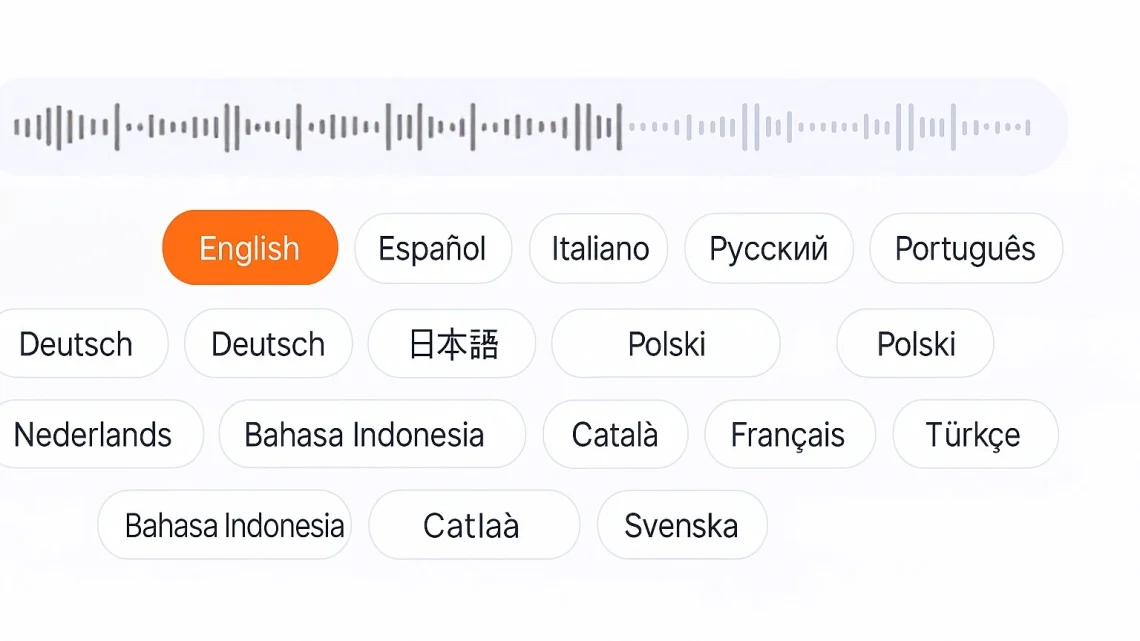
Languages Supported by VOMO

chatgpt image 2025年7月10日 02 06 39

FAQS

Is a credit card needed to start?

No—institute email signup is enough to receive 30 trial minutes for both transcription and translation.

Can translation happen entirely in VOMO?

Yes—everything from transcript generation to Sanskrit translation occurs in one session within VOMO.

Which file types are supported?

You can upload video files (MP4, MKV, AVI, MOV) or audio files (MP3, WAV, FLAC, AAC), or paste YouTube links.

Is editing possible before saving?

Absolutely—you can refine speaker details, timing, or translation phrasing before saving the final Sanskrit text.

What happens when trial minutes are used up?

Once your 30 free minutes are used, you’ll be invited to upgrade. Until then, your content remains accessible in your account.