Accurate Macedonian Video To English Text

Upload your audio file and let our AI generate a precise, editable transcript in English. Our platform is perfect for analyzing interviews, creating searchable archives from podcasts, and supporting linguistic research.

Download VOMO

Start Free Transcription

How to Translate Macedonian Video to English Text Using VOMO AI

Register with your email

Create a VOMO account with just your email—no credit card required. Instantly receive 30 trial minutes to use for transcription and translation.

Upload your Macedonian media

Drag & drop or browse to upload popular formats such as MP4, MKV, AVI, MOV for video and MP3, WAV, FLAC, AAC for audio—or paste a link from YouTube.

Transcribe to English

VOMO AI generates an English transcript of your Macedonian content, complete with timestamps and speaker identifiers.

Translate via in‑app Ask AI chat

In the chat panel next to your transcript, type “Translate to English”—the AI provides a natural, aligned English translation instantly.

Edit, copy, save, or share

Make any necessary adjustments, then copy the text, save in your preferred format, or generate a secure share link—all without leaving the interface.

Try VOMO now

Why Choose VOMO AI for Macedonian → English Text Workflow

Supported audio and video formats

VOMO supports a variety of audio and video file formats for conversion, including:

Try VOMO now

convert different audio file formats to text​
icon 2

Explore More transcription tools

Discover additional tools for audio, video, and text automation — all free and instantly accessible.

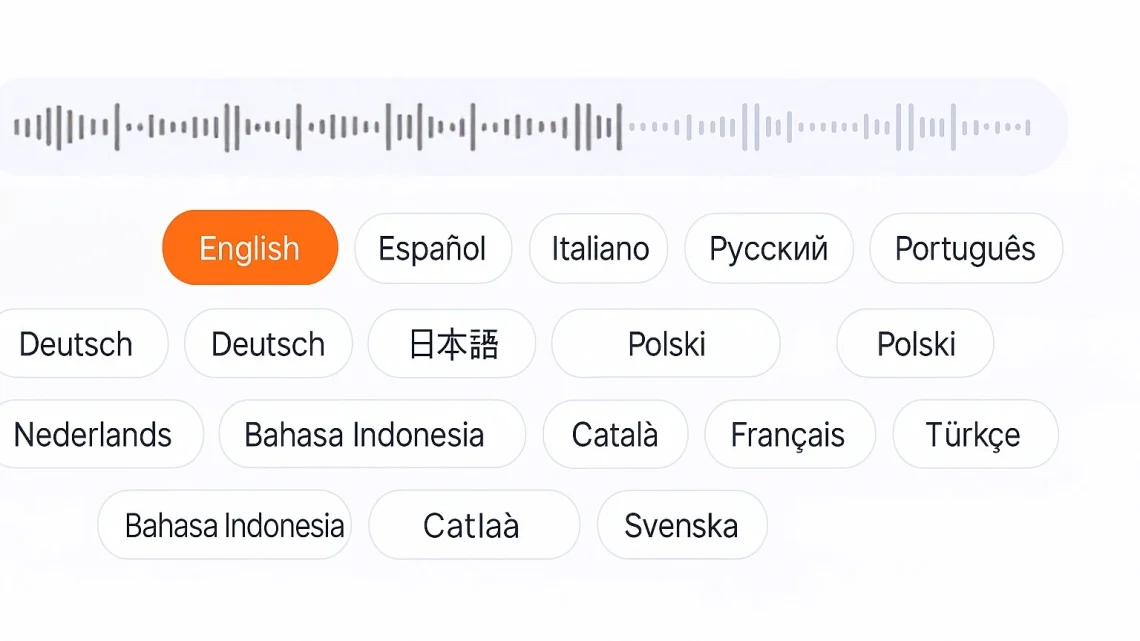
Languages Supported by VOMO

chatgpt image 2025年7月10日 02 06 39

FAQS

Do I need to enter billing details to start?

No—simply register with email and you receive 30 free trial minutes instantly. No credit card is required.

Is the translation performed inside VOMO?

Yes—transcription and translation are both handled within the same Ask AI chat interface—no external tools needed.

Which file types does VOMO support?

VOMO accepts most major video (MP4, MKV, AVI, MOV) and audio (MP3, WAV, FLAC, AAC) formats, and also supports YouTube links.

Can I edit the transcript before saving?

Absolutely—you can adjust speaker labels, timing, or phrasing before copying or saving the final English output.

What happens when trial minutes are used up?

Once your 30 trial minutes are used, you'll be prompted to upgrade to a paid plan. Until then, your transcripts remain accessible in your account.

vomo logo
20250727 103817 22
Unlock Instant Al Meeting Notes
left ear of wheat

Trusted by 100,000+ users

5 star
wheat ear on the right

No Credit Card Required