
Upload Your FLAC File
Drag and drop your .flac file, or choose it from your device. Add one recording or several at once — other audio and video files work too.
Turn lossless FLAC into accurate text, no MP3 conversion needed. VOMO transcribes at up to 99% accuracy with speaker labels, timestamps, and AI summaries in minutes.
Cara penggunaan
Drag and drop your .flac file, or choose it from your device. Add one recording or several at once — other audio and video files work too.
Let VOMO auto-detect the spoken language, or select it manually, and review your file details before transcription starts.
VOMO converts the speech into clean, timestamped text with punctuation and speaker labels, then prepares an AI summary — putting FLAC's lossless quality to work for a sharper transcript.
Edit the transcript, ask AI about the content, translate it if needed, and export as TXT, DOCX, PDF, SRT, Markdown, Image, or HTML.
Ubah audio dan video Anda menjadi teks yang sangat akurat, Markdown, atau HTML dalam hitungan detik. Tidak diperlukan pengalaman.
⚡ Tidak diperlukan kartu kredit · Kredit harian gratis · 100% Aman & Rahasia
Upload a FLAC file or any common recording — VOMO reads the popular audio and video formats with no conversion needed.
Mengapa memilih
Transcribe lossless FLAC straight from the file — high accuracy, speaker labels, summaries, and export-ready notes, all in one place.
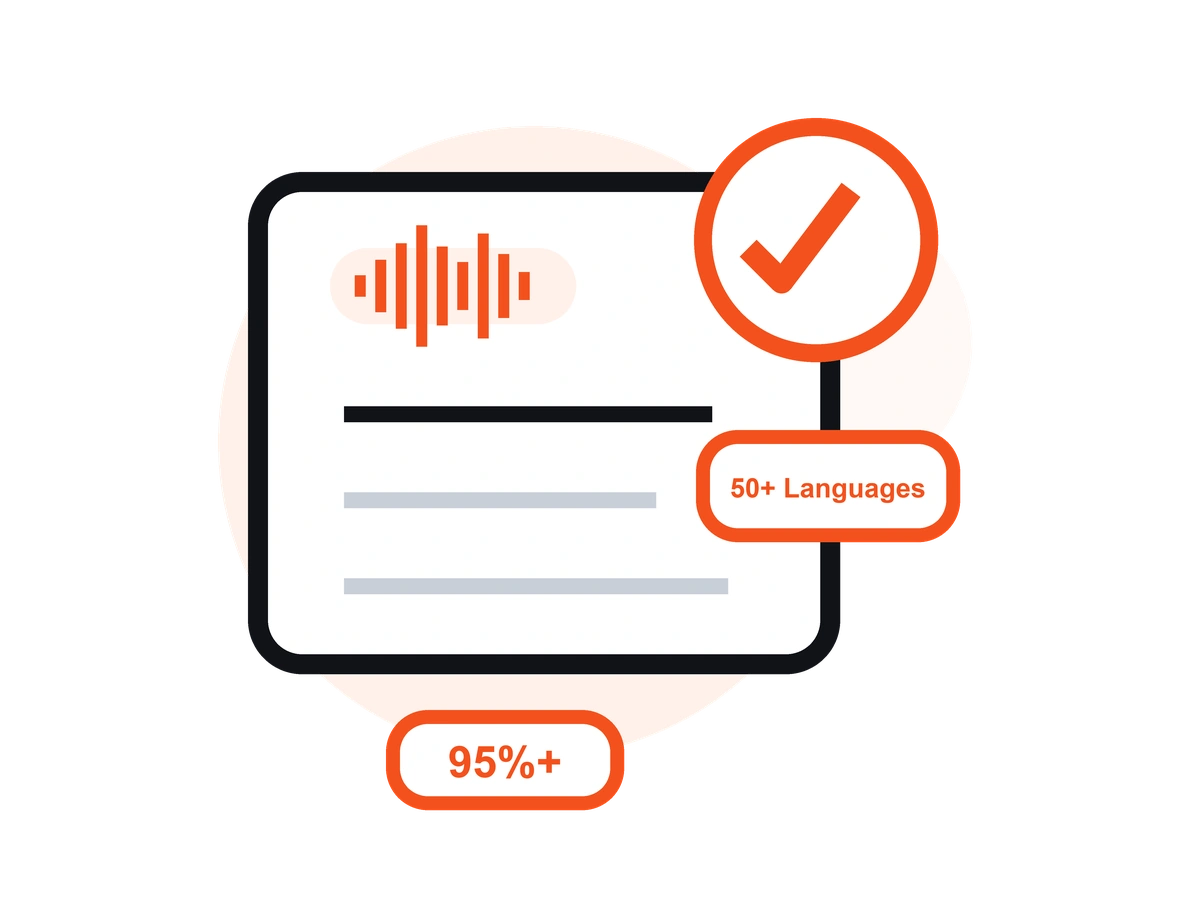
FLAC loses nothing to compression, so every word reaches VOMO as it was recorded. That clean signal lets transcription hit up to 99% accuracy on clear audio.
Many transcribers can't open FLAC and make you convert to MP3 first. VOMO reads the .flac file directly — you keep the original quality and skip the extra step.
Lossless recordings are big and often run for hours. VOMO transcribes multi-hour files in one pass, with no splitting and no timing out.
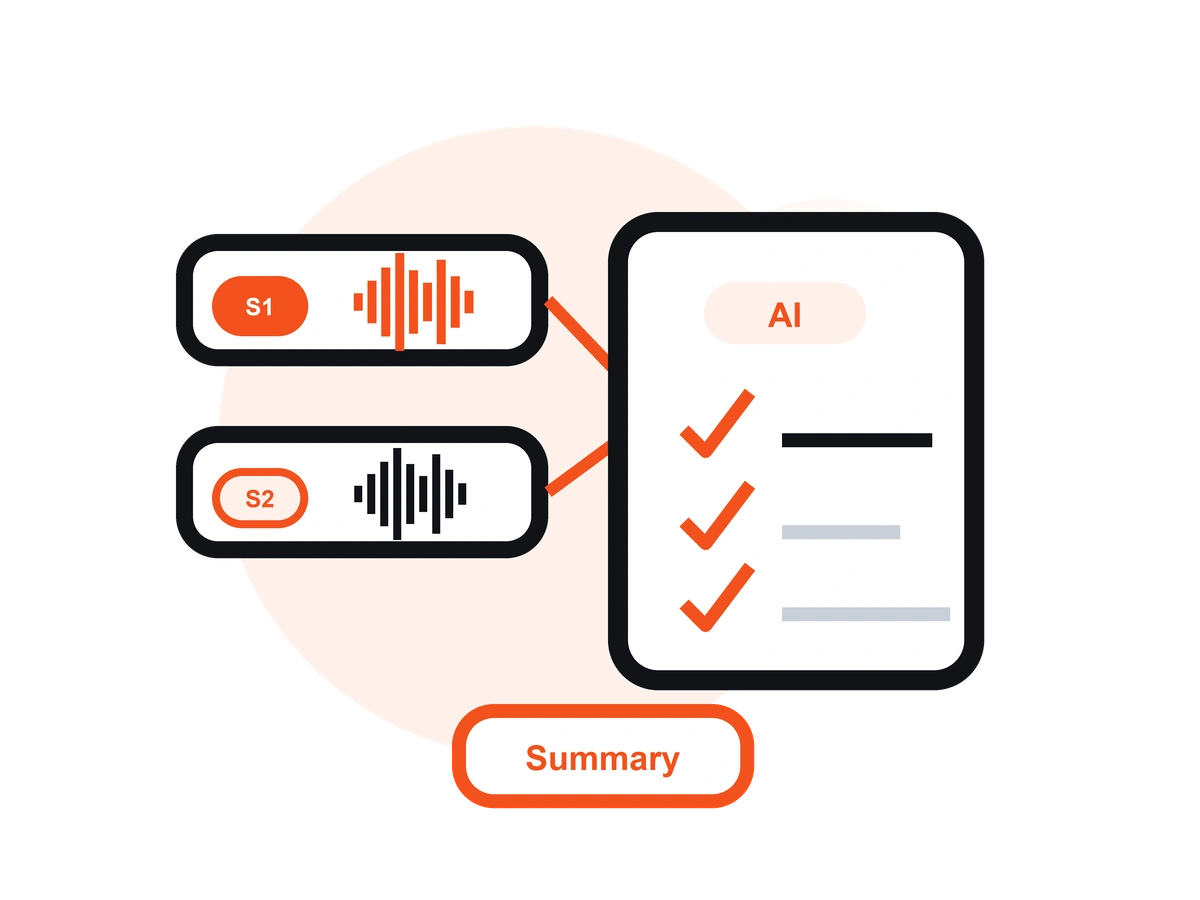
VOMO automatically separates who said what and marks the timing — ideal for interviews, panels, and field recordings captured in high fidelity.
Turn a long FLAC recording into a summary, key points, and action items — or ask AI about the content instead of replaying the whole file.
Export as TXT, DOCX, PDF, SRT, Markdown, Image, or HTML, and translate your transcript into 50+ languages with Ask AI.
Harga
$0
/minggu
$1.92
/minggu
Upload your .flac file to VOMO, let the AI auto-detect the language (or set it), and get an editable transcript with a summary in minutes. It works right in your browser — no software to download.
No. VOMO reads FLAC directly, so you don't have to convert it or lose any audio quality. Just upload the .flac file and start transcribing.
Because FLAC is lossless, VOMO gets the cleanest possible signal and reaches 95%+ accuracy — up to 99% on clear recordings. Heavy background noise or overlapping speakers can lower it, so clear audio gives the best results.
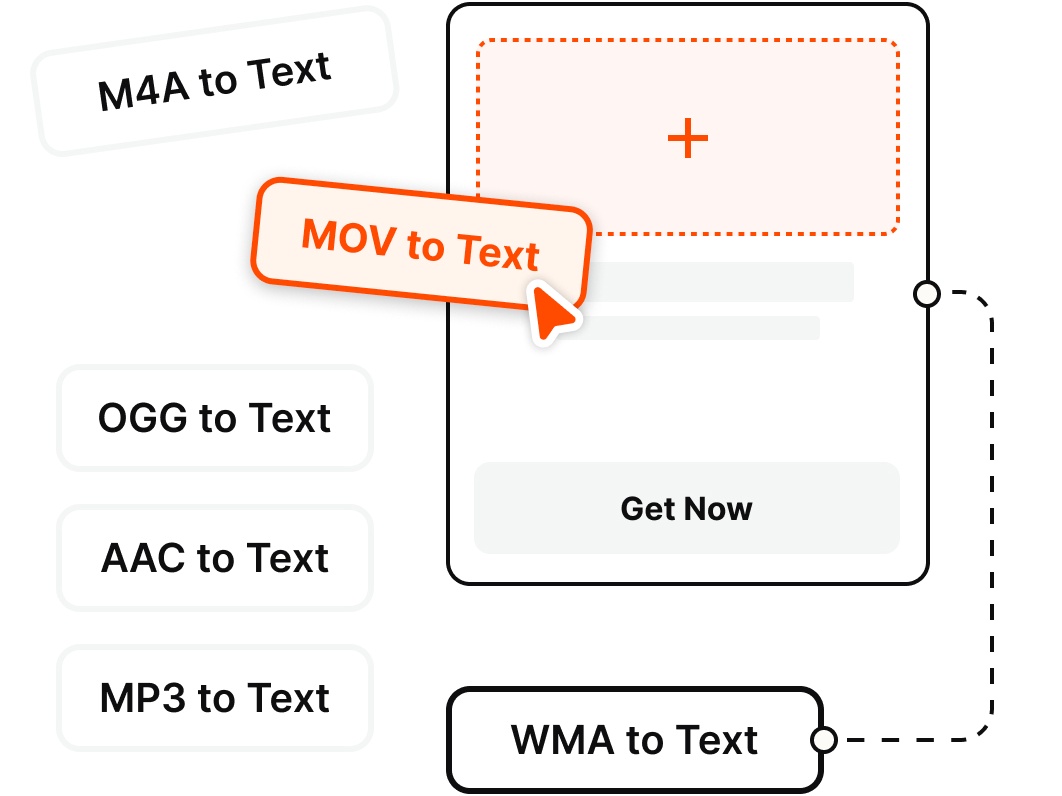
Besides FLAC, VOMO accepts M4A, MP3, and WAV audio, plus video formats like MP4, MKV, MOV, AVI, FLV, and WMV — so you can transcribe most recordings without any conversion.
Yes. Lossless files are large, but VOMO handles them without splitting and transcribes long recordings in one pass. The Free plan covers 30 minutes per week, while Pro handles files up to 3+ hours with unlimited minutes.
Yes. VOMO automatically detects and labels speakers, and you can rename them in the editor after transcription. It works best when speakers take clear turns with minimal overlap.
Yes. VOMO's Free plan includes 30 minutes of transcription per week — no credit card required. For long recordings and unlimited minutes, upgrade to Pro for $1.92/week.
Yes. Export as TXT, DOCX, PDF, SRT, Markdown, Image, or HTML, and use Ask AI to translate the transcript into any of 50+ languages before you share it.
Transcribe lossless audio into accurate, editable text in seconds. No experience required.
Start Free Transcription Now