

Upload Your MOV File
Drag and drop the MOV video from your iPhone, Mac, QuickTime, or camera. There's no need to convert it to MP4 or extract the audio to MP3 first.
Transcribe MOV (QuickTime) videos into accurate, editable text with 95%+ accuracy. VOMO reads the audio straight from your iPhone, Mac, or camera MOV files — with no conversion needed — and adds speaker labels, AI summaries, and export-ready notes in minutes.
How To
Drag and drop the MOV video from your iPhone, Mac, QuickTime, or camera. There's no need to convert it to MP4 or extract the audio to MP3 first.

Select the spoken language or let VOMO auto-detect it. Review your file details before transcription starts.

VOMO pulls the audio track from your MOV, converts speech to text, adds punctuation, identifies speakers, and prepares an AI summary in minutes.

Edit your transcript, ask AI questions about the content, and export as TXT, DOCX, PDF, Markdown, Image, or HTML.
Turn your audio and video into highly accurate text, Markdown, or HTML in seconds. No experience required.
⚡ No credit card required · Free daily credits · 100% Secure & Confidential
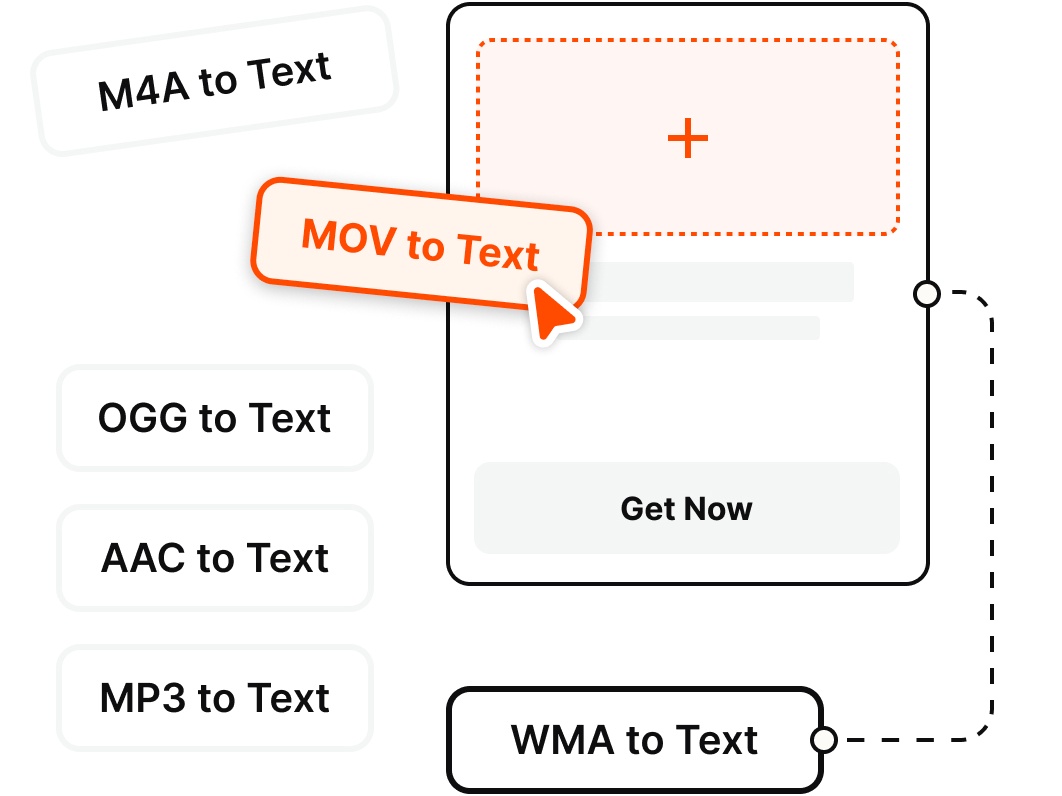
Got more than MOV? VOMO transcribes every common audio and video format — no extra conversion required.
Why Choose
Transcribe QuickTime video directly — no conversion — with AI summaries, speaker identification, and export-ready notes.
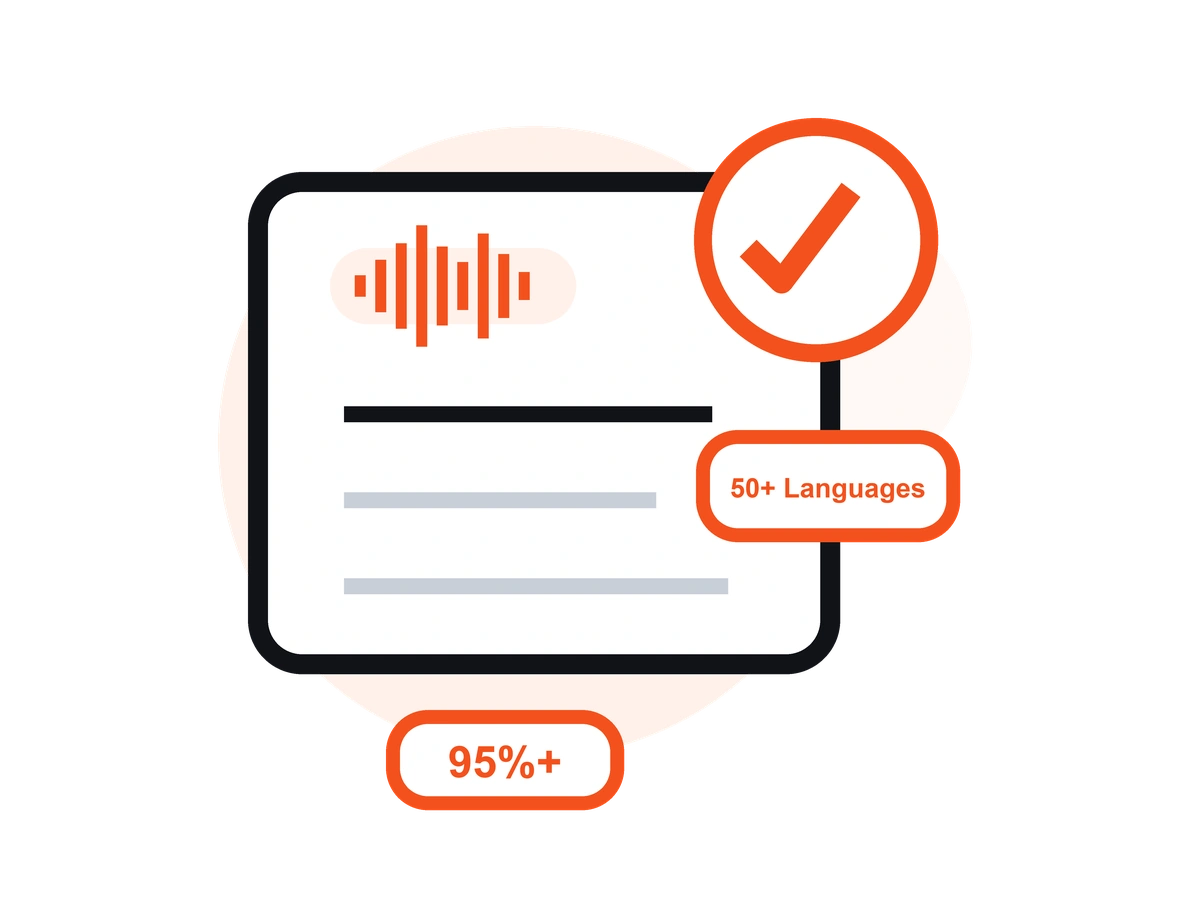
Skip converting MOV to MP4 or ripping the audio to MP3. VOMO reads the audio track straight from your QuickTime file and gets to work.
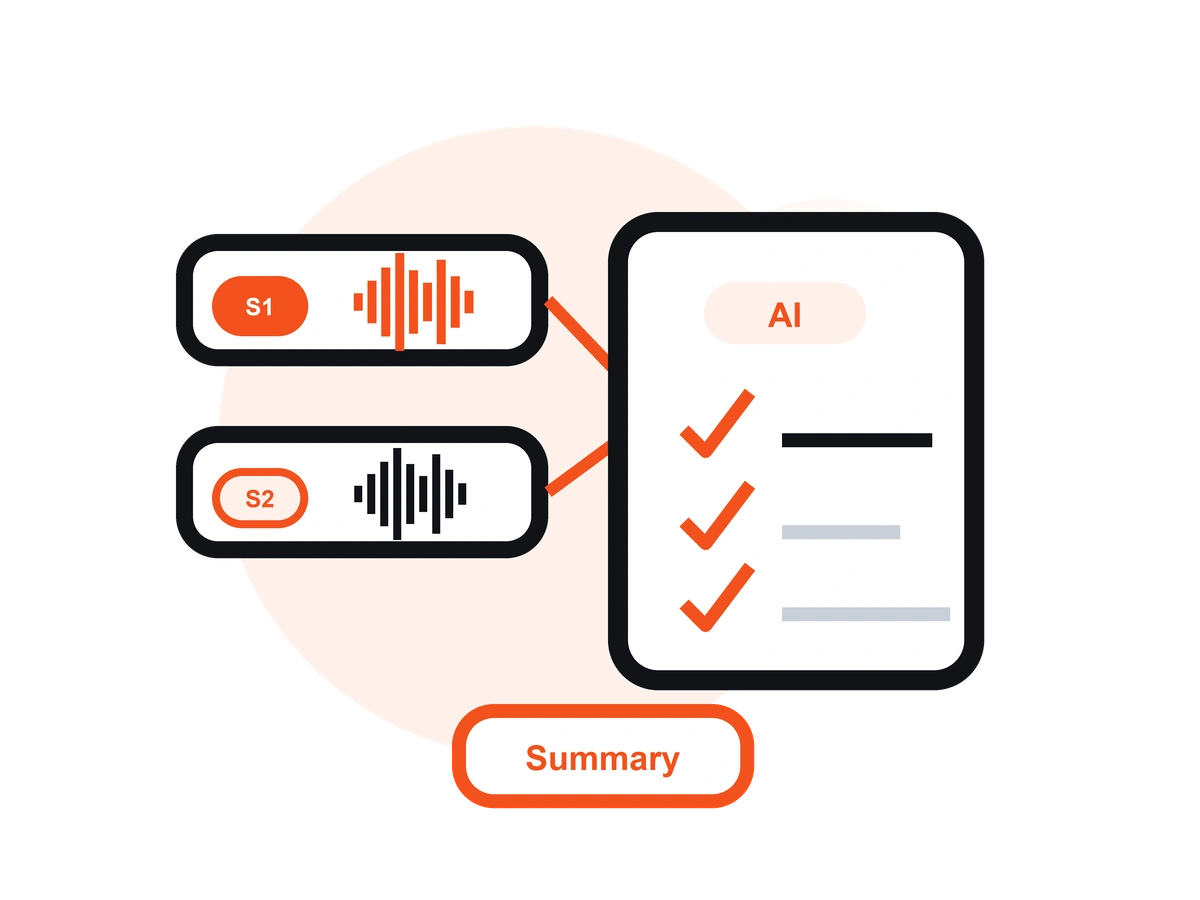
MOV is Apple's QuickTime format, so VOMO is ready for iPhone and iPad recordings, Mac screen captures, Final Cut Pro exports, and DSLR footage.
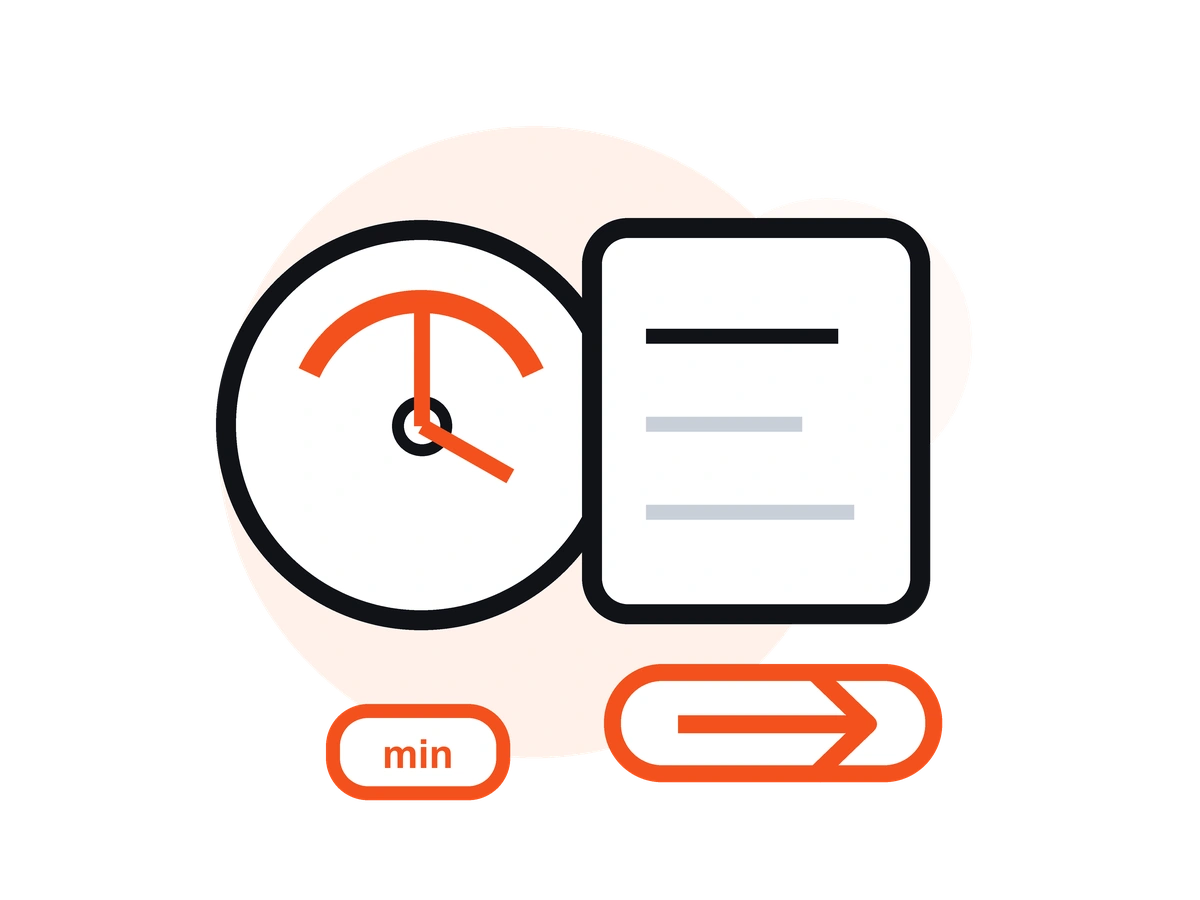
iPhone and 4K MOV files get big fast. Pro transcribes files up to 3+ hours, so long interviews, lectures, and event footage are no problem.
Transcribe the speech in your MOV in 50+ languages with automatic language detection, clean punctuation, and speaker labels — up to 99% on clear audio.
Turn a long MOV recording into a summary, key points, action items, and a speaker-labeled transcript you can scan in seconds.
Ask AI questions about your MOV transcript, make quick edits, and export in TXT, DOCX, PDF, Markdown, Image, or HTML.
Pricing
$0
/Week
$1.92
/Week
Upload your MOV video to VOMO, select the spoken language (or let AI auto-detect it), and VOMO extracts the audio and returns an editable transcript in minutes. No software download required — it works directly in your browser.
No. VOMO reads the audio track directly from your MOV (QuickTime) file, so there's no need to convert the format or extract the audio beforehand. Just upload the MOV and transcribe.
MOV is Apple's QuickTime video format. You'll usually get MOV files from iPhone and iPad recordings, Mac screen captures, QuickTime Player, Final Cut Pro exports, and many cameras. VOMO transcribes all of them.
VOMO reaches 95%+ accuracy, and up to 99% on clear recordings. Its AI handles background noise and varied audio quality. For best results, use footage with clear speech and minimal cross-talk.
Yes. The Free plan covers 30 minutes per week, while Pro handles files up to 3+ hours with unlimited minutes — ideal for large iPhone recordings, 4K footage, and long interviews.
Yes. VOMO's Free plan includes 30 minutes of transcription per week — no credit card required. Upload your MOV, get an accurate transcript instantly, and upgrade to Pro for $1.92/week for unlimited minutes.
Yes. VOMO automatically detects and labels different speakers in your MOV recording, and you can rename them in the transcript editor. This works best when speakers take clear turns with minimal overlapping speech.
Yes. After transcribing your MOV, you can translate the transcript into English and 50+ other languages, then export it in the format you need.