

Upload Your MP4 File
Drag and drop your MP4 file into the browser or click “Choose File”. Whether it’s a recording from a smartphone, a Zoom meeting, or a downloaded web video, VOMO AI processes this universal format securely.
How To
Drag and drop your MP4 file into the browser or click “Choose File”. Whether it’s a recording from a smartphone, a Zoom meeting, or a downloaded web video, VOMO AI processes this universal format securely.

This tells our system to format your video transcript into a clean, structured document with clear headings and well-organized paragraphs.

VOMO AI analyzes the audio track within your MP4 file. It accurately transcribes speech to text, identifying speakers and organizing paragraphs. It then renders this text into a PDF format that preserves the layout.

Review the transcript for accuracy. You can make quick edits if needed, then download the final result as a .pdf file. You now have a complete text record of your MP4 video that can be shared, printed, or archived.
Turn your audio and video into highly accurate text, Markdown, or HTML in seconds. No experience required.
⚡ No credit card required · Free daily credits · 100% Secure & Confidential
Why Choose
Video files take up massive amounts of storage space. By converting your MP4 recordings to PDF transcripts, you can archive years of meetings and webinars in a fraction of the space while keeping the content fully accessible.

You cannot search for a specific sentence inside an MP4 file. Once converted to PDF, the spoken content becomes searchable text. Find specific quotes, data points, or topics instantly using standard search tools.

Reviewing an hour-long MP4 requires an hour of watching. Reviewing a PDF transcript takes minutes. You can highlight key sections, add notes, and share specific pages with colleagues without sending large video files.
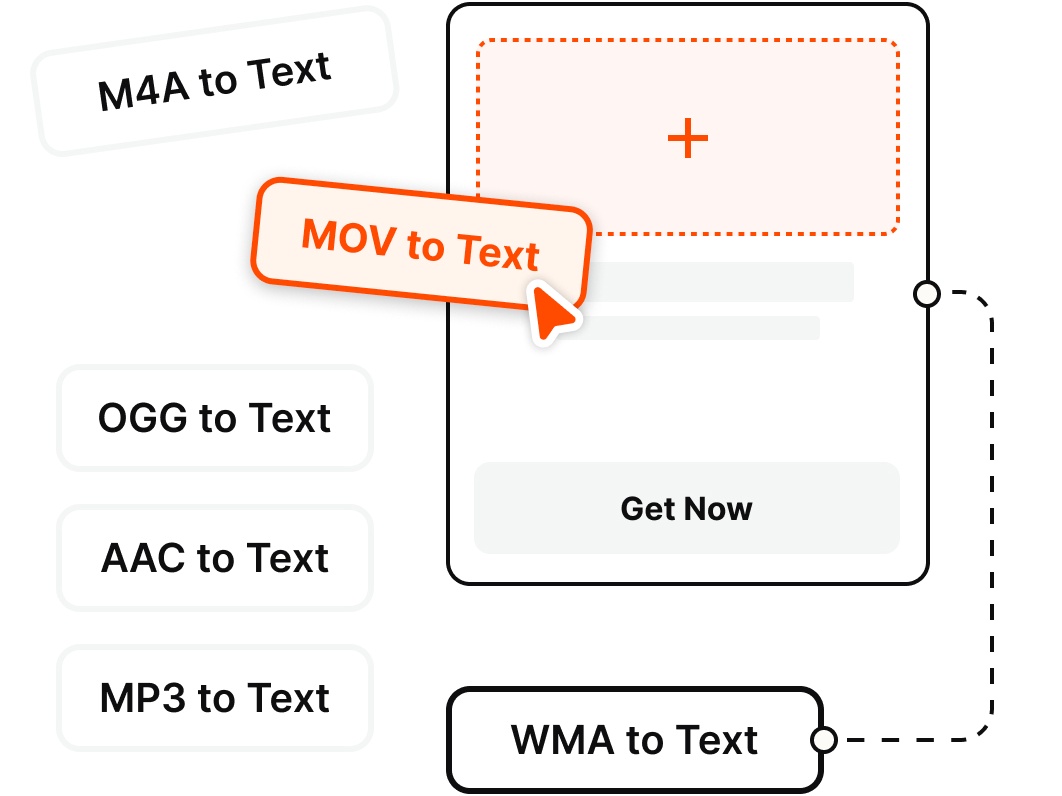
VOMO supports all major audio and video formats, allowing you to transcribe files from any source without the hassle of conversion.
Pricing
$0
/Week
$1.92
/Week
Upload your MP4 file to VOMO AI. Our advanced AI transcribes the spoken words into text. After processing, select Export and choose PDF to download a formatted document of your video's content.
Yes. MP4 files can be large, especially high-definition ones. VOMO AI is optimized to handle large uploads, processing the audio track efficiently to generate your PDF document.
Yes. If your MP4 is a recording of a meeting or interview, VOMO AI detects different speakers.The PDF will display the dialogue with each speaker's name clearly labeled for easy reading.
Yes. VOMO AI offers a free tier. You can sign up, upload an MP4 file, and generate a transcript to see how effectively we convert video content into professional PDF documents.