VOMO iconVOMO
  • Pricing
  • Tools
    • YouTube Transcript
      • AI Voice Memos
      • AI Scribe
      • AI Dictation Tool
    • Audio to Text
      • MP3 to Text
      • Speech to Text
      • M4A to Text
      • FLAC to Text
      • WAV to Text
    • Video to Text
      • MP4 to Text
      • MPEG to Text
      • Video to PDF
    • Video to Image
    • MP4 to Image
    • Audio to Image
    • MP4 to HTML
    • MP3 to HTML
    • MP3 to PDF
  • Blog
    • Guides
    • Meeting Tips
    • AI Transcription
    • AI Insights
    • Use Cases
    • Productivity
    • Product Updates
  • Solution
    • Meeting Notes
    • Consulting
    • Customer Support
    • Marketing
    • Education
    • Sales
    • Podcast
    • Media
    • Legal
    • Healthcare
    • Finance
    • HR & Recruitment
Login
Open menu
  • Pricing
  • Tools
    • YouTube Transcript
      • AI Voice Memos
      • AI Scribe
      • AI Dictation Tool
    • Audio to Text
      • MP3 to Text
      • Speech to Text
      • M4A to Text
      • FLAC to Text
      • WAV to Text
    • Video to Text
      • MP4 to Text
      • MPEG to Text
      • Video to PDF
    • Video to Image
    • MP4 to Image
    • Audio to Image
    • MP4 to HTML
    • MP3 to HTML
    • MP3 to PDF
  • Blog
    • Guides
    • Meeting Tips
    • AI Transcription
    • AI Insights
    • Use Cases
    • Productivity
    • Product Updates
  • Solution
    • Meeting Notes
    • Consulting
    • Customer Support
    • Marketing
    • Education
    • Sales
    • Podcast
    • Media
    • Legal
    • Healthcare
    • Finance
    • HR & Recruitment
Login
VOMO iconVOMO

Your AI assistant for smarter meeting notes

Tools
  • YouTube Transcript
  • Audio to Text
  • Video to Text
  • MP3 to Text
  • MPEG to Text
  • Speech to Text
  • AI Voice Memos
  • AI Scribe
  • Audio to Image
  • MP4 to HTML
  • MP3 to HTML
  • MP3 to PDF
  • Video to Image
Solution
  • Meeting Notes
  • Consulting
  • Sales
  • Customer Support
  • Marketing
  • Education
  • Podcast
  • Media
  • Legal
  • Healthcare
  • Finance
  • HR & Recruitment
Company
  • Contact Us
  • Privacy Policy
  • Cookie Notice
  • Terms of Use

© 2026 EverGrow Tech Inc. All rights reserved.

MKV to Text Converter – Transcribe MKV Files Online

Upload or drop your audio or video file to transcribe. (5 free uses left)
Choose File

How To

Convert MKV to Text in 3 Simple Steps

Upload din forskningslyd eller -video

Upload your audio​

Click the “Choose File” button to upload audio or video in formats like MKV.
Start din transskription

Choose language & transcribe​

Pick the audio language and click “Confirm” to start transcription.
Del din udskrift

Get your text

Copy to clipboard. Perfect for subtitling, blogging, or academic research.

Ready to convert your media?

Turn your audio and video into highly accurate text, Markdown, or HTML in seconds. No experience required.

Start Free Conversion Now→

⚡ No credit card required · Free daily credits · 100% Secure & Confidential

Why Choose
Why Choose VOMO MKV to Text Conveter?

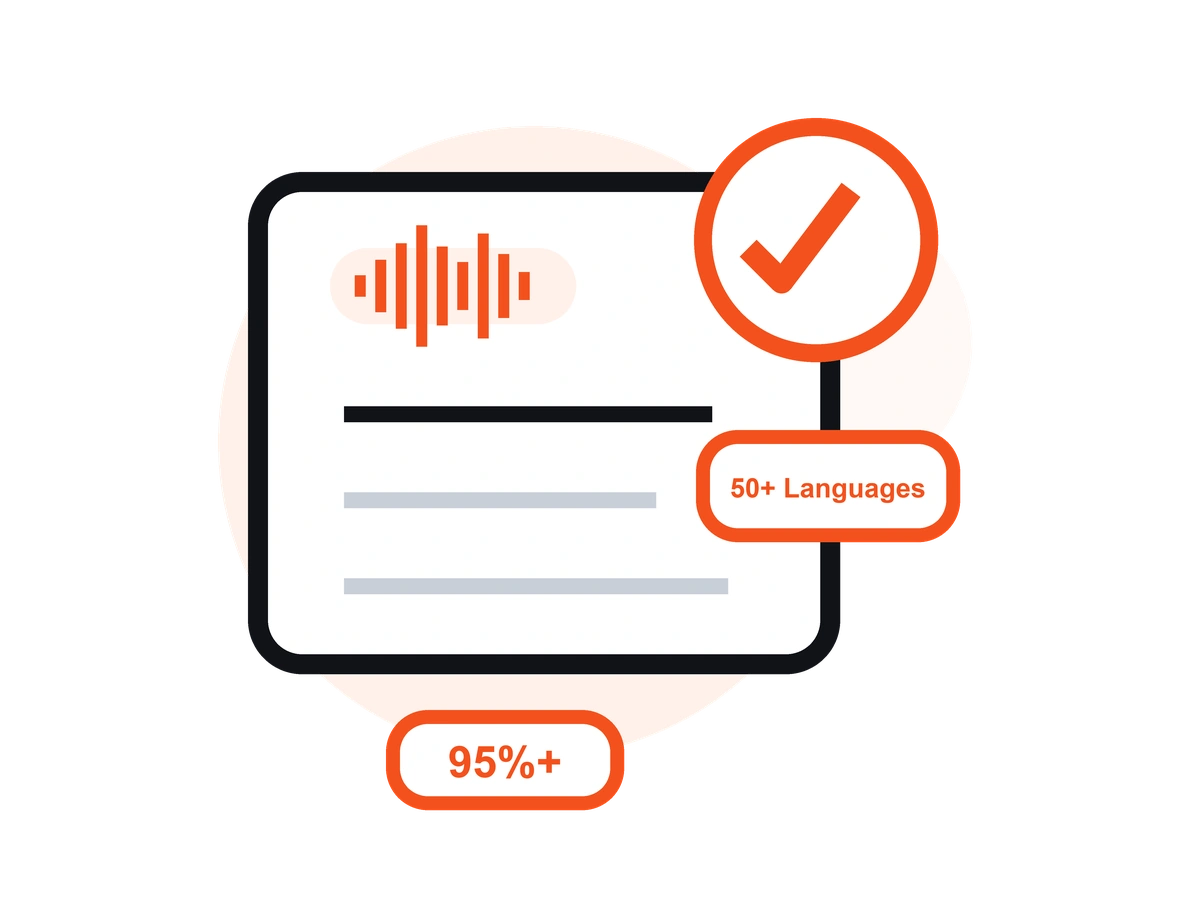
vomo ai 95%+ Accuracy in 50+ Languages

Get Transcripts You Can Trust, Instantly

Our advanced voice recognition technology delivers your transcription with up to 99% accuracy for high-quality audio. This means you get a reliable text file you can actually use, fast, without wasting hours on manual corrections.
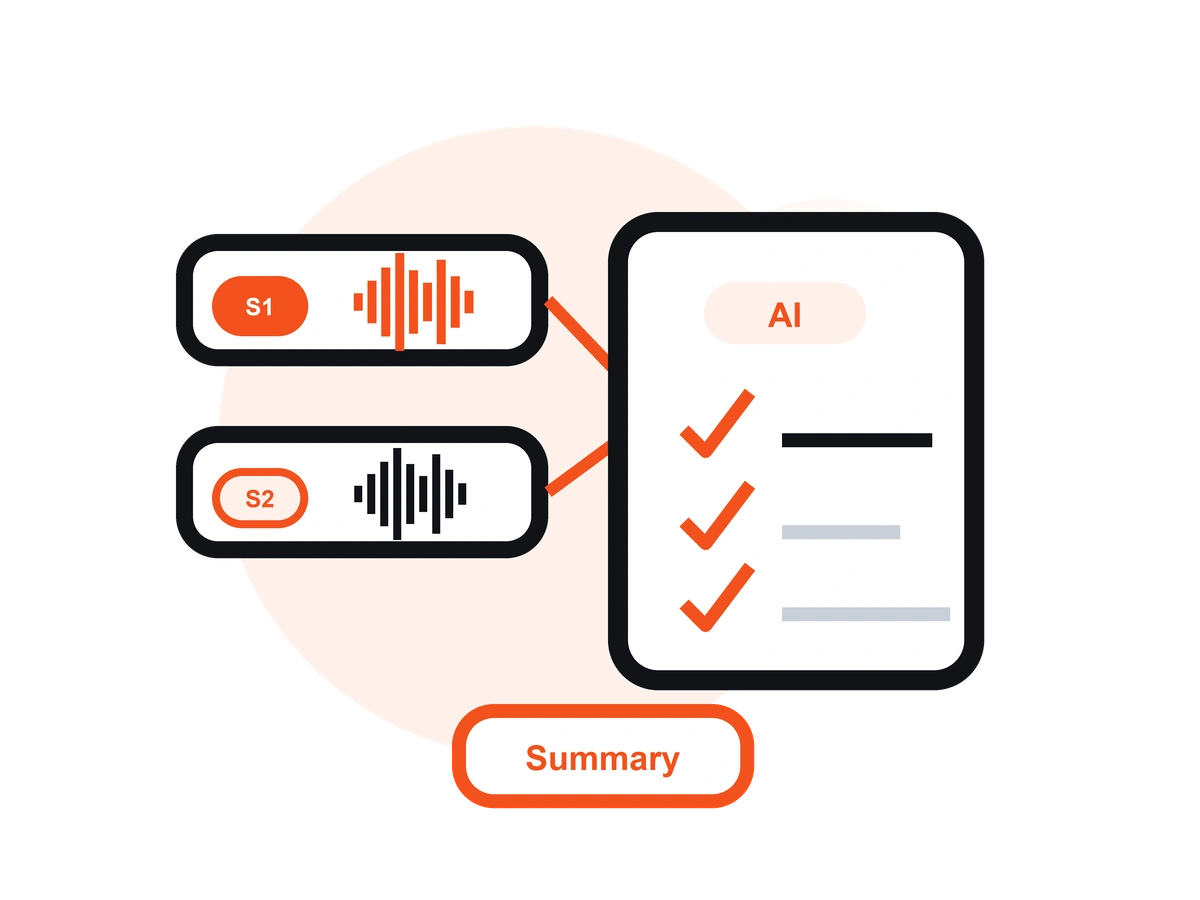
vomo ai AI Summaries & Speaker Identification

Find Key Points, Faster

VOMO AI is the MKV to text converter that also analyzes your content and automatically generates a concise summary. Instantly grasp the key points, action items, and conclusions from your meetings, lectures, or interviews.
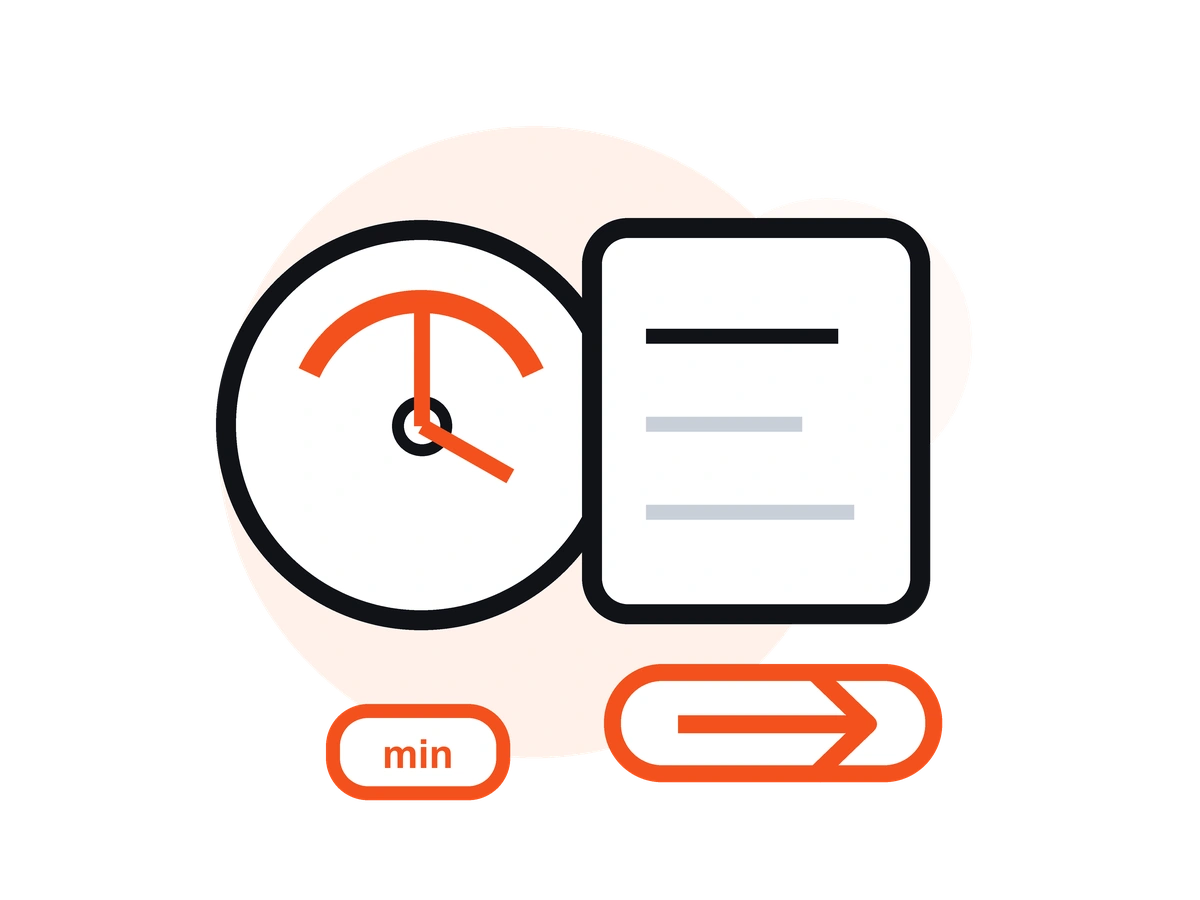
vomo ai Transcripts Ready in Minutes

Transcribe Content from Around the Globe

Effortlessly handle international videos and break down language barriers. Our tool accurately transcribes MKV files in over 50 languages, including English, Spanish, French, Japanese, and Chinese, making your global content fully accessible.

Supported Formats

VOMO supports all major audio and video formats, allowing you to transcribe files from any source without the hassle of conversion.

  • Audio: M4A, MP3, WAV, FLAC
  • Video: MP4, MKV, FLV, AVI, MOV, WMV
Start for Free
Supported Formats

Explore More transcription tools

Audio to Text↗Video to Text↗Meeting Minutes↗MP3 to Text↗Youtube Transcript↗AI Voice Memos↗Speech to Text↗M4A to Text↗AI Scribe↗FLAC to Text↗MPEG to Text↗AI Dictation Tool↗Audio to Image↗Video to Image↗M4A to Text↗MP3 to PDF↗MP4 to HTML↗All-in-One Tools↗

Pricing

Pricing

Free

$0

/Week

  • Free users get 30 minutes of free usage.
  • Up to 99% accuracy with speaker identification.
  • Auto-generate structured notes for any scenario.
  • Chat with your transcript like ChatGPT.
  • Exclusive access to web beta version.
Pro

$1.92

/Week

  • Unlimited transcription minutes every weekly.
  • Up to 99% accuracy with speaker identification.
  • Auto-generate structured notes for any scenario.
  • Chat with your transcript like ChatGPT.
  • Exclusive access to web beta version.

FAQS

How do I convert an MKV file to text with VOMO AI?

Our process is designed to be flexible and straightforward. On our website, simply upload your MKV file directly to our secure platform—no software installation needed. For a seamless experience on your iPhone or iPad, you can also download our app from the App Store. Best of all, your account is fully synchronized, allowing you to access all your files and transcripts on either the web or mobile app at any time.

How accurate is the transcription from my MKV file?

Our MKV to text converter uses advanced voice recognition to achieve up to 99% accuracy for clear, high-quality audio. The final accuracy depends on factors like background noise and speaker clarity, but our system is continuously trained to deliver the most reliable results possible.

Can your tool transcribe MKV files that are not in English?

Absolutely. VOMO AI is perfect for transcribing global content. We support over 50 languages, including Spanish, French, German, Chinese, Japanese, and many more. Simply upload your file, and our tool will process the transcription in its original language.

Is it safe to upload my MKV files?

Yes, your privacy and security are our top priorities. All files uploaded to our mkv to text converter are processed through a secure, encrypted connection. We handle your data with strict confidentiality and never share it with third parties.