
Record or Upload Lecture
Easily record your live lecture or upload an audio file from your device. We securely process MP3, WAV, and standard formats instantly.
Upload or drop file to translate. (5 usages left) Choose File Try VOMO now
How To
Easily record your live lecture or upload an audio file from your device. We securely process MP3, WAV, and standard formats instantly.
Review the uploaded file details and select the correct spoken language of your lecture to ensure the highest AI transcription accuracy.
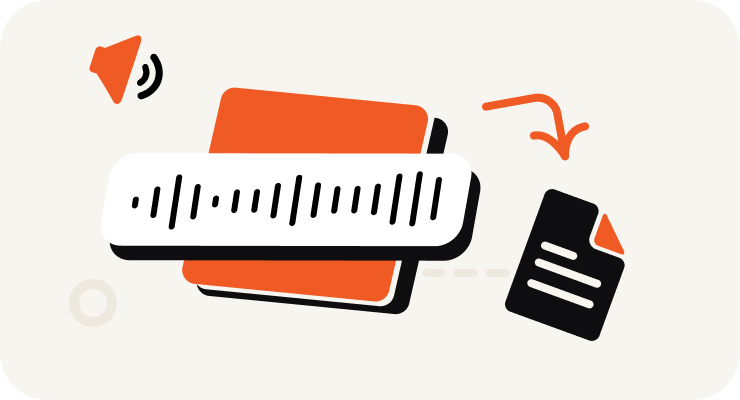
Start the fast conversion. Our advanced AI engine quickly analyzes your recorded lecture to automatically convert spoken words into text.
Once the process finishes, easily review the exact text, copy it to your clipboard, or export it in TXT, DOCX, or SRT for instant study.
Turn your audio and video into highly accurate text, Markdown, or HTML in seconds. No experience required.
⚡ No credit card required · Free daily credits · 100% Secure & Confidential
Why Choose
Harness the world-class accuracy of OpenAI’s Whisper model without any complex setup. Our platform provides superior results through a simple, user-friendly interface. No need to work with a GitHub transcribe audio to text Whisper API—we handle all the technical details for you.

Whisper is renowned for its ability to understand different accents, background noise, and technical language. Our platform ensures you get a precise written record of your lecture, making it ideal for students, researchers, and professionals who demand the highest quality transcription.

Go beyond simple transcription. Our platform also provides a concise, AI-generated summary of your lecture audio. This feature helps you quickly grasp the key points and takeaways, saving you valuable time on review.

Your privacy is our priority. Files are uploaded directly from your computer, ensuring your data remains secure and confidential. Get the transcription you need, right when you need it, with our fast and reliable service.
VOMO supports all major audio and video formats, allowing you to transcribe files from any source without the hassle of conversion.

Pricing
$0
/Week
$1.92
/Week
Record lectures and upload the audio to transcription services designed for academic content.
Yes, specialized services ensure clear and precise lecture transcriptions.
Use AI-powered transcription tools that process audio quickly and produce editable text.